From workspace data to decision-ready documents.
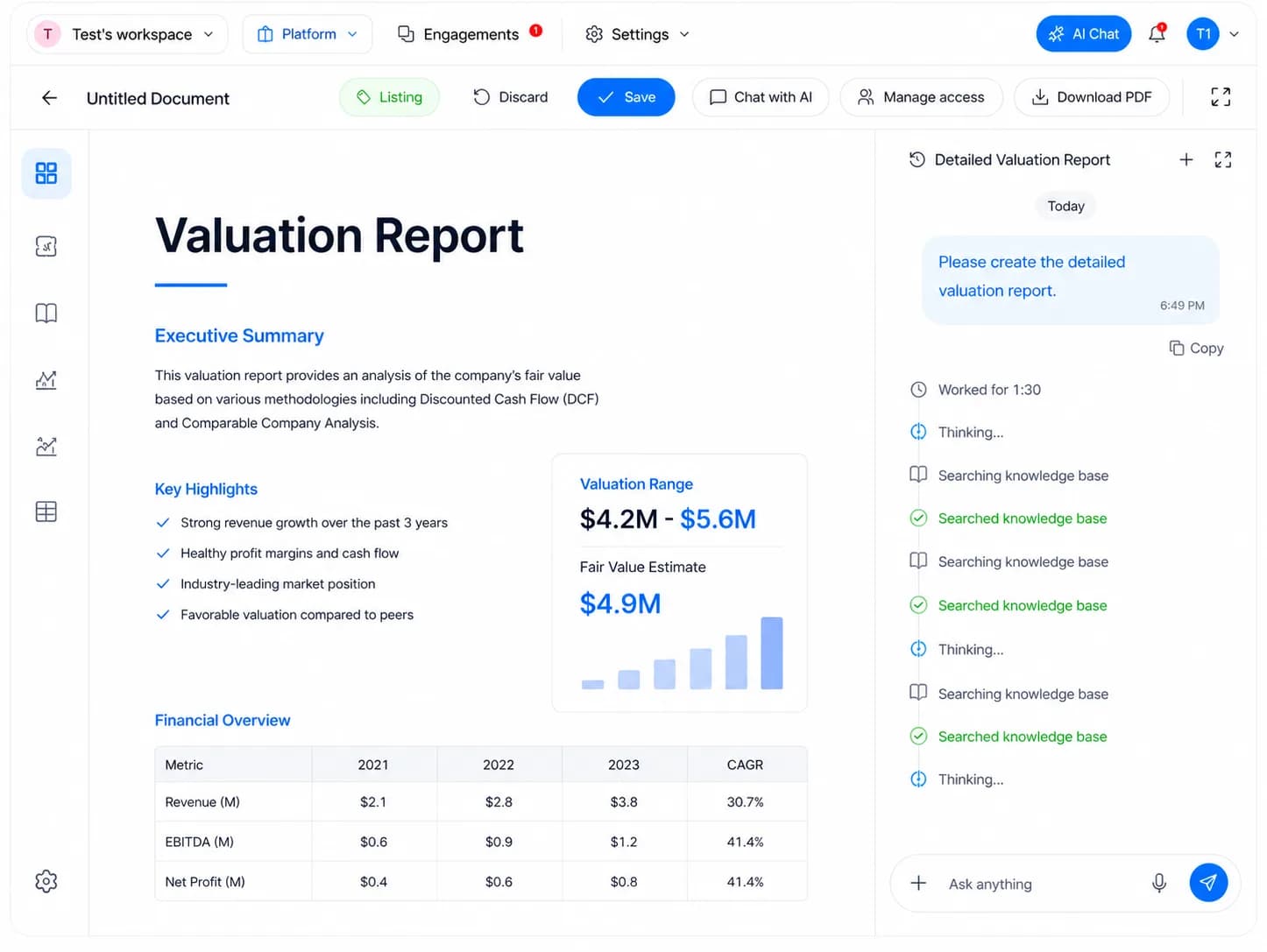
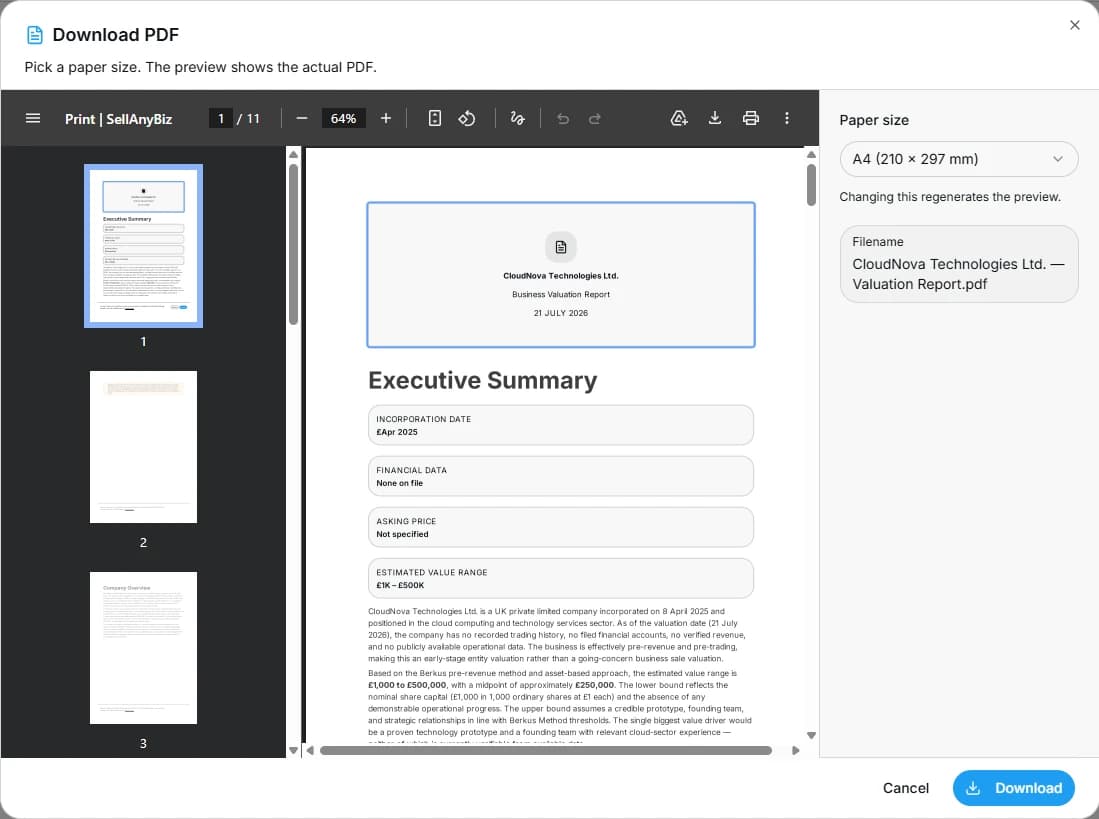
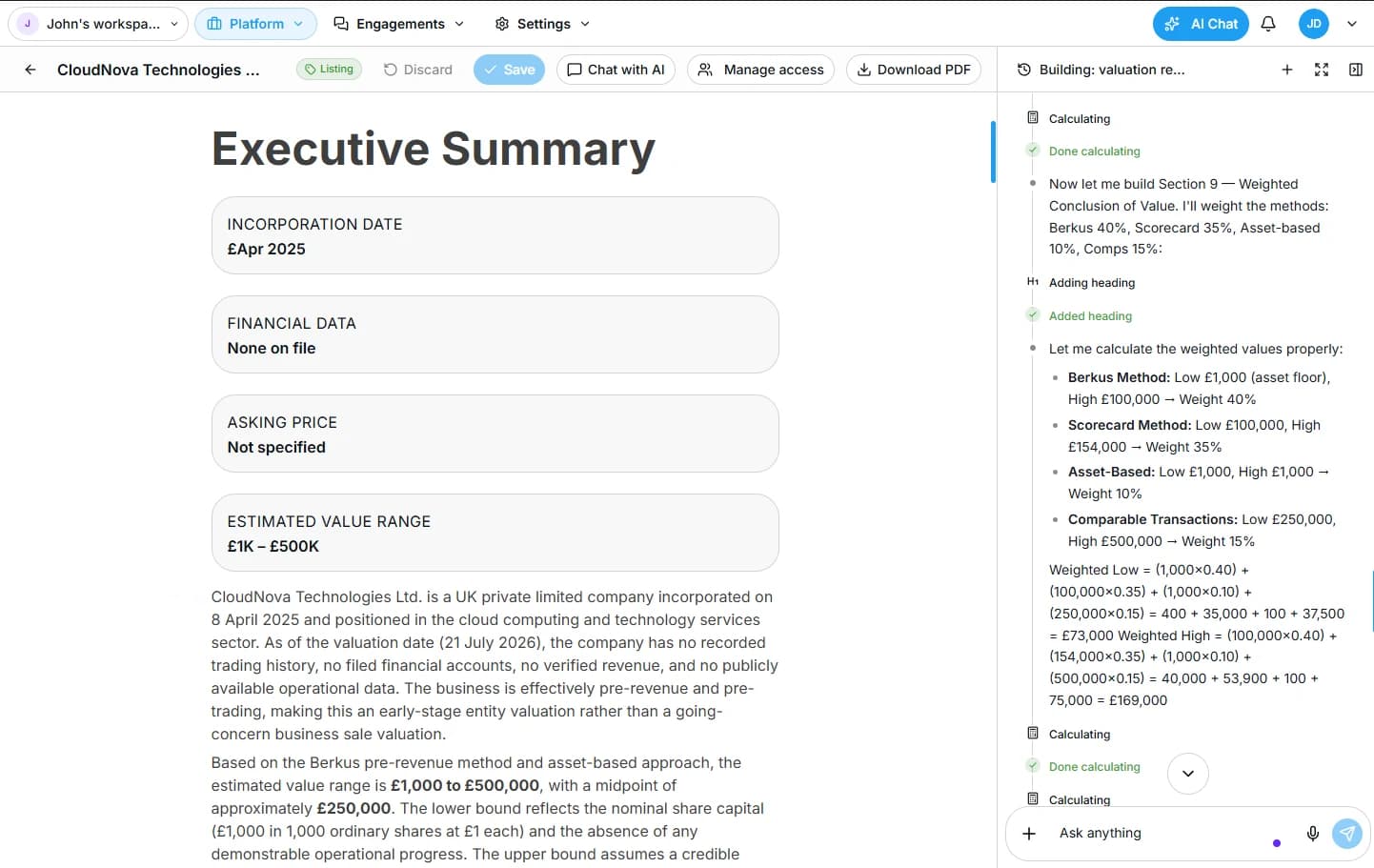
Ask for the document and its purpose. The Document Builder assembles approved information, applies the right structure, flags missing inputs and produces a controlled draft for review, sharing or further negotiation.
What this agent can do
- 1Creates teasers, information memorandums, valuations and buyer summaries
- 2Drafts LOIs, process letters, request lists, reports and checklists
- 3Uses approved workspace records and data-room files as source material
- 4Maintains reusable templates, brand settings and jurisdiction-specific variants
- 5Tracks versions and shows the source behind important figures or claims
- 6Requests professional review where legal, tax or regulated advice is required
Example prompts
Pick one and Alisha starts on it straight away.
Create a two-page anonymous teaser for this company.
Draft an LOI for this opportunity using the commercial terms in my notes.
Prepare a monthly sell-side mandate report for the client.
What you see while the agent works
Every task moves through the same visible stages, so you always know what is happening in the background.
- UnderstandingThe agent is interpreting the prompt, goal and available context.
- PlanningThe agent has converted the request into steps, sources and deliverables.
- WorkingThe agent is completing the task in the background.
- Waiting for inputA missing fact or user choice blocks meaningful progress.
- Approval requiredA sensitive or external action is ready for review.
- CompletedThe output is delivered with sources, actions taken and recommended next step.
- MonitoringThe agent is continuing an approved recurring or conditional workflow.
How it works with the agent team
Receives source data from Listing Builder and Data Room Agent, creates outputs requested by Alisha or Deals, and hands approved communication materials to Outreach.
Workspace applications
Owner or buyer creates a transaction-ready output.
Explore this workspaceAdvisor creates consistent client and deal materials.
Explore this workspaceInvestment team creates screening, committee and transaction documents.
Explore this workspaceAutonomous work with clear control
SellAnyBiz agents can research, analyze, create and monitor in the background. The user remains in control of confidential access, external communication and commercial decisions. Every agent works within workspace roles, approved data sources and task-level permissions.
Permission aware
Agents only use the records, connected sources and actions available to the user and approved for the task.
Approval gates
Publishing, first-time external outreach, confidential access changes and legally or commercially consequential actions can require review.
Traceable work
Important outputs show the source records, assumptions, confidence and agent activity behind them.
Role based access
Owners, buyers, advisors, team members and counterparties see only the information assigned to their role.
Editable memory
Users can review and update the goals, criteria, preferences and instructions Alisha uses.
Human professional judgment
Agents support execution and decision-making. Legal, tax, regulatory and investment decisions remain subject to qualified professional review.
Meet the rest of the team
- Success CopilotAlishaMeet this agent
- Opportunity searchOpportunity Discovery AgentMeet this agent
- People and relationship intelligencePeople Intelligence AgentMeet this agent
- Company research and target originationCompany Intelligence and Origination AgentMeet this agent
- Market-ready listingsListing BuilderMeet this agent
- Exit readiness and secure diligenceData Room AgentMeet this agent
- Personalized engagementOutreach AgentMeet this agent
- Transaction progressionDeals AgentMeet this agent