Use Case 37
Manage finance opportunities
Available steps and preparation
This video explains the controls available today and how to prepare. Some actions depend on permissions, approval or tools that are still coming soon; the guide identifies these steps.
Browse use cases for LenderStep-by-step guide
The same walkthrough in writing, with a screenshot for every step.
Preparation guide: the related platform tools are shown; this does not demonstrate a completed dedicated workflow. Check the limitations below.
1. Find the correct opportunity
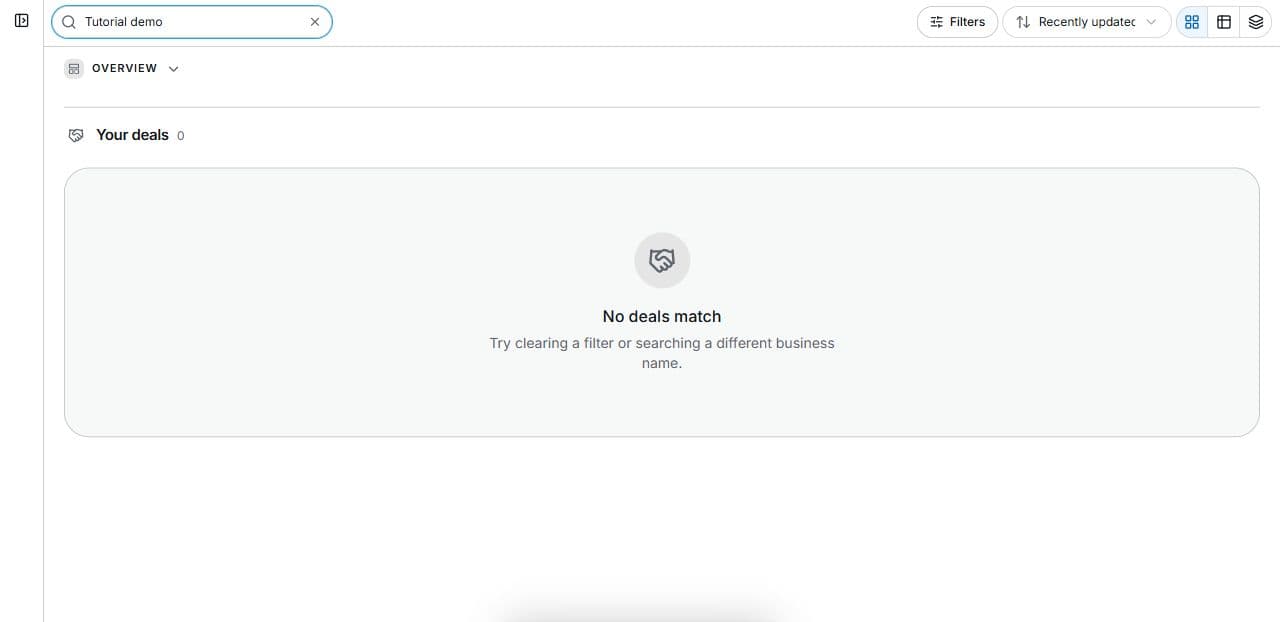
Preparation only. Open Platform → Deal Room → Search your deals in the correct workspace. The safe capture has no client records.
2. Find the relevant status and stage
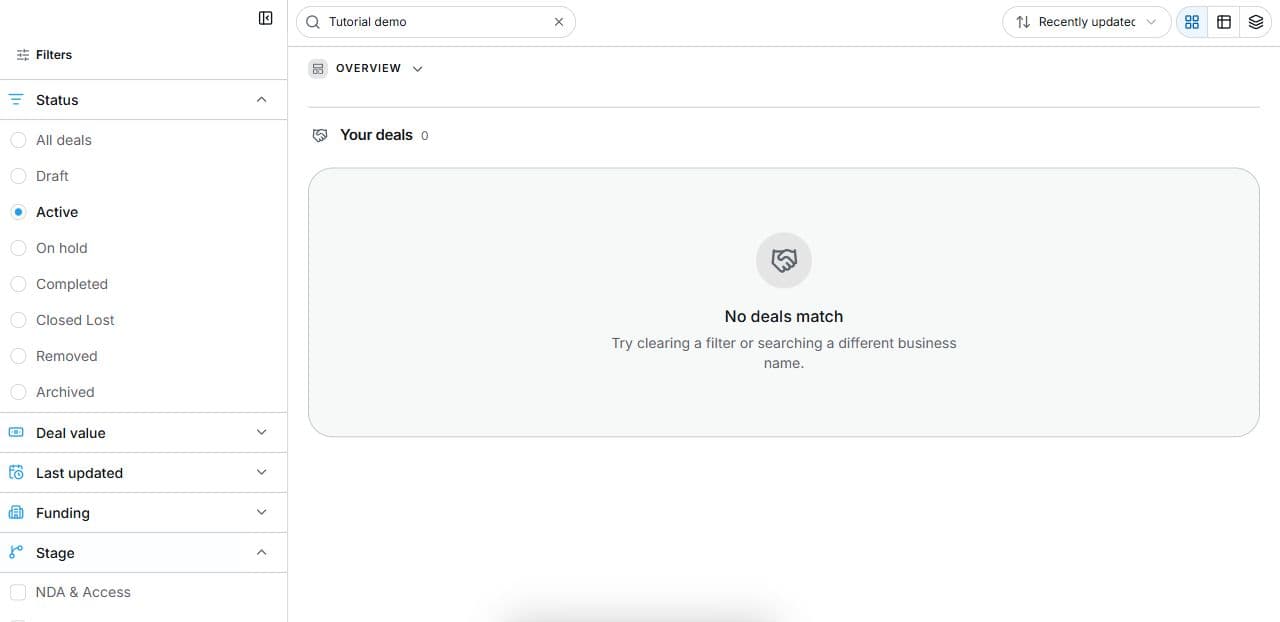
Open Deal Room → Filters. Combine Status, Stage and Search. The empty capture excludes client records. Filters do not change transactions.
3. Open the permitted deal
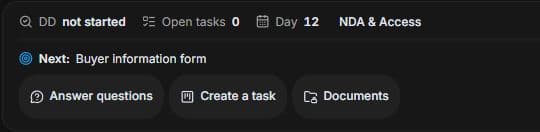
Choose Open deal in a permitted result. Review Checklist, the next item, Answer questions, Create a task and Documents. Resolve prerequisite items before locked stages.
4. Review the outcome and next step
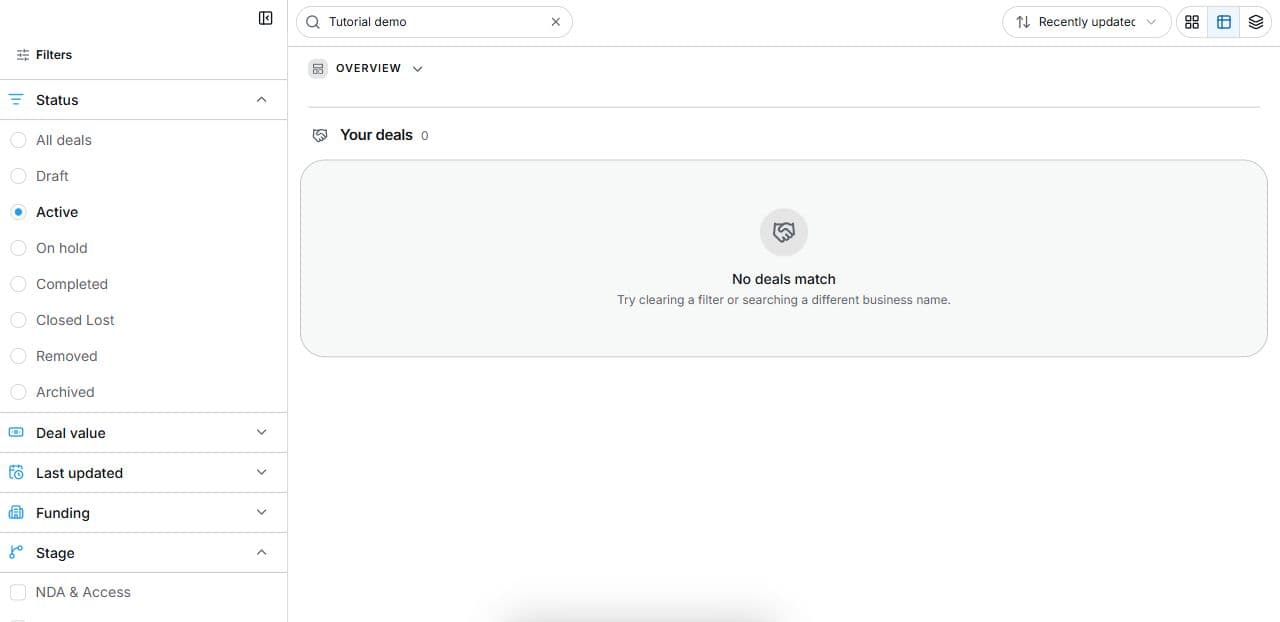
Agree the outstanding information and authorised supplier for each real opportunity. Review through approved access and record decisions in the actual institutional process. A deal filter cannot create a credit approval or offer. The practical outcome here is a clear evidence queue and next discussion, with loan decisions and completion requirements kept in their proper workflow.
Common questions
Short answers to what people ask most about this part of the product.
Are deal stages my lending approval stages?
Not automatically. Deal Room stages describe the transaction; institutional credit decisions and approvals remain separate.
Where do I record a loan offer or approval?
Use the lender’s actual authorised process. Deal Room locates general transaction work; filters are not an institutional underwriting, offer or approval engine.
Why are the shown controls in English?
These real platform captures use English labels. Italian narration and instructions retain them so you can identify the exact shown controls.
Why is the next stage locked?
Read the checklist’s prerequisite message. Complete the earlier required items with the authorised responsible party before expecting later stages to unlock. Task completion alone does not confirm contractual completion.
Video transcript
You need to track finance-related work without implying the platform runs your lending approvals. This is preparation only. Start with accessible Deal Room records and distinguish transaction stage from internal credit decisions. Use filters to locate the work needing evidence today, then apply your institution’s actual underwriting and offer process separately. Open Filters in Deal Room. Status describes the overall state; Stage identifies a transaction step such as NDA and Access, Pre LOI Review, Offer, Escrow and Funding, Due Diligence or Close. Combine these with Search to find work. A filter changes the displayed list; it does not advance, sign off or approve the deal. In a permitted result, choose Open deal and review the checklist and the next required item. The deal offers Answer questions, Create a task and Documents. Later stages can stay locked until earlier required items are complete. Use the checklist to identify the evidence and responsible side. A progress percentage is not a probability of closing. Agree the outstanding information and authorised supplier for each real opportunity. Review through approved access and record decisions in the actual institutional process. A deal filter cannot create a credit approval or offer. The practical outcome here is a clear evidence queue and next discussion, with loan decisions and completion requirements kept in their proper workflow.
Watch the video, or follow the written steps below. Both cover the same walkthrough.
Next guide