SellAnyBiz
  • Listings
  1. Home
  2. Resources
  3. Help Center
  4. Use cases

Find what others miss.

SellAnyBiz
AI Agents
  • Meet the AI agents
  • Alisha, Success Copilot
  • Opportunity Discovery Agent
  • People Intelligence Agent
  • Company Intelligence and Origination Agent
  • Listing Builder
  • Document Builder
  • Data Room Agent
  • Outreach Agent
  • Deals Agent
Use Cases
  • Business Owners
  • Business Buyers
  • Business Brokers
  • M&A Advisors
  • Investors & Private Equity
  • Lenders
  • Franchises
  • Commercial Property
  • Service Providers
Services
  • Business Valuation
  • Business Funding
  • Company Formation
  • Bookkeeping
  • Escrow & Legal
  • Due Diligence
Listings by country
  • Listings in UAE
  • Listings in USA
  • Listings in UK
  • Listings in Italy
  • Listings in Ireland
Compare
  • Compare SellAnyBiz
  • vs Listing marketplaces
  • vs Broker networks
  • vs Prospecting tools
Legal
  • Privacy Policy
  • How We Handle Your ID
  • Data Collection Consent
  • Terms & Conditions
  • Disclaimer & Compliance Notice
  • Sitemap
Contact
  • [email protected]
  • +971 58 691 1369
Locations
  • Dubai, UAE
  • Abu Dhabi, UAE
  • London, United Kingdom
  • St. Petersburg, Florida, USA
Follow us
Guides
  • Integrations
  • Connected accounts

Disclaimer: SellAnyBiz provides general business marketplace, brokerage and transaction-support information. Services may be subject to regional legal and regulatory requirements. Please review our Disclaimer & Compliance Notice for full details.

© 2026 Sell Any Biz USA, LLC. All rights reserved.

Voiceover training

Use case video library

Choose your role and the task you want to learn. Every video includes captions, written steps, a transcript and answers to common questions.

Platform walkthroughs use actual screens to explain the controls and next steps. Preparation videos identify prerequisites and limitations, including tools that are still coming soon.

51 use cases

1:45

Use Case 01 · Business broker

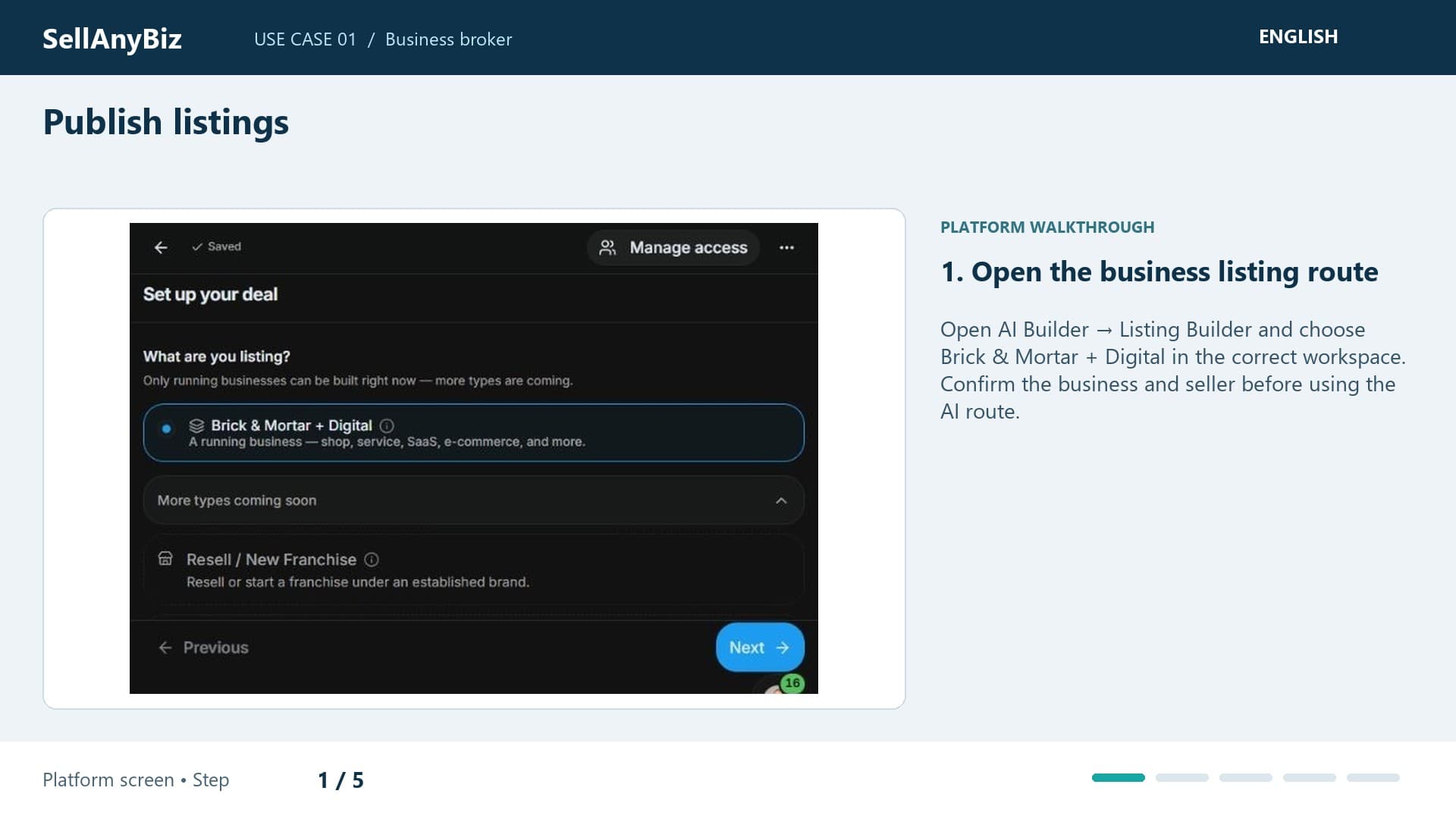
Publish listings

Generate a business-listing draft from a fictional seller brief, follow the AI agent, verify the result and review the public preview before publication.

Platform walkthrough

Watch video and read the steps
2:25

Use Case 02 · M&A advisor

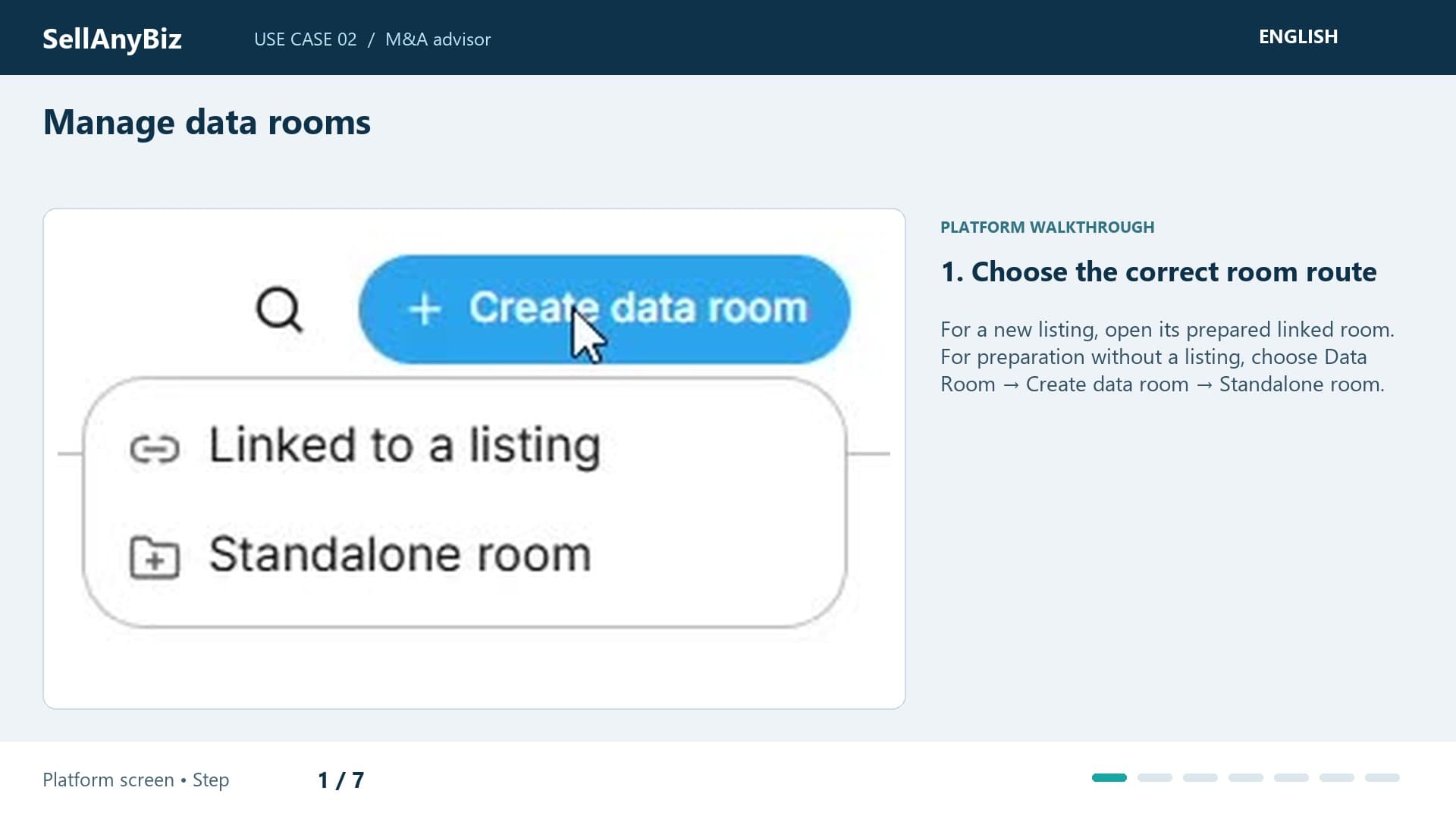
Manage data rooms

Prepare listing-linked or standalone data rooms, upload evidence, review exit-readiness gaps and manage controlled access for an advisory engagement.

Platform walkthrough

Watch video and read the steps
1:20

Use Case 03 · Buyer

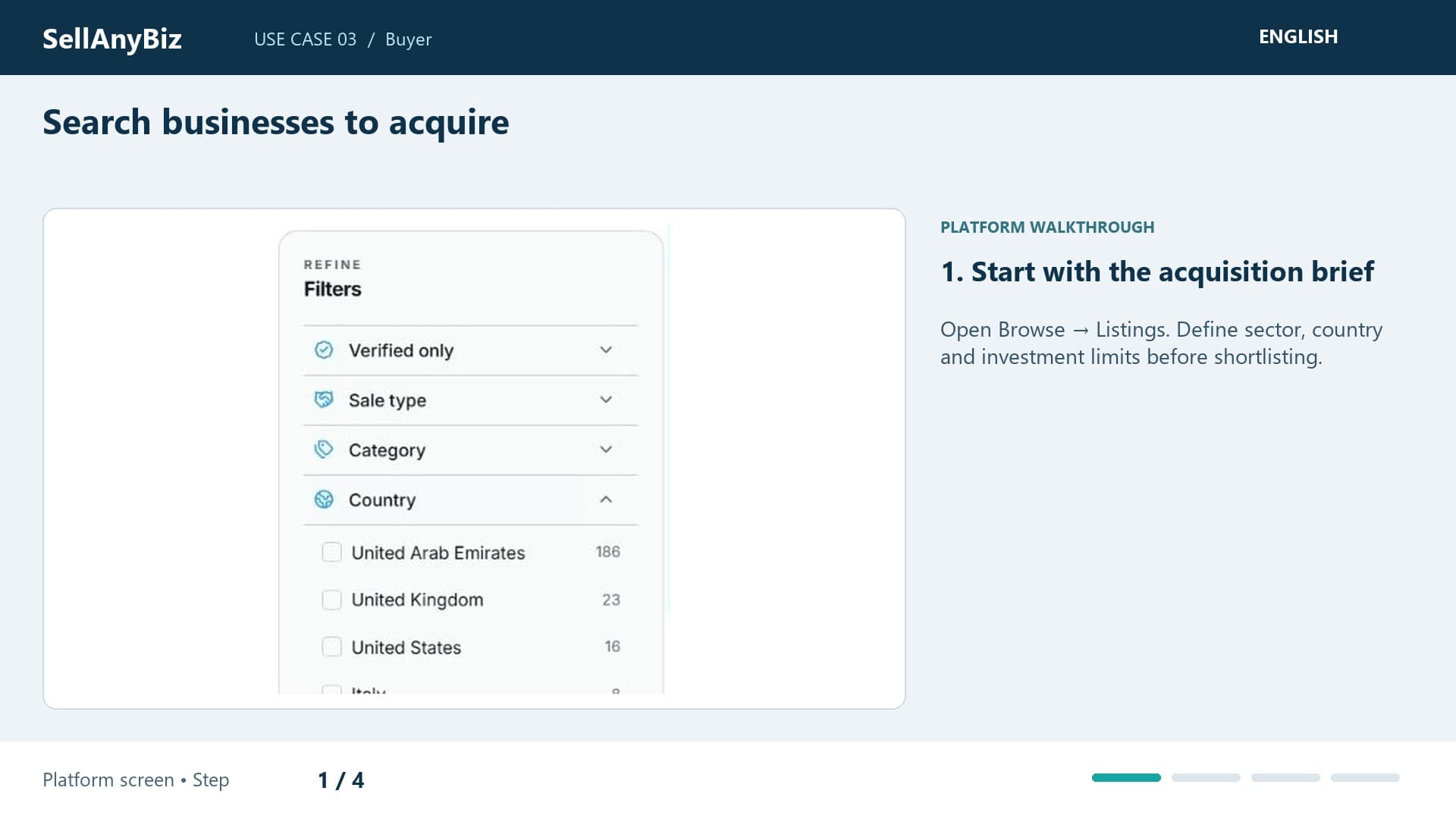
Search businesses to acquire

You want a technology business within a realistic acquisition budget. Begin in Browse and Listings with a country and sector rather than a vague keyword.

Platform walkthrough

Watch video and read the steps
1:21

Use Case 04 · Business owner

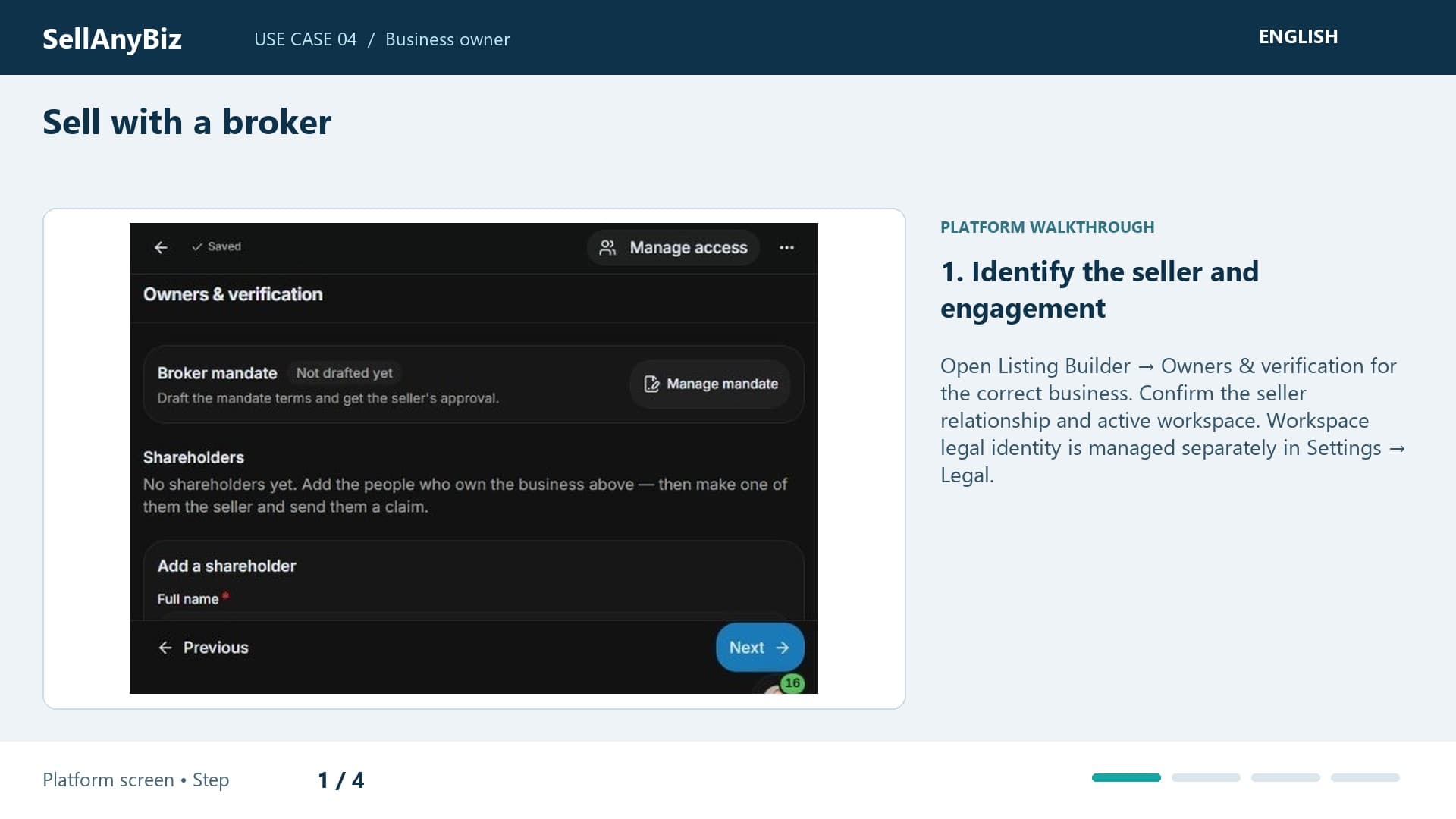
Sell with a broker

You own a software services company and want a broker to handle the sale. Start with seller and company details, before a public announcement.

Platform walkthrough

Watch video and read the steps
1:27

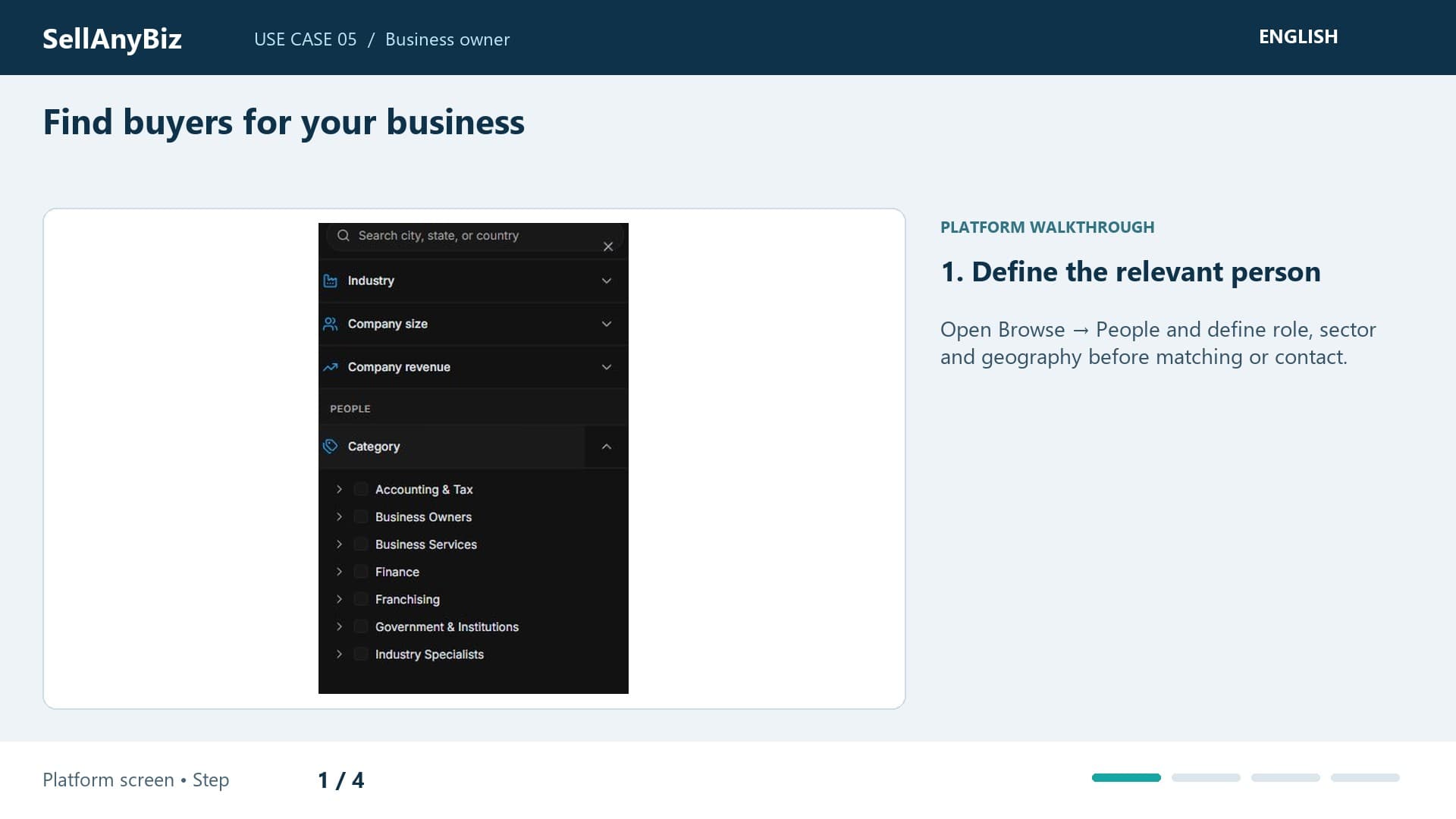
Use Case 05 · Business owner

Find buyers for your business

Your fictional manufacturing business needs acquisition candidates suited to its sector and size. Open Browse and People for a relevant shortlist.

Platform walkthrough

Watch video and read the steps
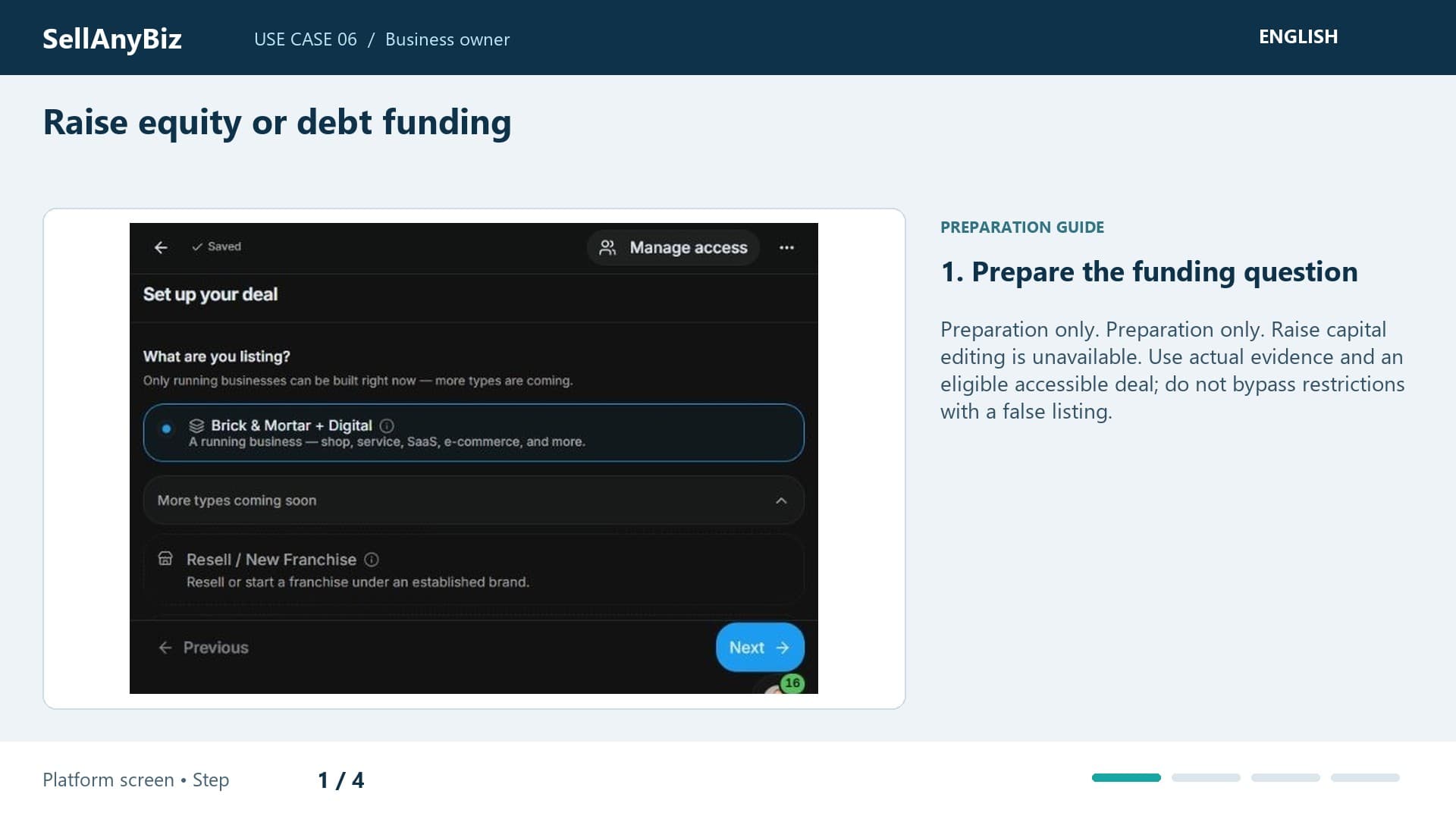
1:37

Use Case 06 · Business owner

Raise equity or debt funding

Preparation only. You need capital for expansion and want a credible finance discussion. This is preparation only: the dedicated capital-listing editor is unavailable.

Available steps and preparation

Watch video and read the steps

1:46

Use Case 07 · Business owner

Manage every enquiry in one place

Three buyers ask different questions about your sale. Use Deal Room to distinguish their opportunities rather than relying on an email subject.

Platform walkthrough

Watch video and read the steps
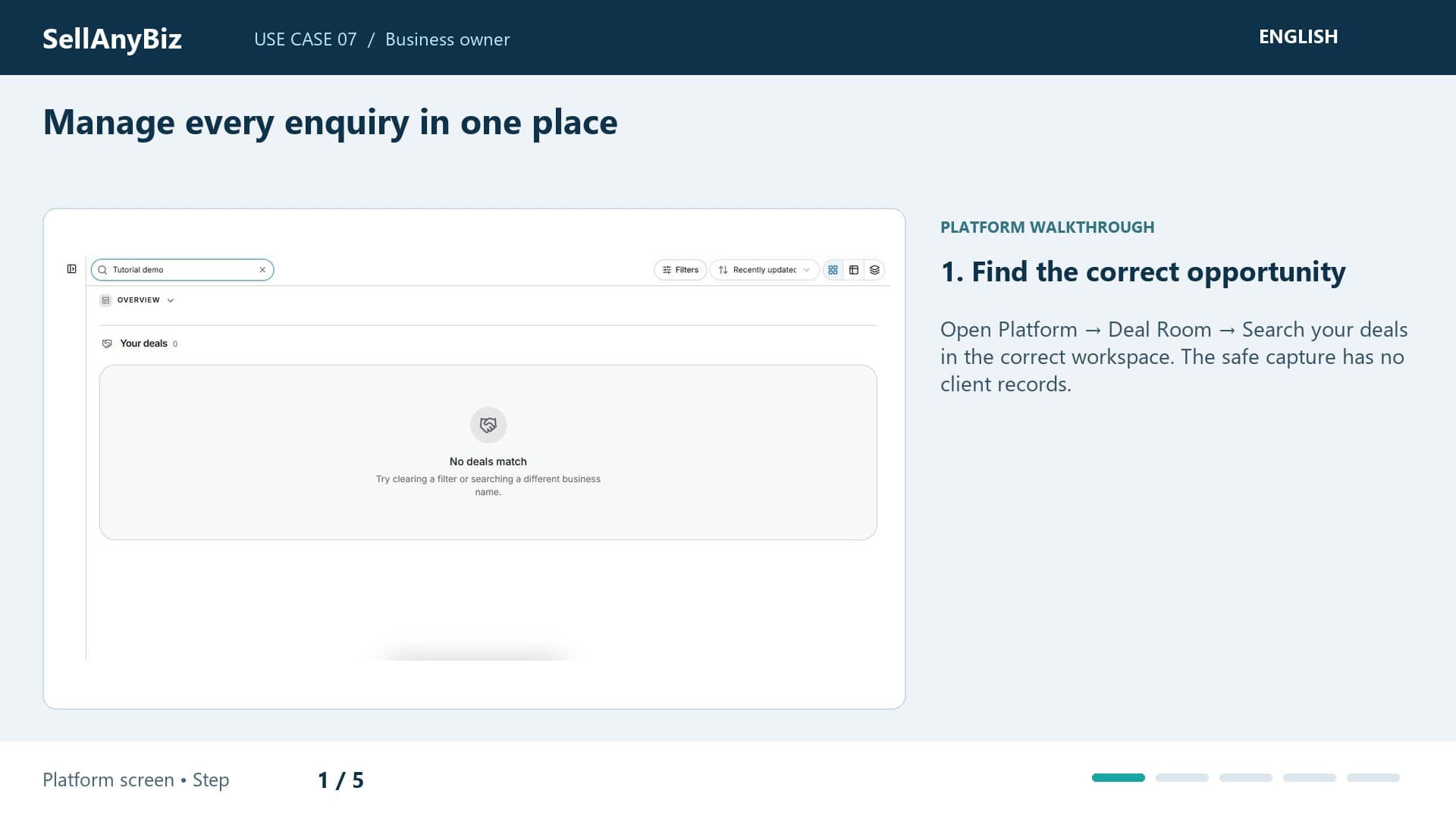
1:21

Use Case 08 · Business owner

Share documents securely

You need to share accounts with a serious buyer while protecting private files. Open the data room belonging to your listing.

Platform walkthrough

Watch video and read the steps
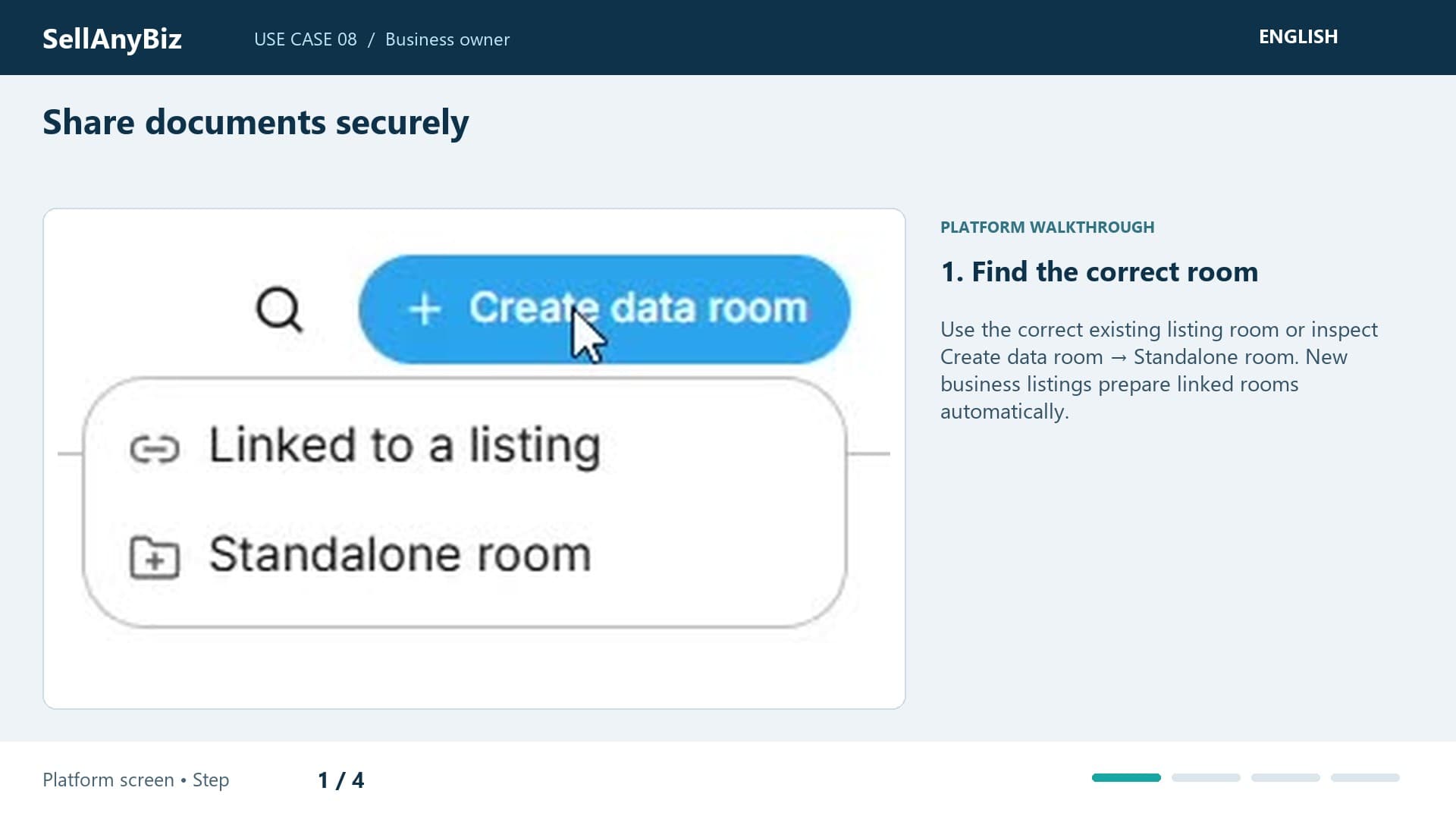
1:45

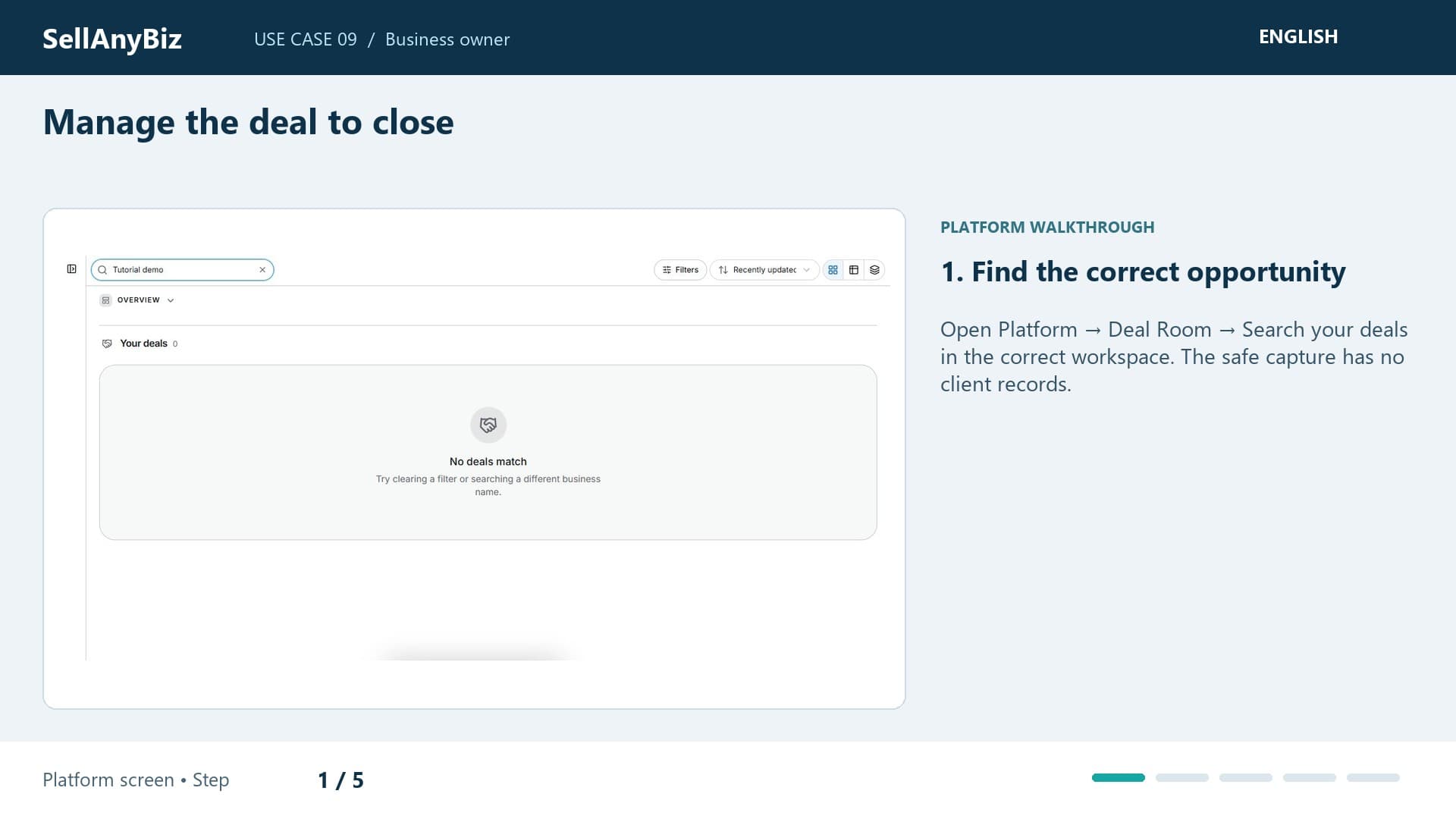
Use Case 09 · Business owner

Manage the deal to close

Your buyer has moved beyond the first enquiry and you need to understand what remains before closing. Find the business in Deal Room and inspect its current stage.

Platform walkthrough

Watch video and read the steps
1:49

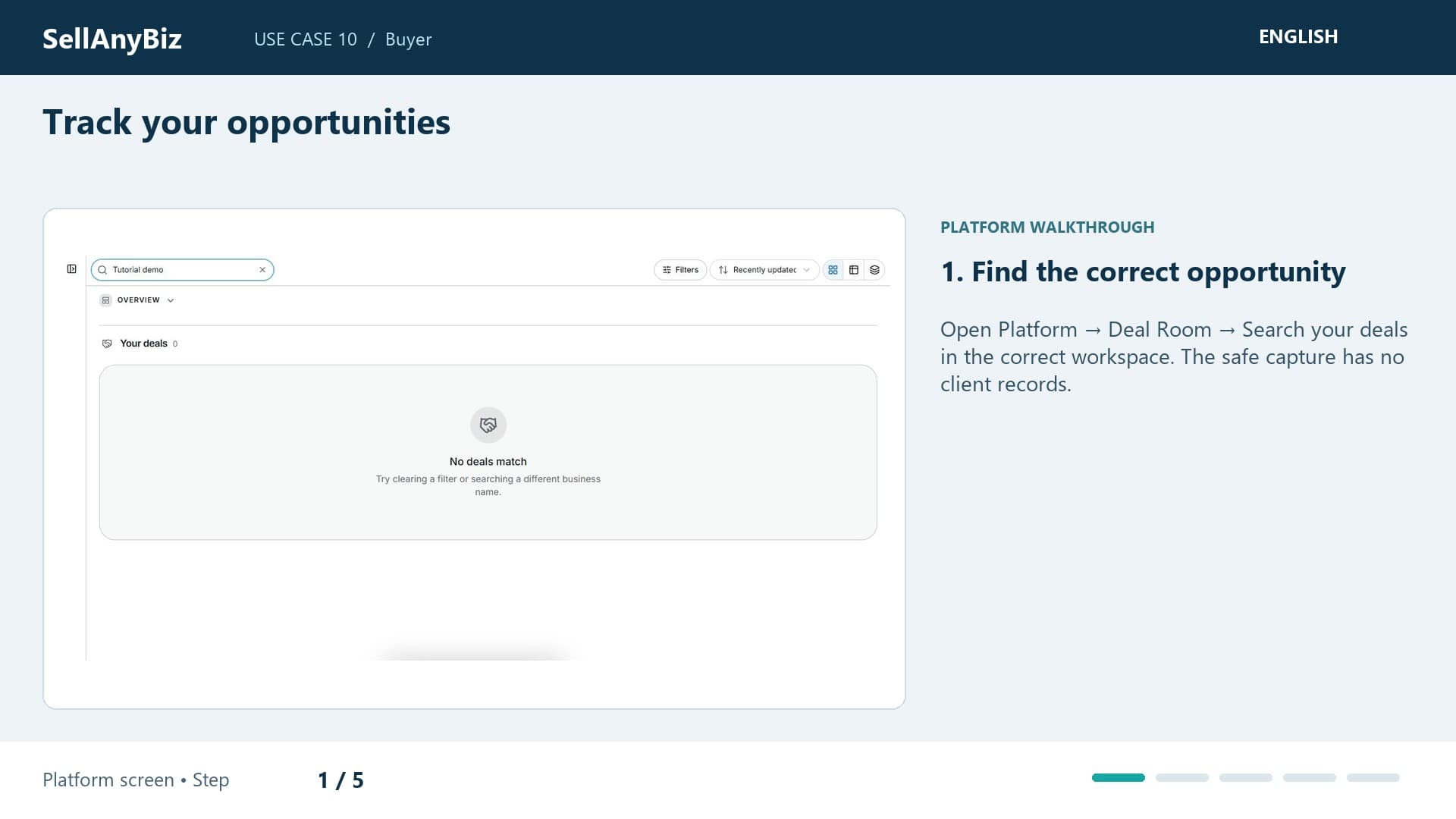
Use Case 10 · Buyer

Track your opportunities

You shortlisted several businesses and need to separate saved research from active deal work. Saving a listing helps you revisit it; it does not create a negotiated transaction.

Platform walkthrough

Watch video and read the steps
1:16

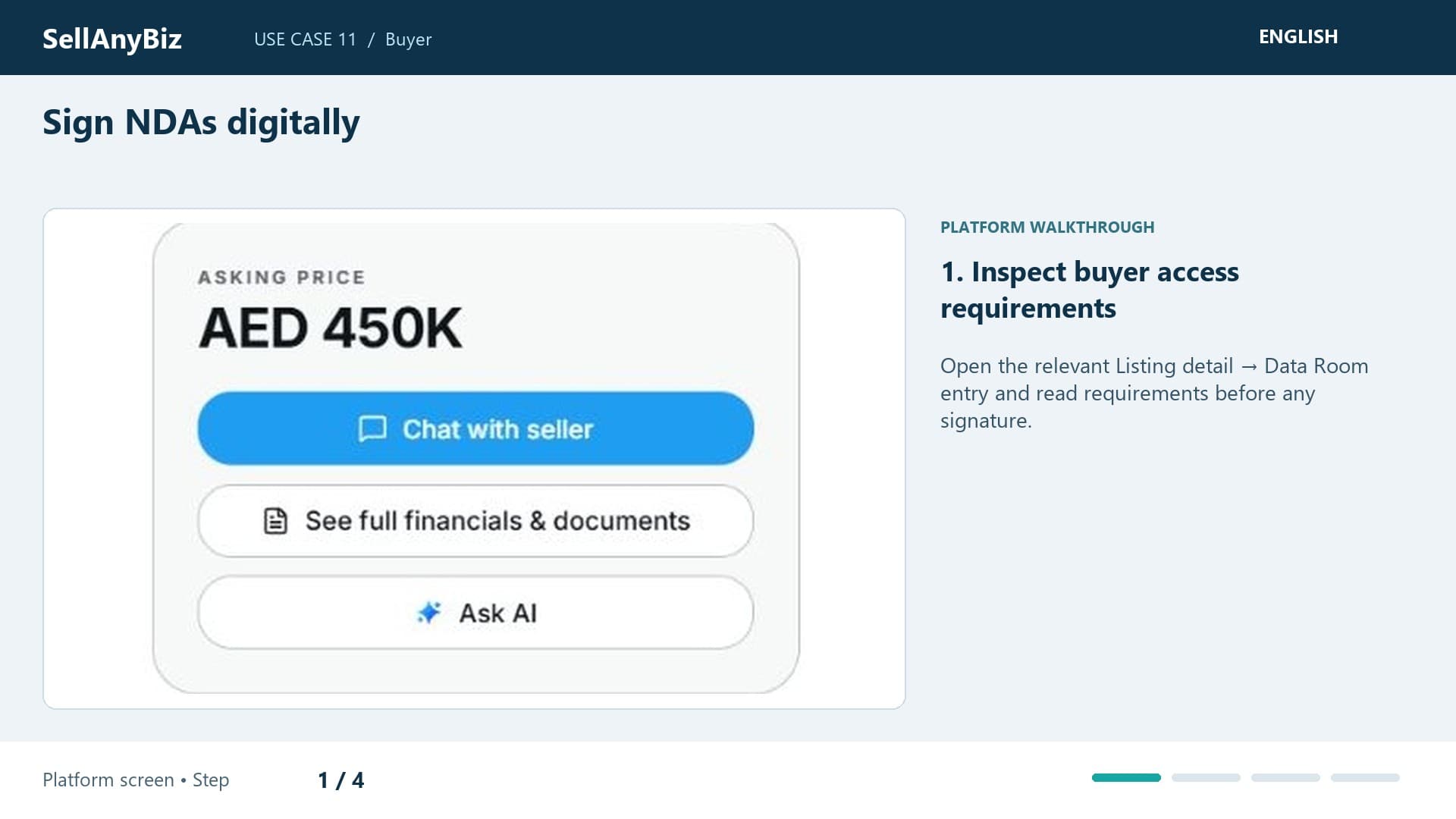
Use Case 11 · Buyer

Sign NDAs digitally

You found a suitable business but confidential evidence requires an NDA. Start from that listing’s Data Room access prompt.

Platform walkthrough

Watch video and read the steps
1:20

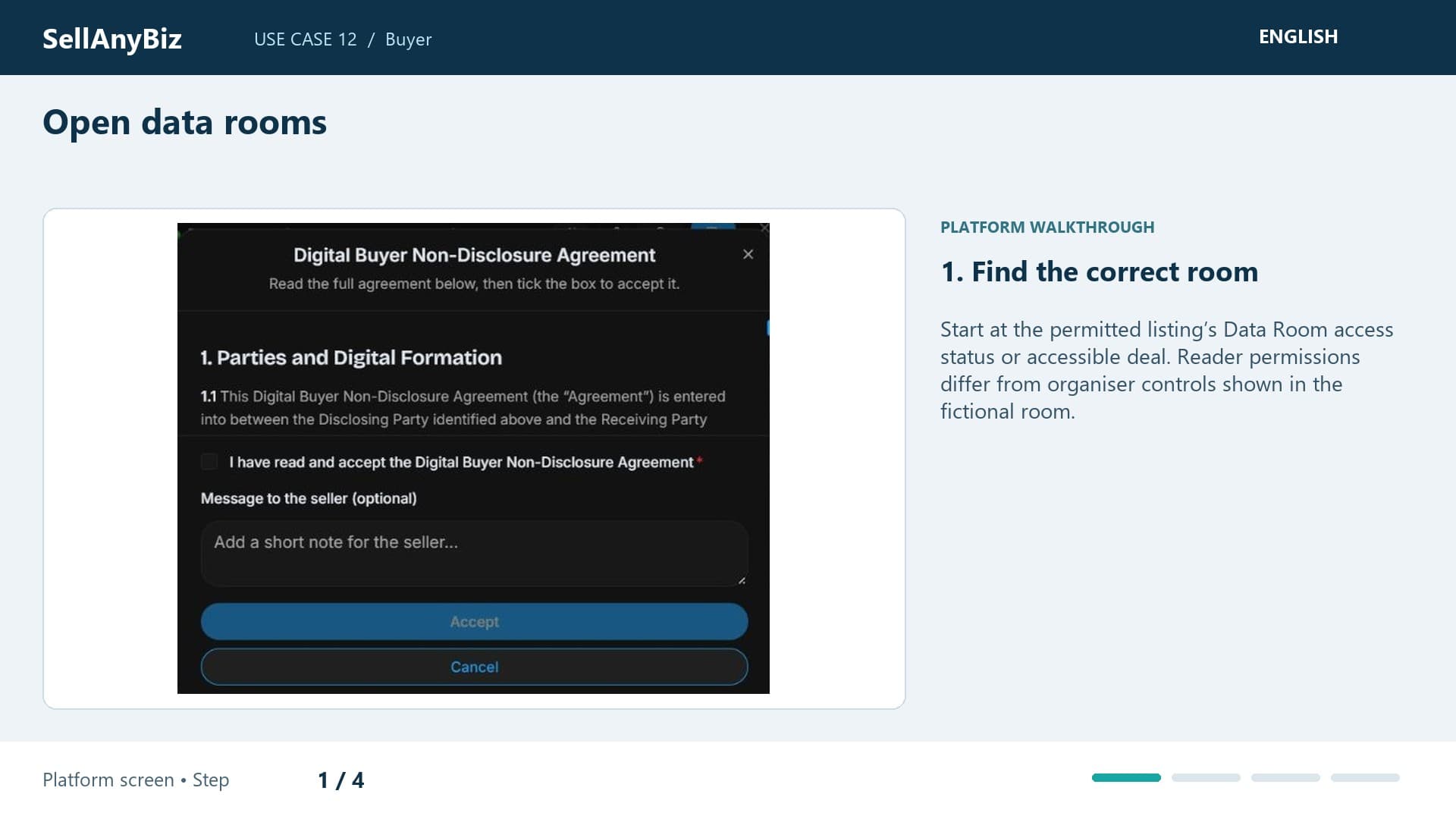
Use Case 12 · Buyer

Open data rooms

You want to inspect the seller’s evidence after confidential-access requirements. Begin from Listing detail and Data Room, checking your access status first.

Platform walkthrough

Watch video and read the steps
1:15

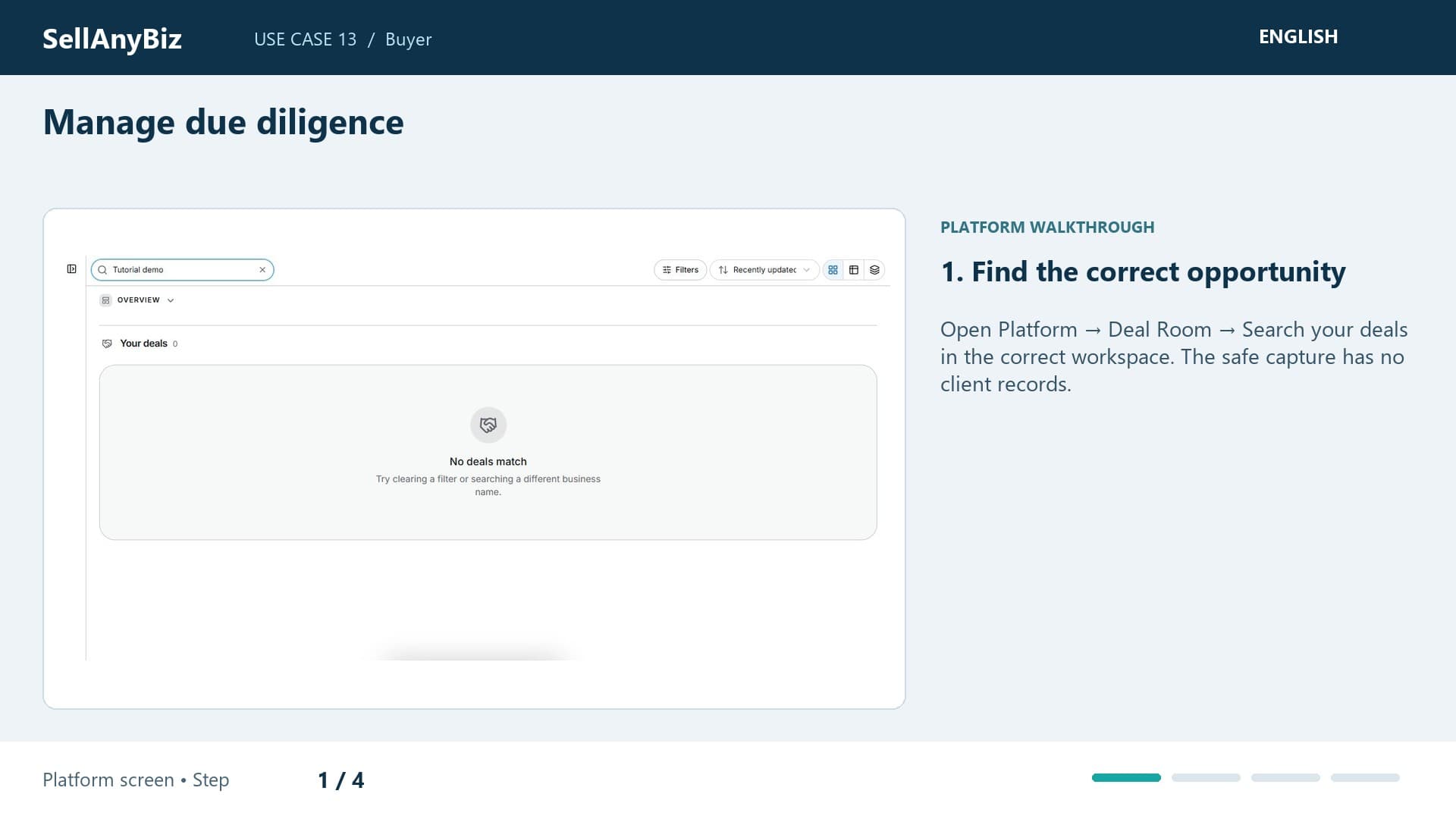
Use Case 13 · Buyer

Manage due diligence

You are assessing a shortlisted business and need a diligence plan. Find the permitted opportunity at Due Diligence.

Platform walkthrough

Watch video and read the steps
1:22

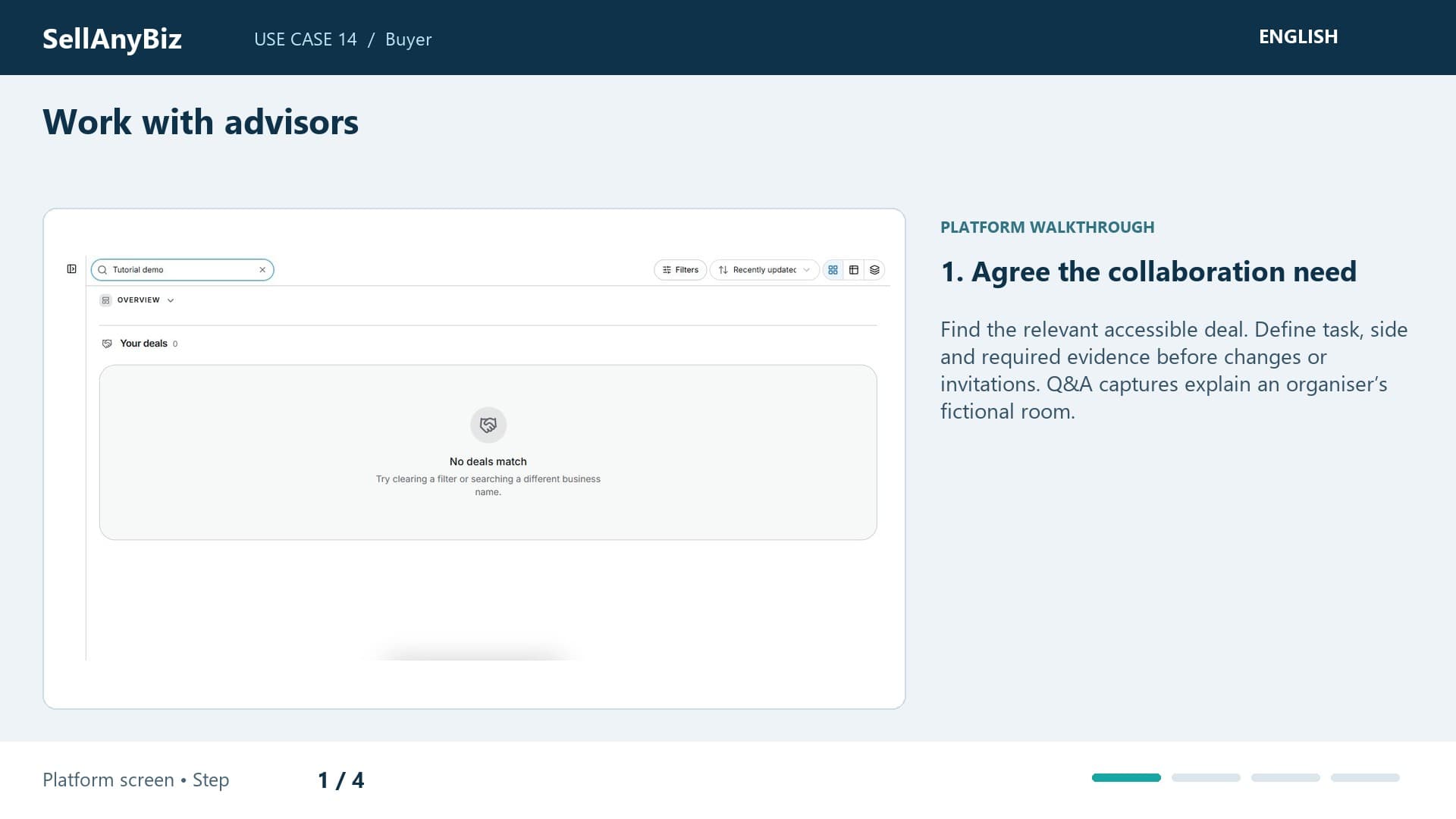
Use Case 14 · Buyer

Work with advisors

Your accountant and lawyer need to help review an acquisition with access appropriate to their work. Find the opportunity on your side in Deal Room.

Platform walkthrough

Watch video and read the steps
1:37

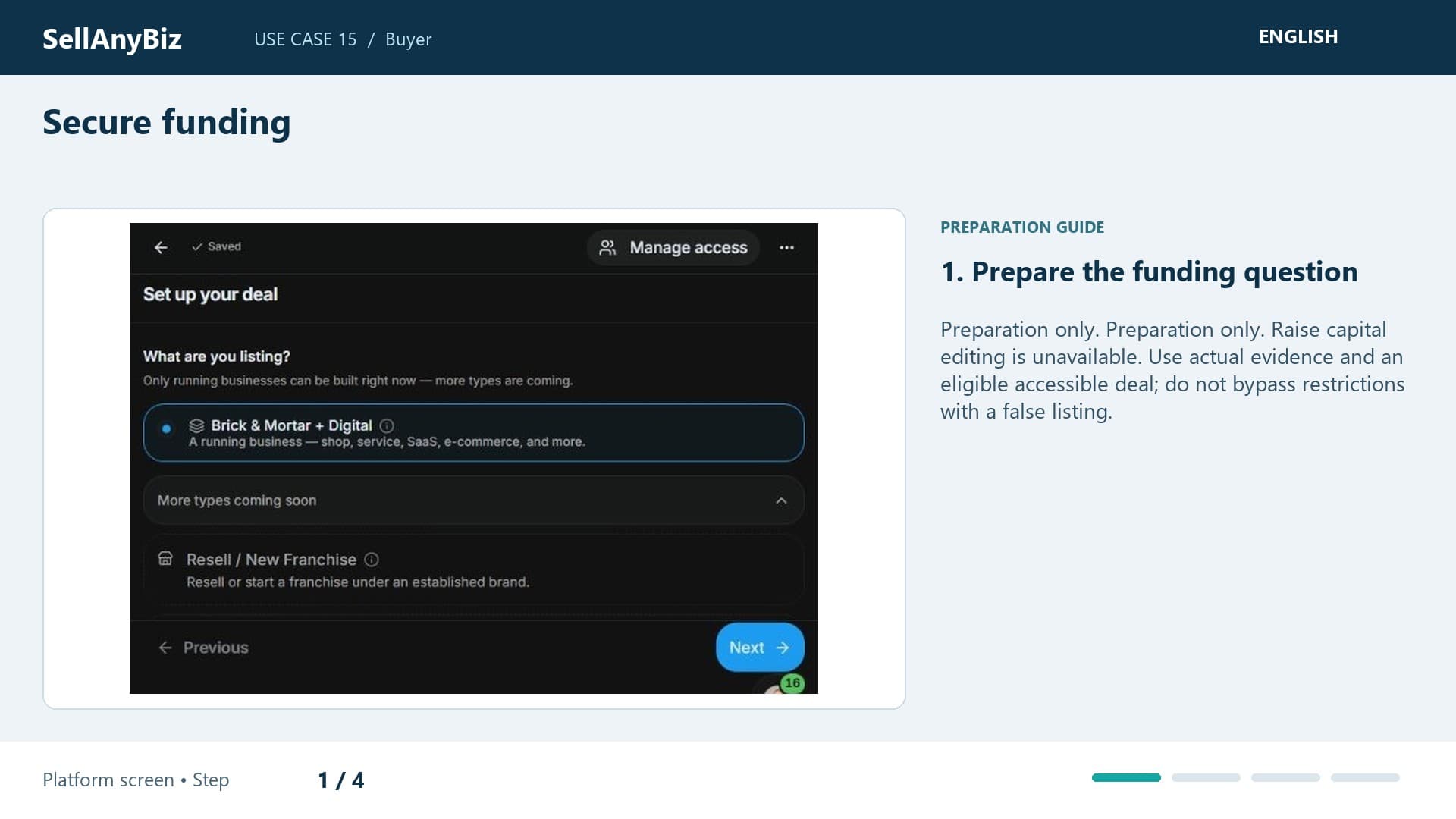
Use Case 15 · Buyer

Secure funding

Preparation only. You need finance for an acquisition and want to prepare lender information. This is preparation only, not an offer.

Available steps and preparation

Watch video and read the steps
1:24

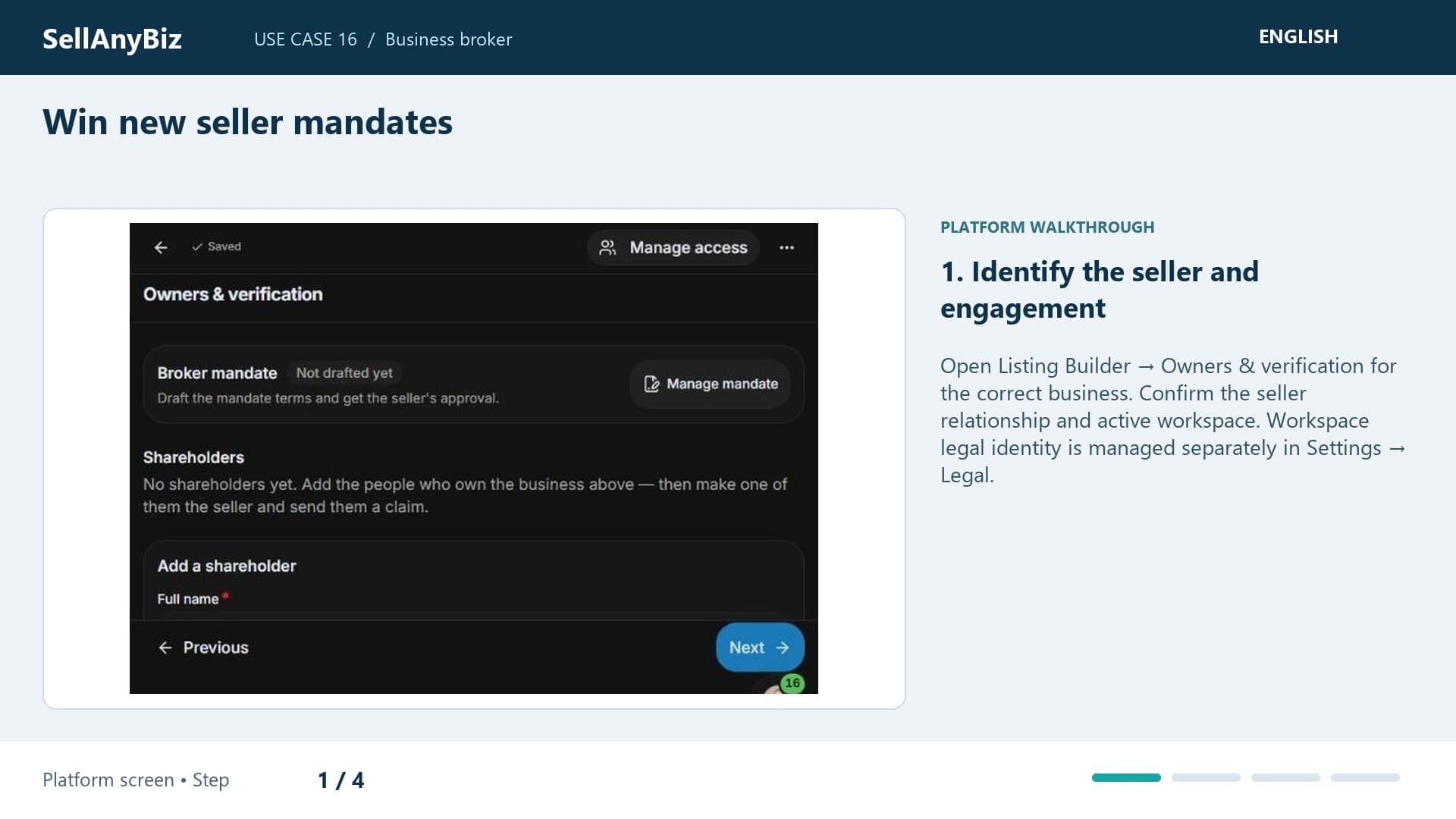
Use Case 16 · Business broker

Win new seller mandates

You are meeting a potential seller and want to demonstrate a professional engagement. Start in Owners and explain company and signatory details required before a mandate request.

Platform walkthrough

Watch video and read the steps
1:22

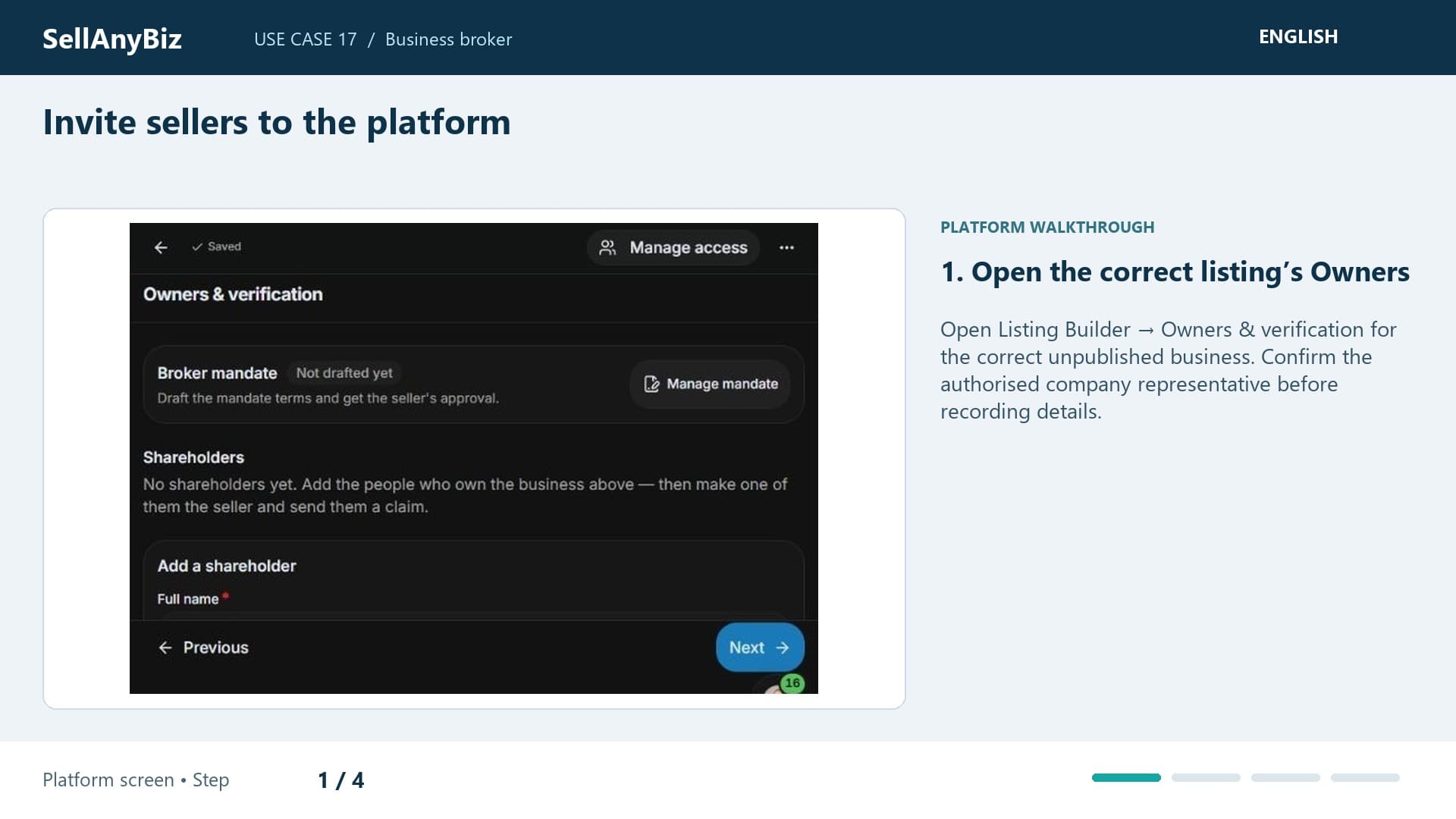
Use Case 17 · Business broker

Invite sellers to the platform

Prepare the seller’s details in Owners, review Viewer or Editor access and understand the seller claim and identity-check sequence before sending an invitation.

Platform walkthrough

Watch video and read the steps
1:25

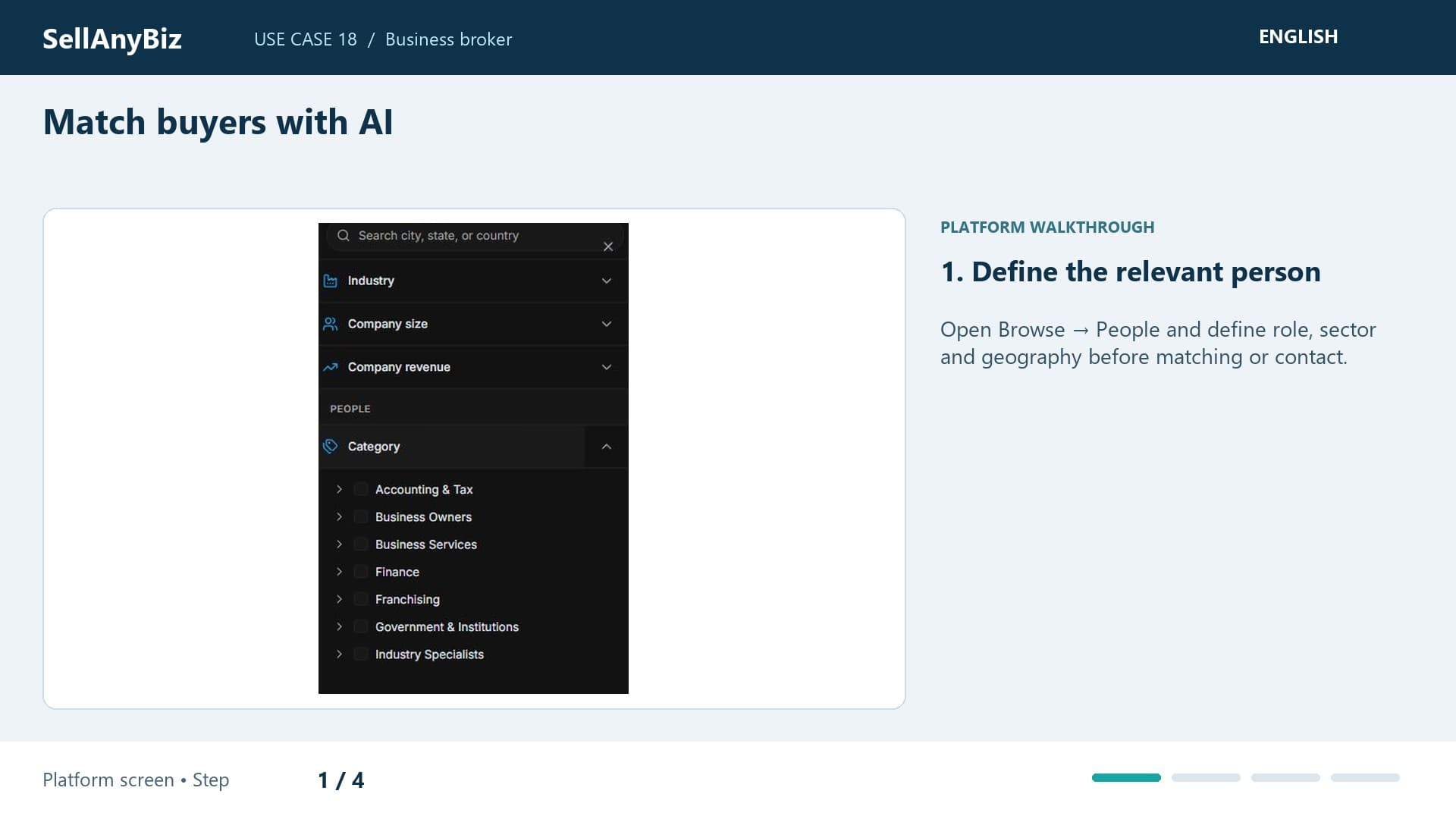
Use Case 18 · Business broker

Match buyers with AI

You represent a seller and want new acquisition candidates, not only people who already viewed the listing. Open Browse and People.

Platform walkthrough

Watch video and read the steps
1:28

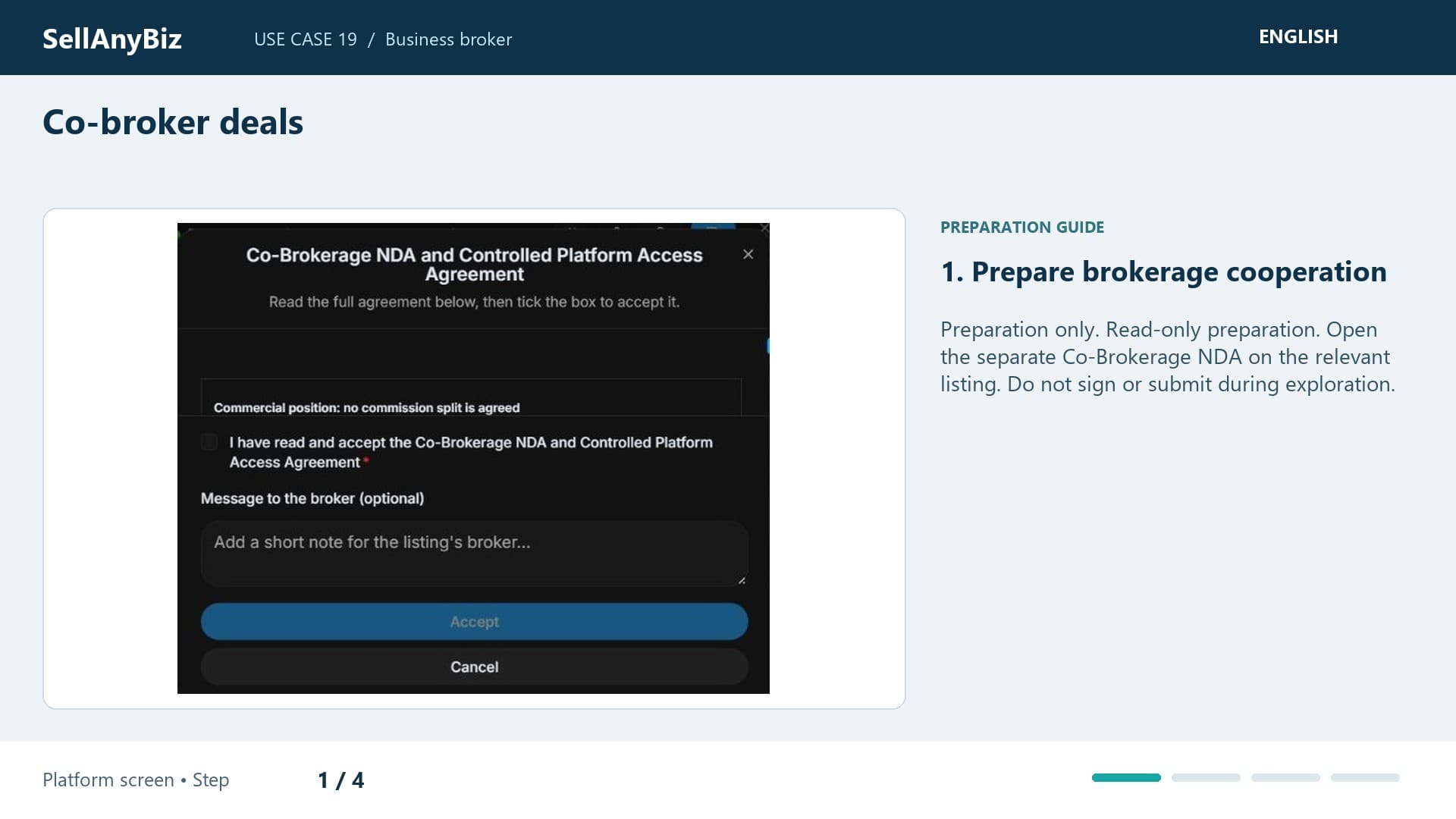
Use Case 19 · Business broker

Co-broker deals

Preparation only. Another broker may help with a listing, but cooperation requires reviewed terms and permitted visibility. This is read-only preparation.

Available steps and preparation

Watch video and read the steps
1:44

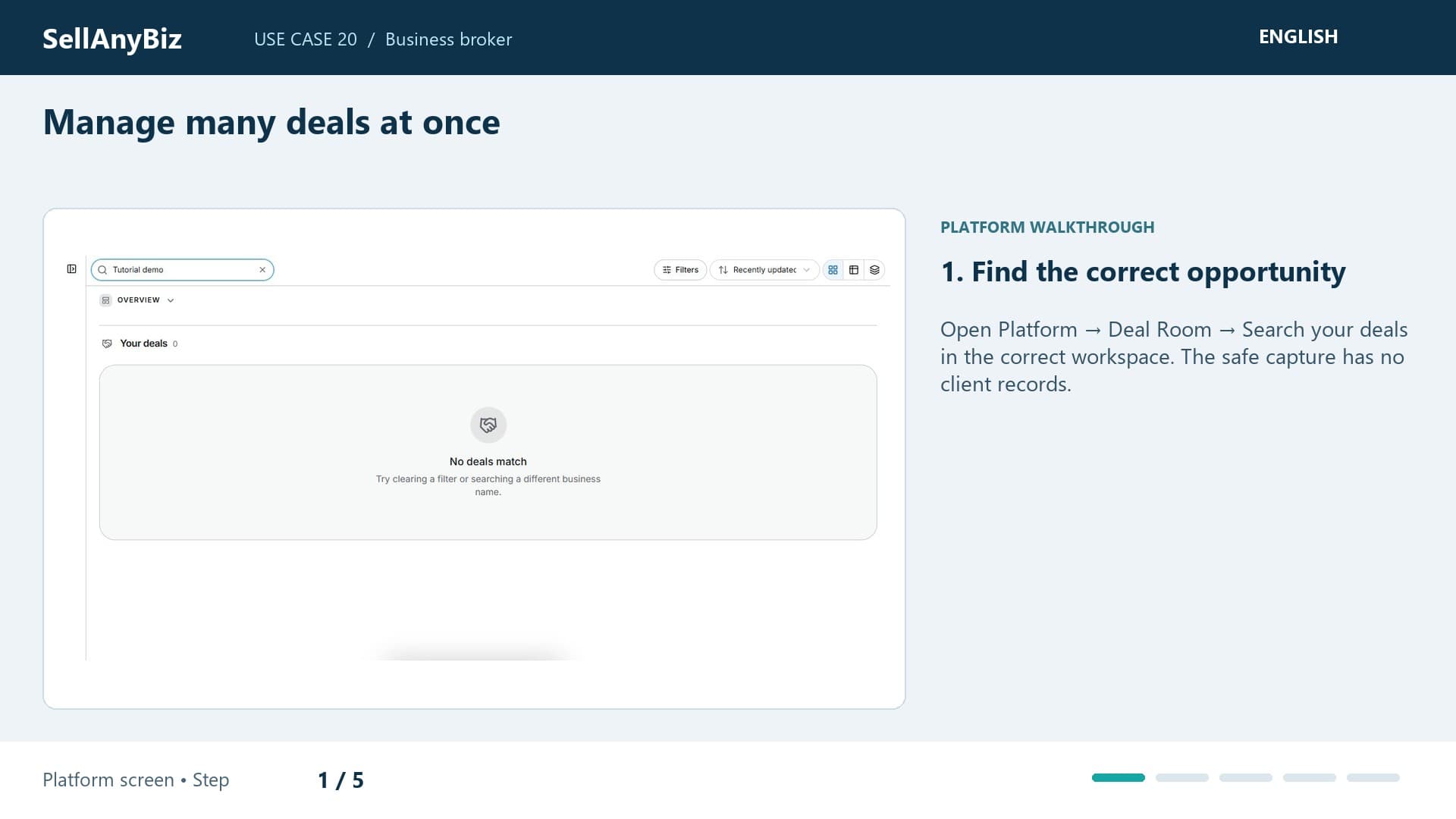
Use Case 20 · Business broker

Manage many deals at once

You manage several listings and need to decide what needs attention today. Open Deal Room with status and stage filters instead of reading every record.

Platform walkthrough

Watch video and read the steps
1:34

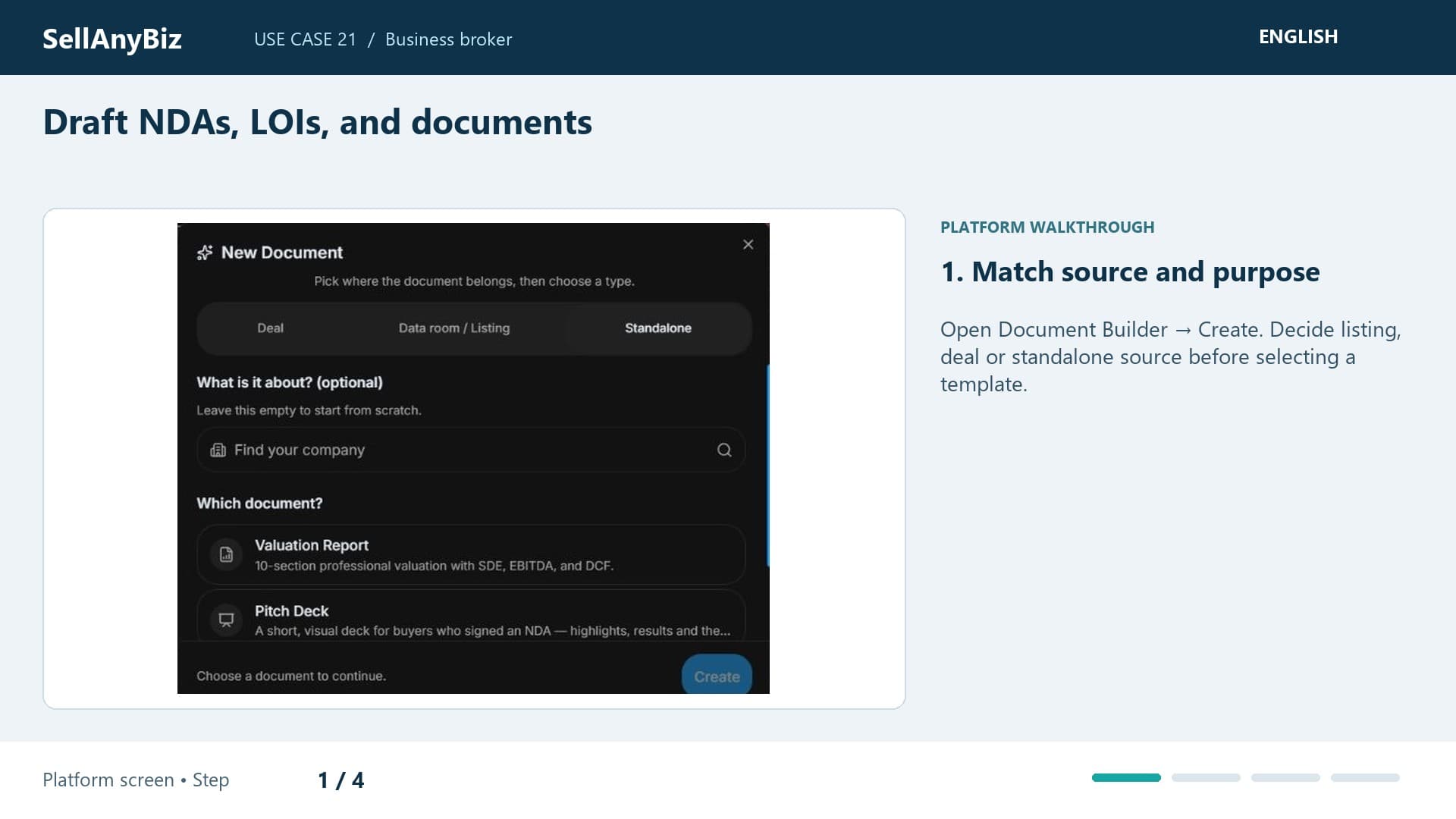
Use Case 21 · Business broker

Draft NDAs, LOIs, and documents

You need an NDA or LOI draft for an actual transaction. Open Document Builder and decide its source before choosing a template.

Platform walkthrough

Watch video and read the steps
1:14

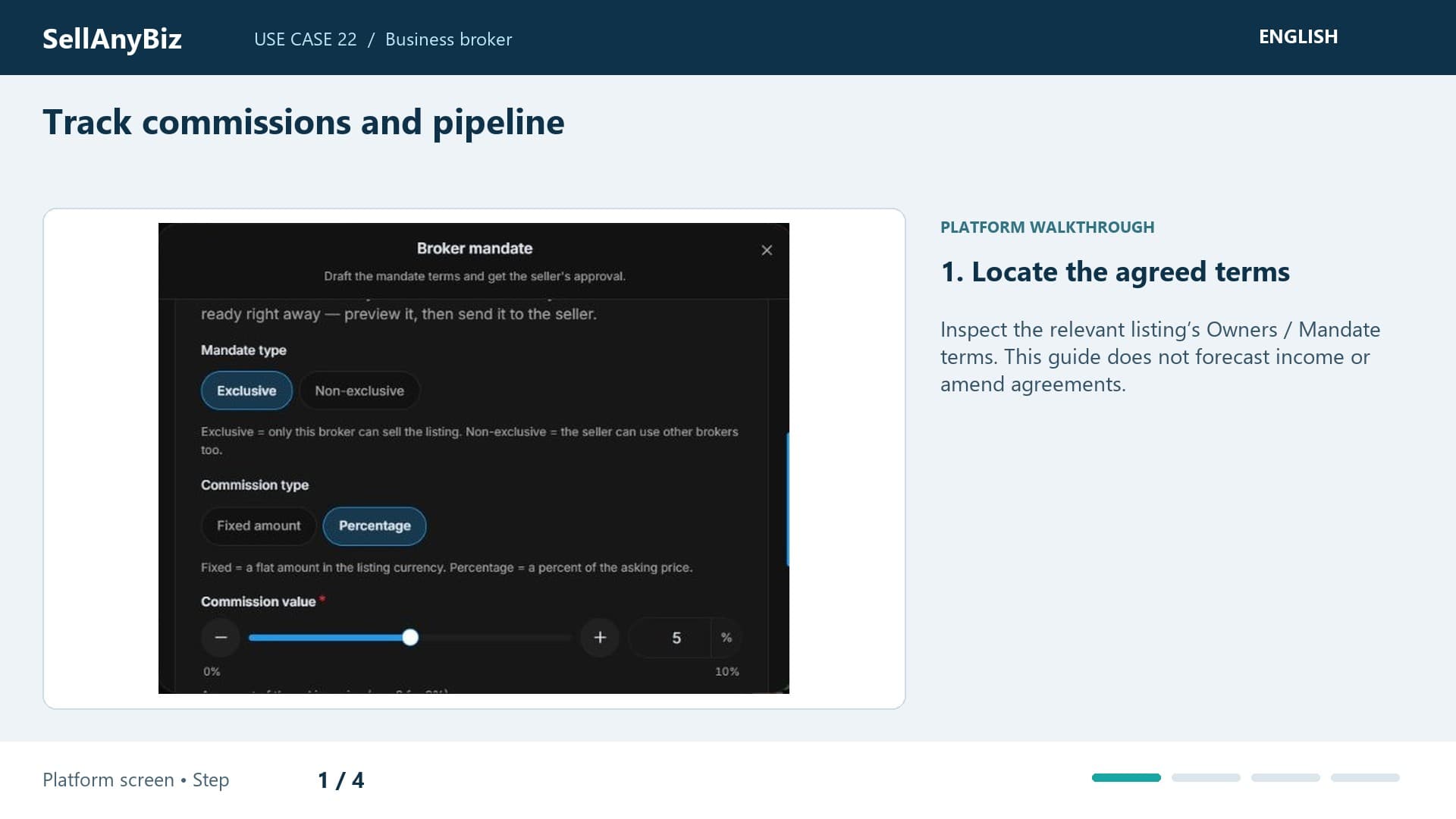
Use Case 22 · Business broker

Track commissions and pipeline

You need to reconcile brokerage terms with pipeline work without mistaking progress for income. Start at mandate commission type, value and duration.

Platform walkthrough

Watch video and read the steps
1:41

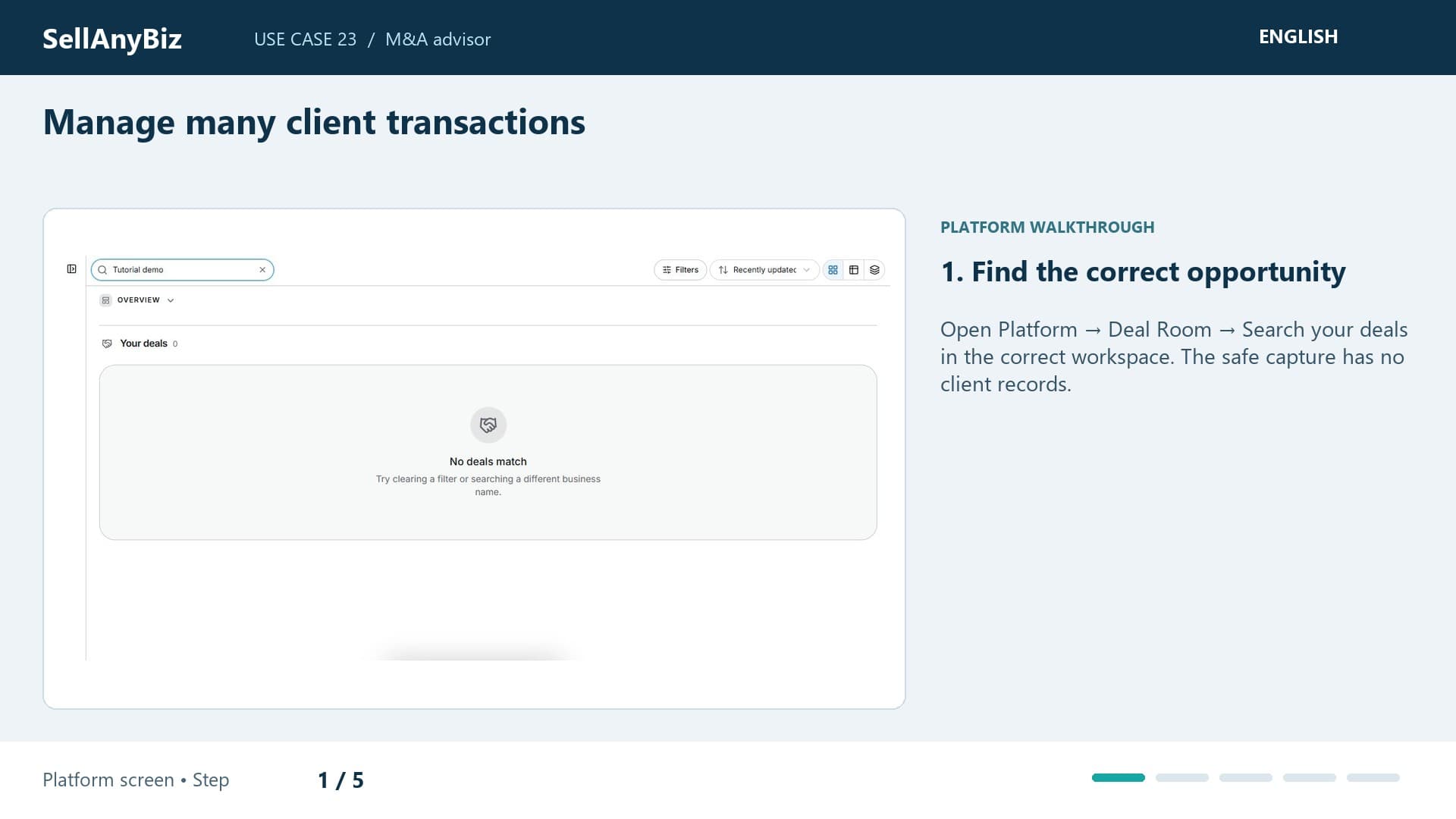
Use Case 23 · M&A advisor

Manage many client transactions

You advise multiple clients and need each transaction’s evidence and next action kept separate. Search for a specific business in Deal Room and confirm the advisory workspace.

Platform walkthrough

Watch video and read the steps
1:13

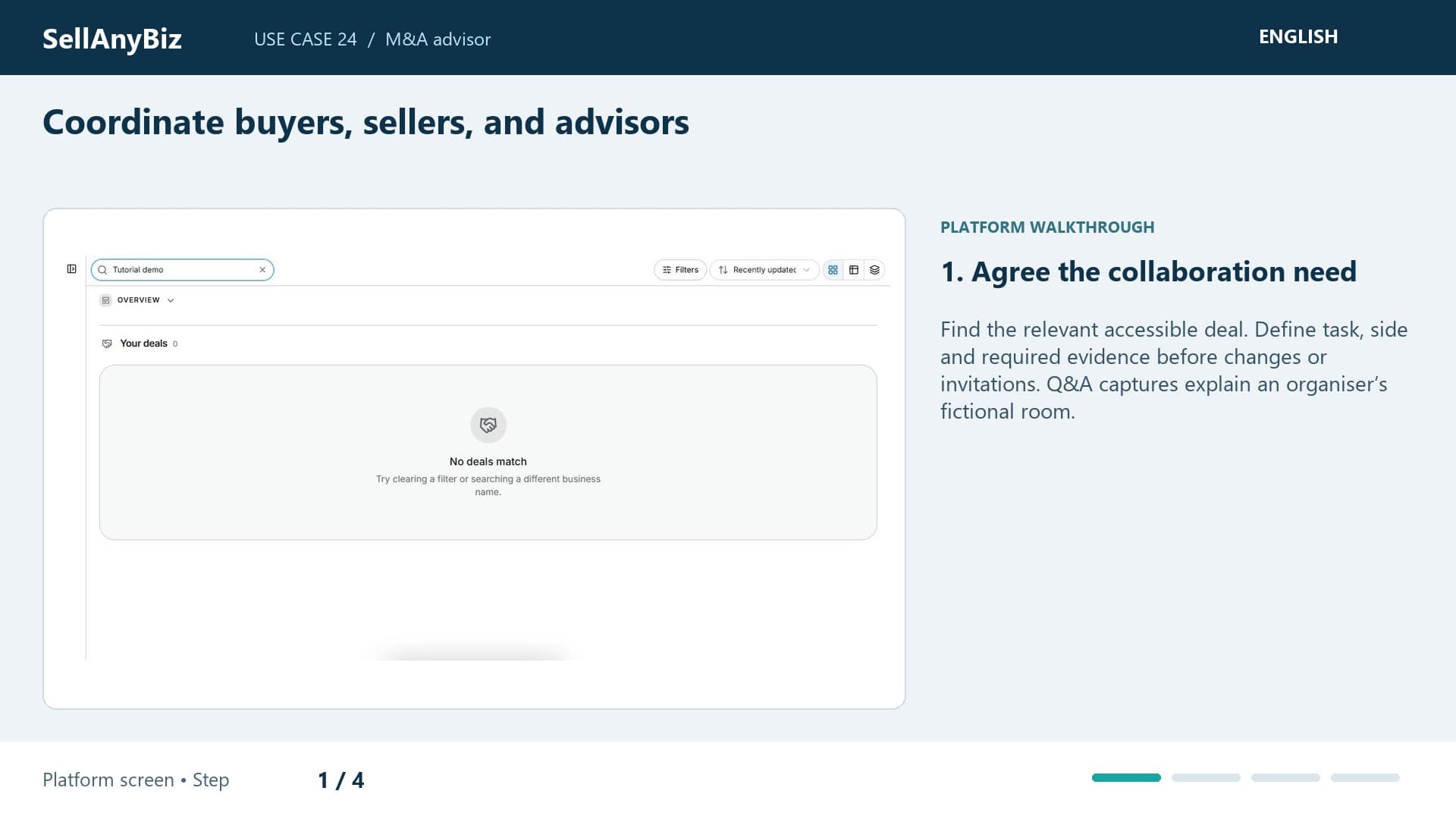
Use Case 24 · M&A advisor

Coordinate buyers, sellers, and advisors

A seller, buyer and advisers need to resolve one transaction issue. Find the correct deal and confirm each participant’s side.

Platform walkthrough

Watch video and read the steps
1:30

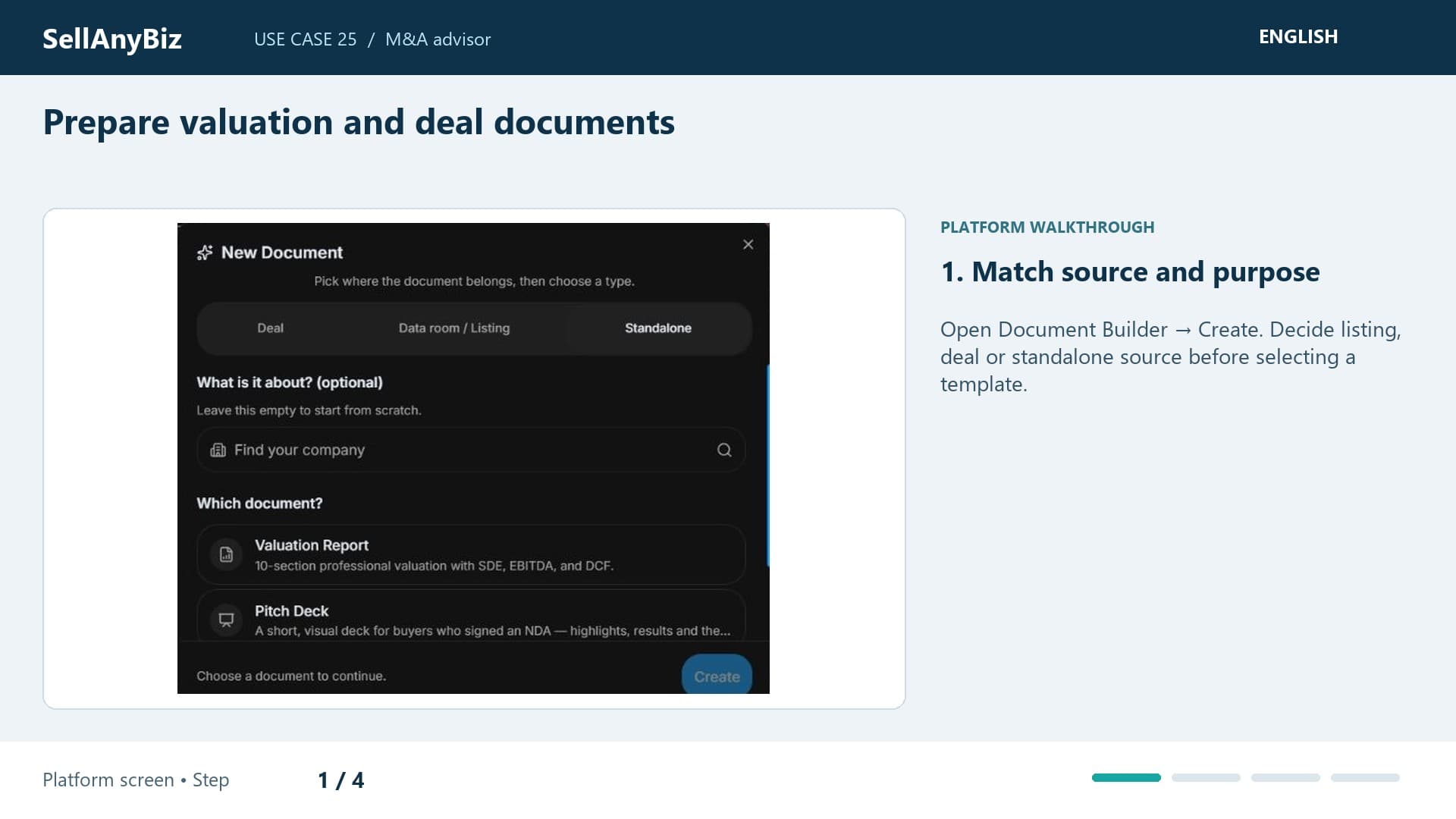
Use Case 25 · M&A advisor

Prepare valuation and deal documents

You need a valuation draft or confidential information memorandum supported by reviewable evidence. Start in Document Builder and choose listing, deal or standalone source.

Platform walkthrough

Watch video and read the steps
1:26

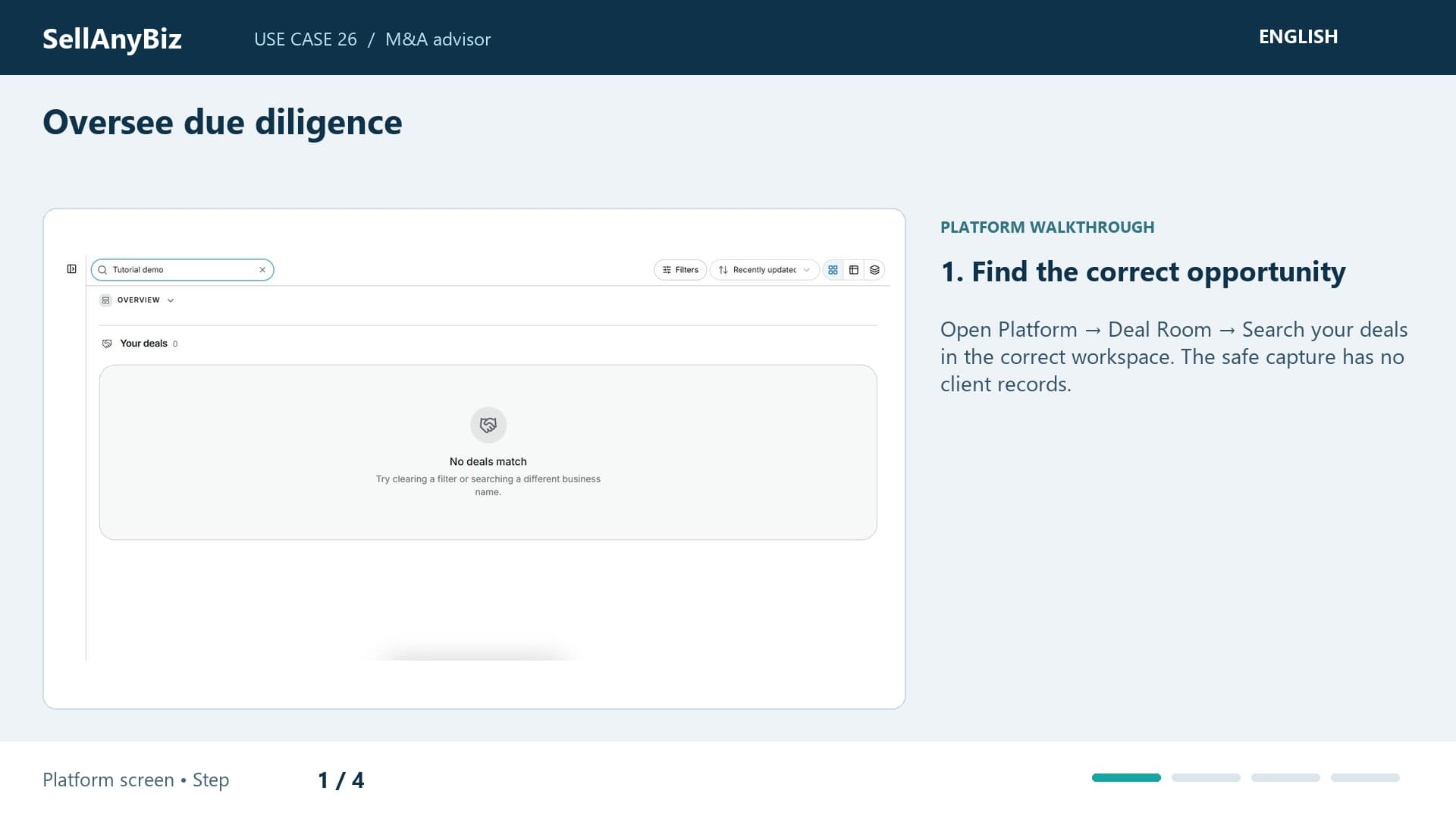
Use Case 26 · M&A advisor

Oversee due diligence

Your client’s diligence is missing bank statements and an answer about a contract. Find the deal at Due Diligence, then prepare a precise evidence request.

Platform walkthrough

Watch video and read the steps
1:44

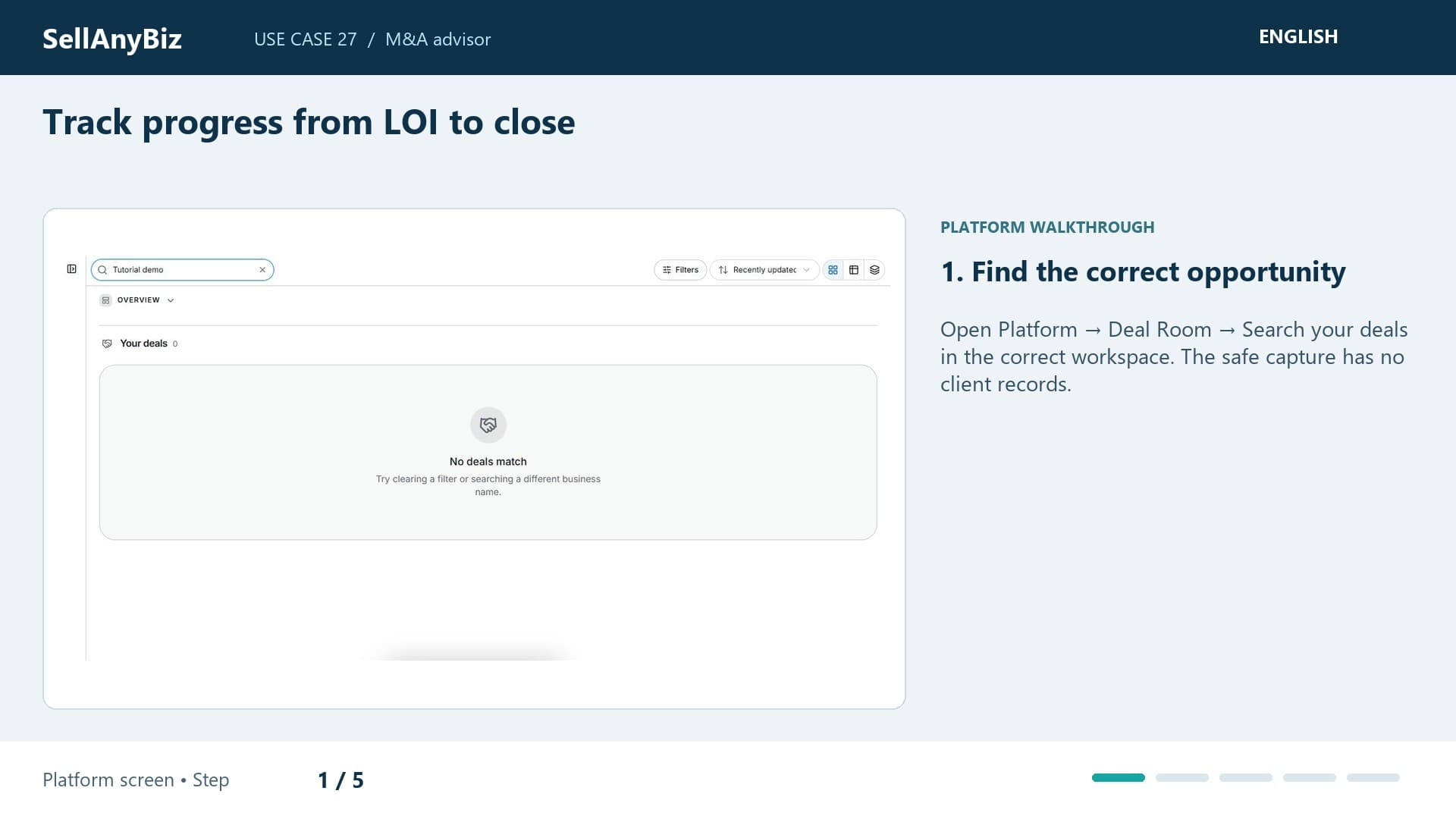
Use Case 27 · M&A advisor

Track progress from LOI to close

Your client reached offer and LOI discussion and needs to see what remains. Find the opportunity in Deal Room and inspect stage.

Platform walkthrough

Watch video and read the steps
1:37

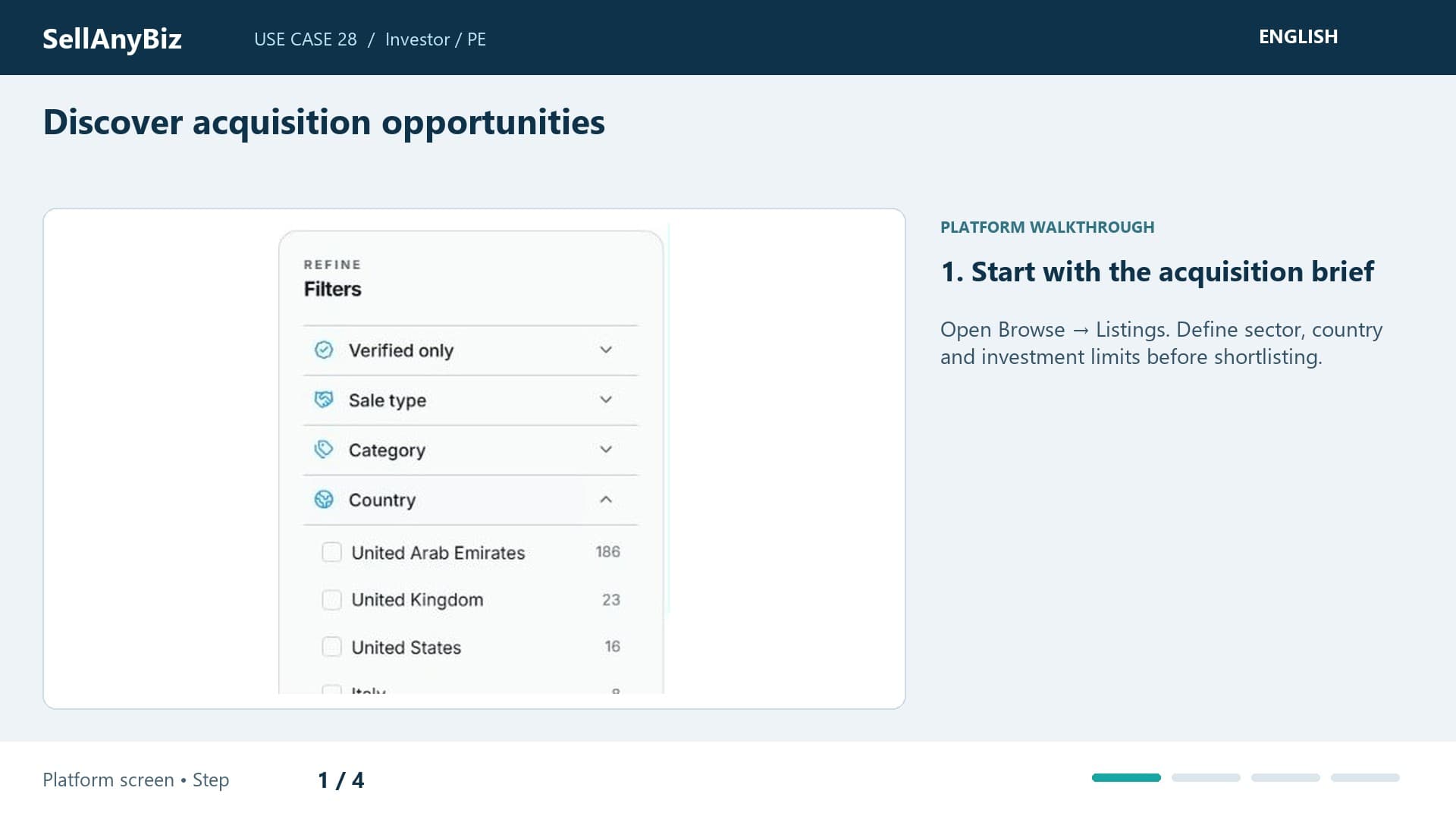
Use Case 28 · Investor / PE

Discover acquisition opportunities

Your team seeks an acquisition aligned with its sector and geography mandate. Start in Browse and Listings with a defined investment range.

Platform walkthrough

Watch video and read the steps
1:36

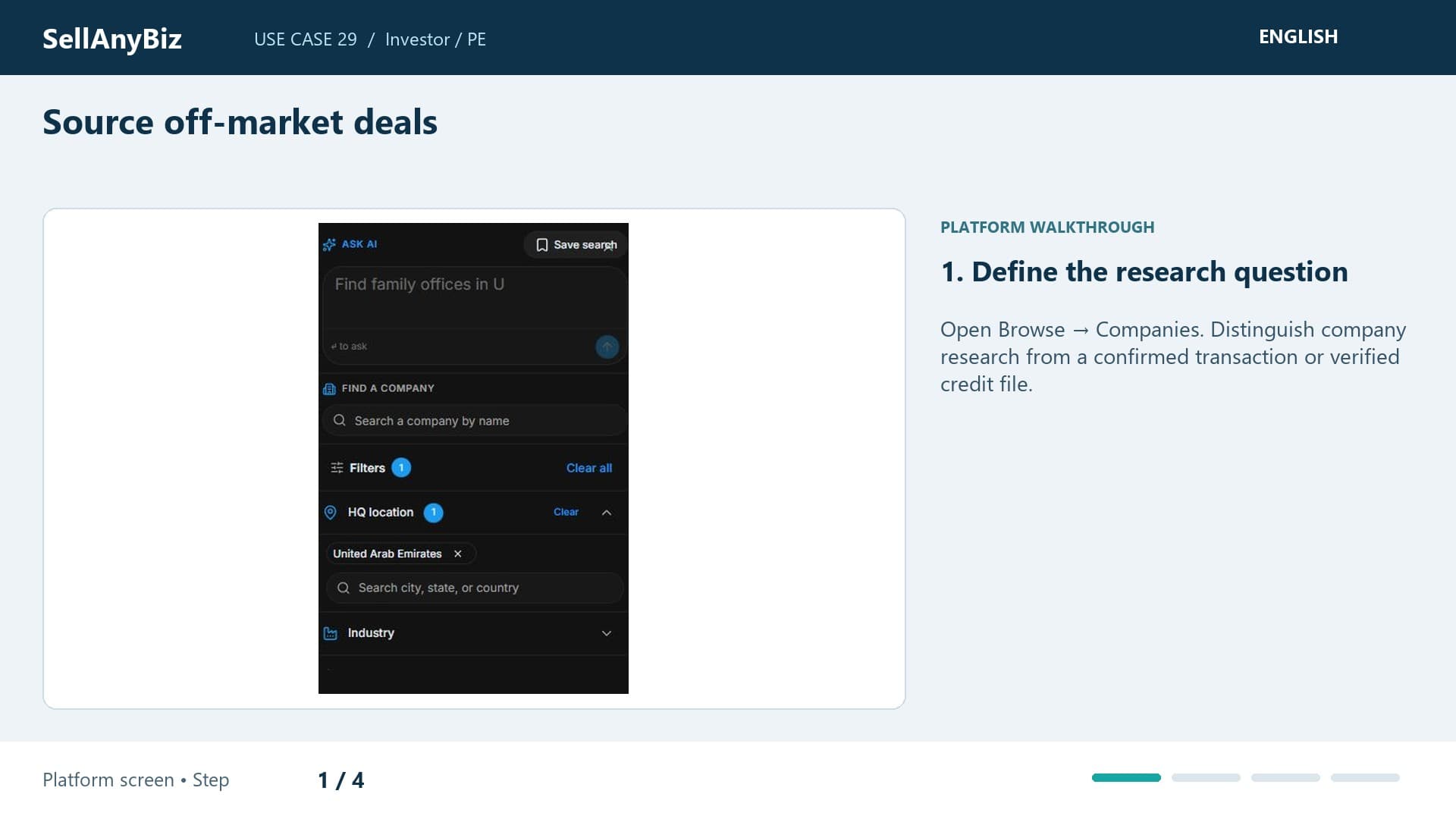
Use Case 29 · Investor / PE

Source off-market deals

You want to research potential acquisition targets without a public sale listing. Open Browse and Companies with a narrow sector and geography.

Platform walkthrough

Watch video and read the steps
1:38

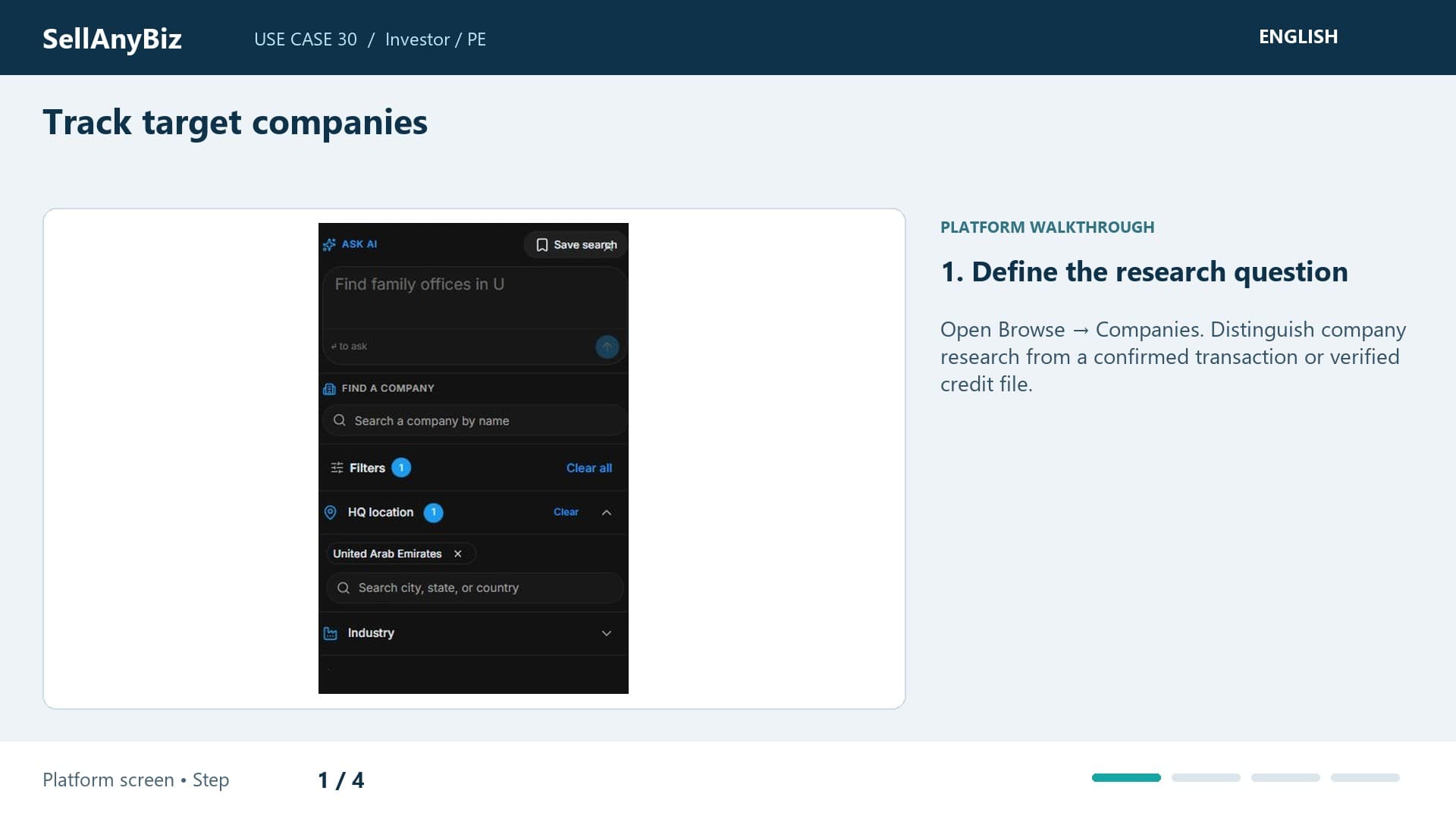
Use Case 30 · Investor / PE

Track target companies

Your analysts need a repeatable way to revisit target companies. Open Companies and define the thesis criteria.

Platform walkthrough

Watch video and read the steps
1:36

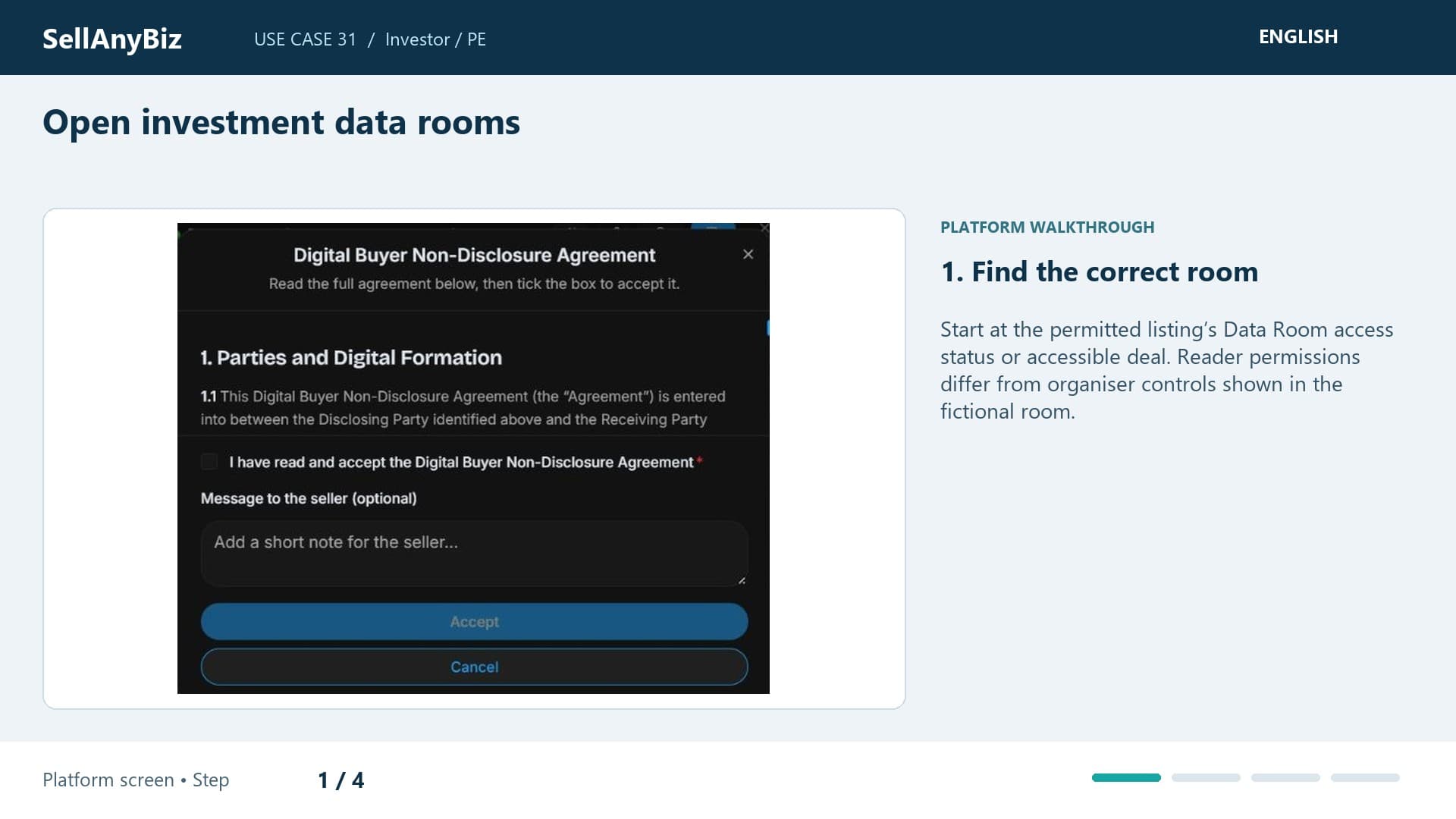
Use Case 31 · Investor / PE

Open investment data rooms

Your team needs confidential evidence for an investment target. Begin at the listing’s Data Room route and confirm NDA and approval requirements.

Platform walkthrough

Watch video and read the steps
1:29

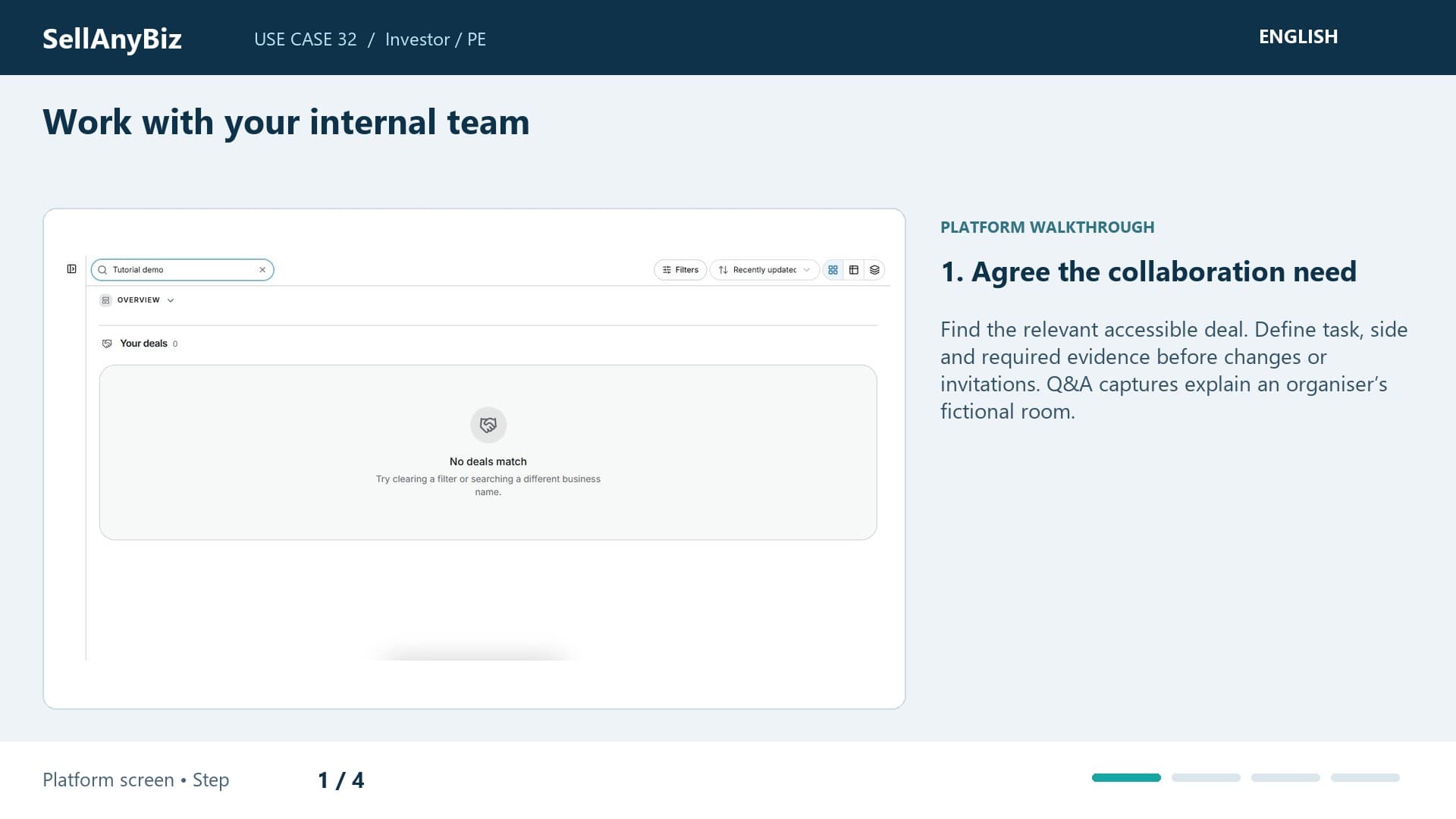
Use Case 32 · Investor / PE

Work with your internal team

Your partner and analyst need to review the same target while keeping internal reasoning private. Find the accessible deal and agree who analyses the financial evidence and prepares the decision question.

Platform walkthrough

Watch video and read the steps
1:58

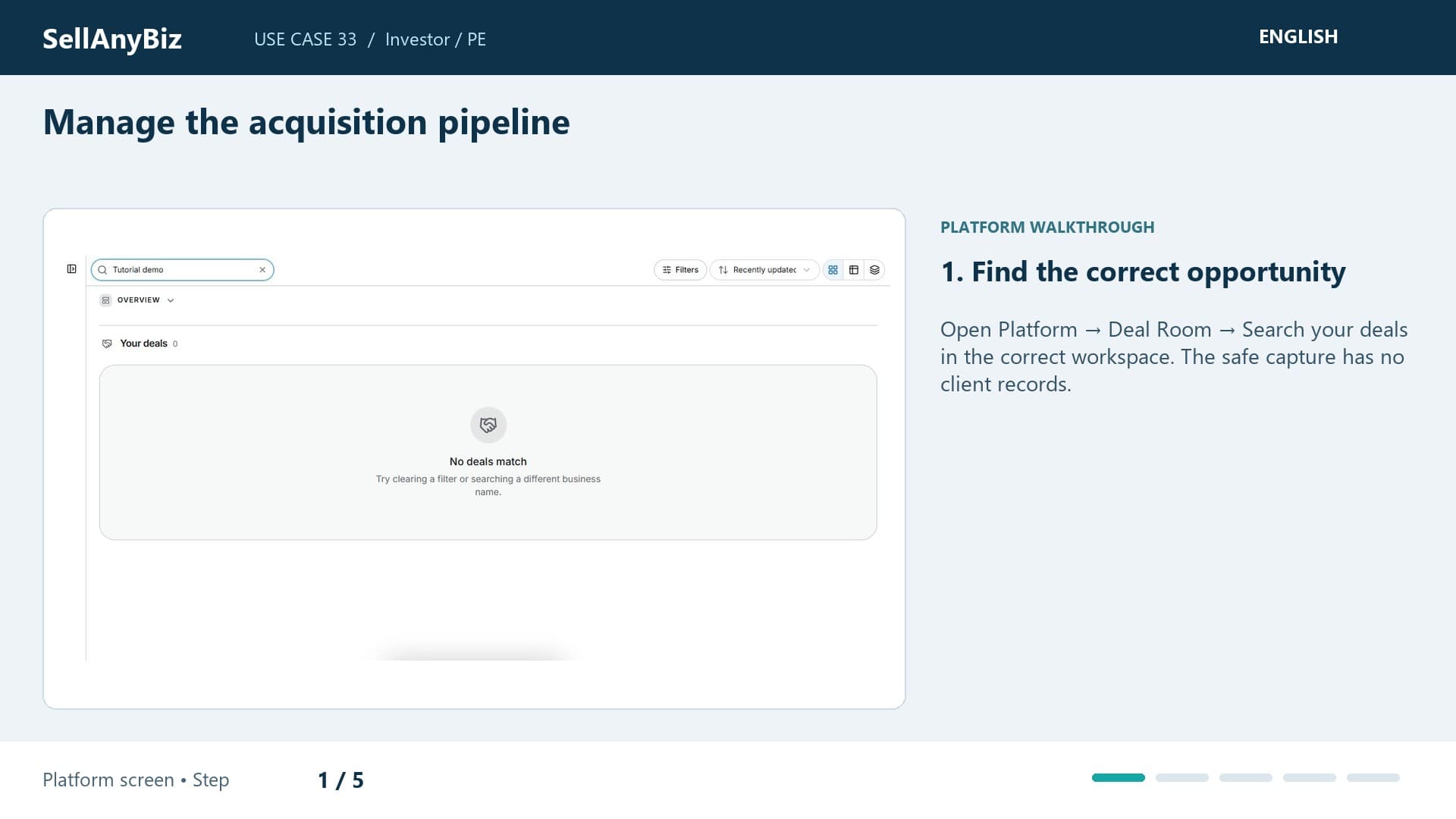
Use Case 33 · Investor / PE

Manage the acquisition pipeline

You have opportunities at first review, offer and diligence. Open Deal Room and choose the stage requiring attention today.

Platform walkthrough

Watch video and read the steps
1:44

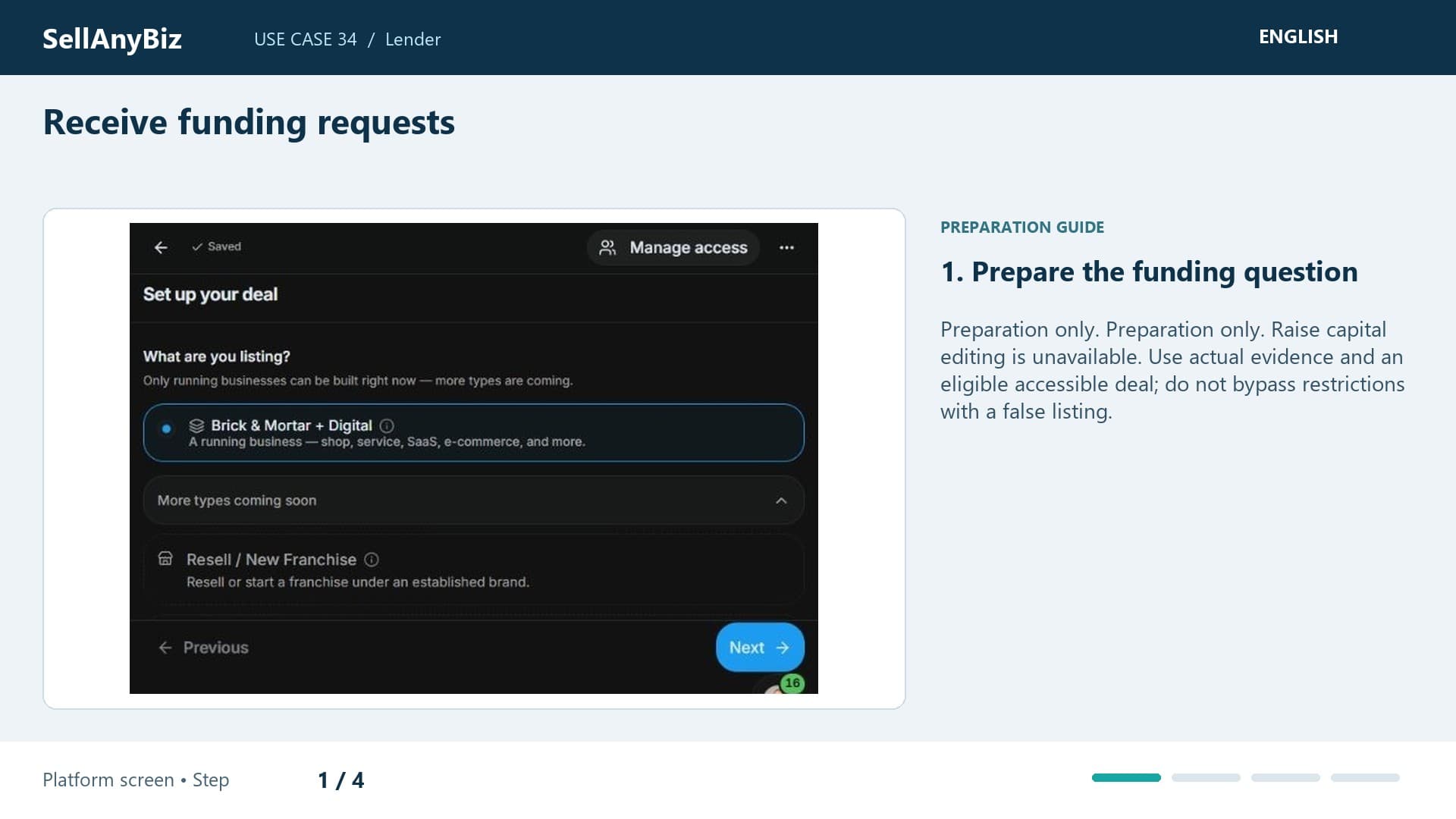
Use Case 34 · Lender

Receive funding requests

Preparation only. You want a structured starting point for a borrower conversation. This is preparation only: an automated lender-intake inbox is not verified.

Available steps and preparation
Watch video and read the steps
1:36

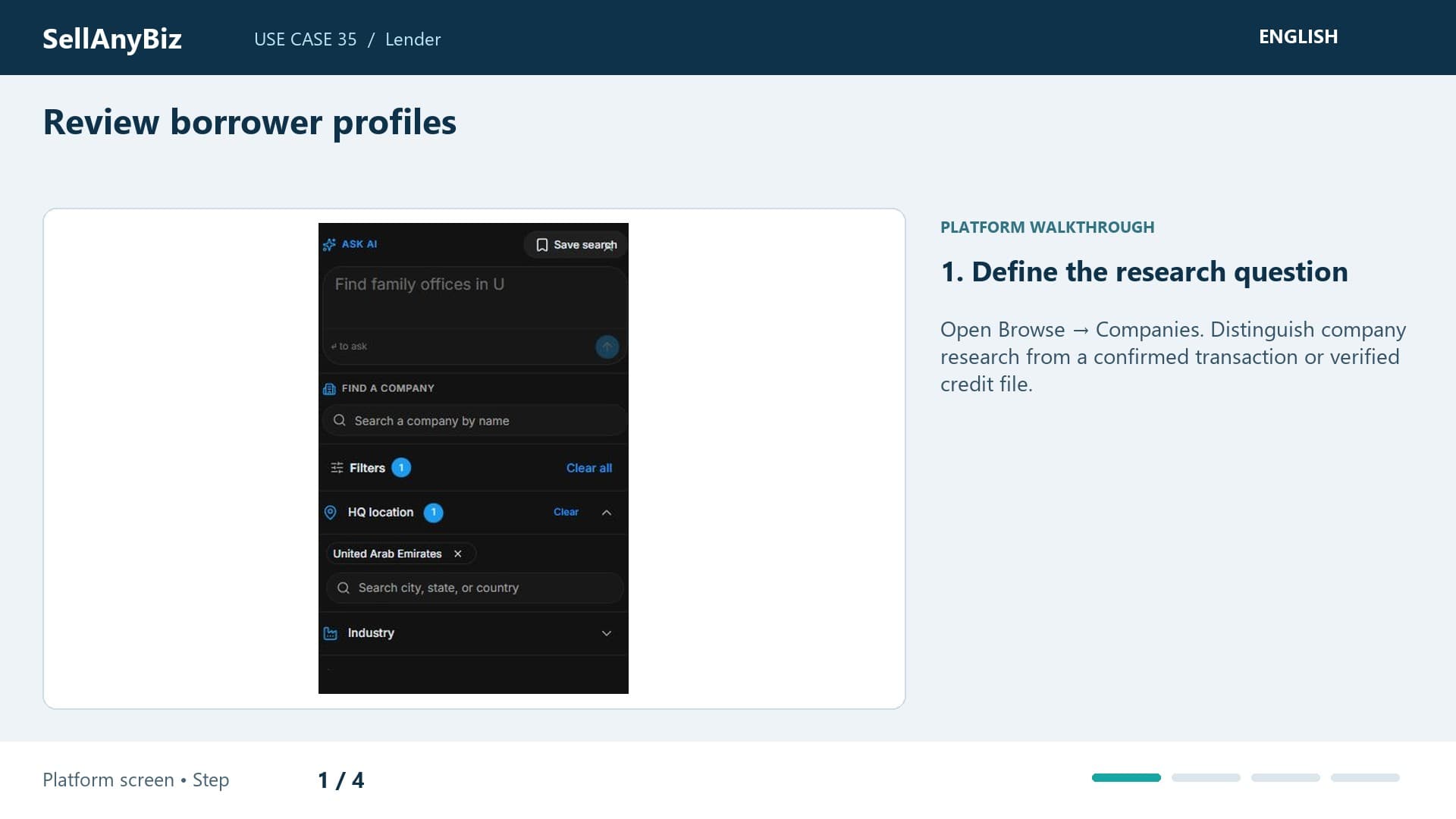
Use Case 35 · Lender

Review borrower profiles

You need to research the company connected to a finance enquiry before requesting the borrower pack. Open Companies and compare the profile with the stated transaction.

Platform walkthrough

Watch video and read the steps
1:33

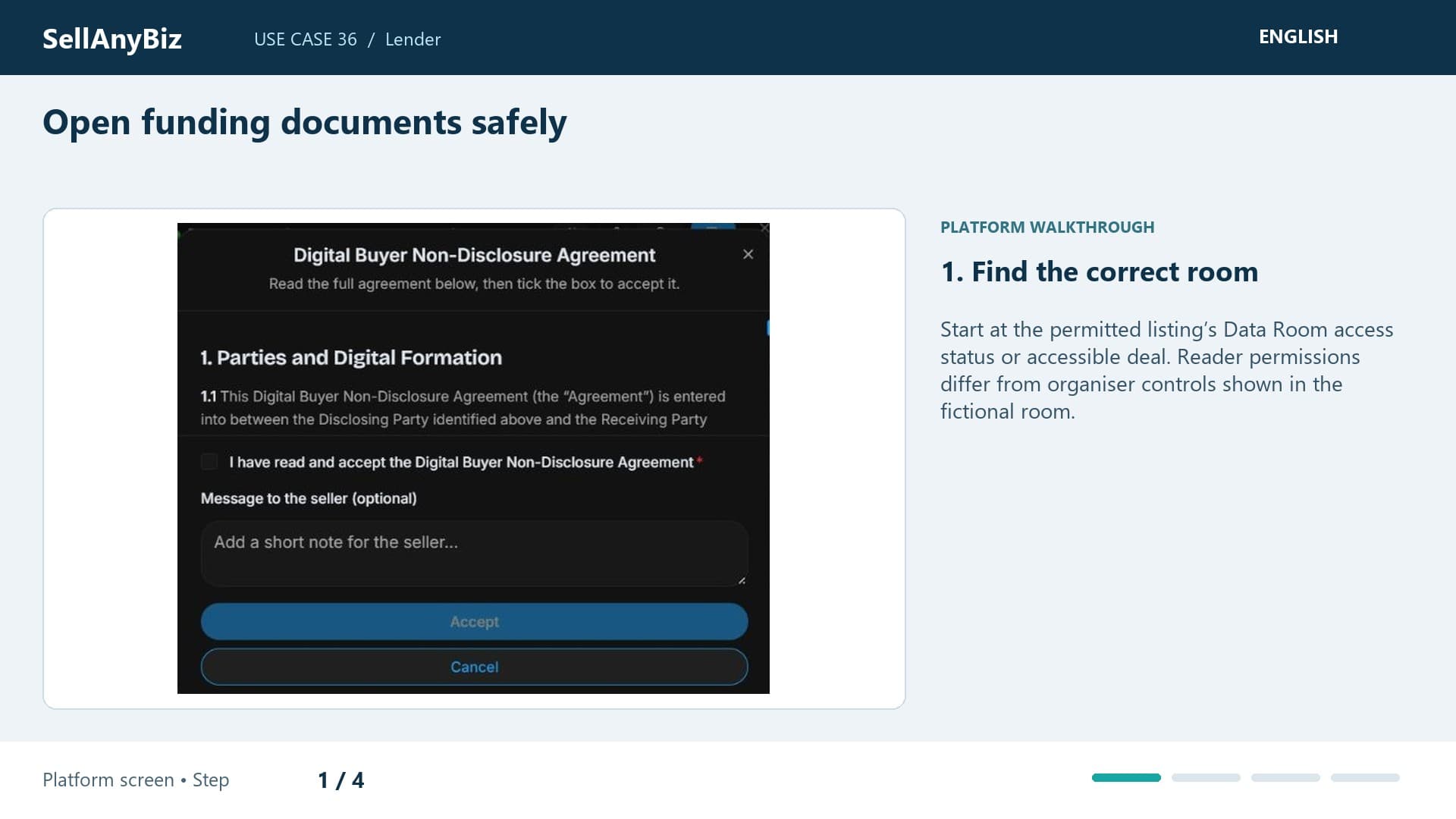
Use Case 36 · Lender

Open funding documents safely

You need financial evidence for a permitted funding review. Start from the relevant deal or listing’s room access and confirm your role.

Platform walkthrough

Watch video and read the steps
1:32

Use Case 37 · Lender

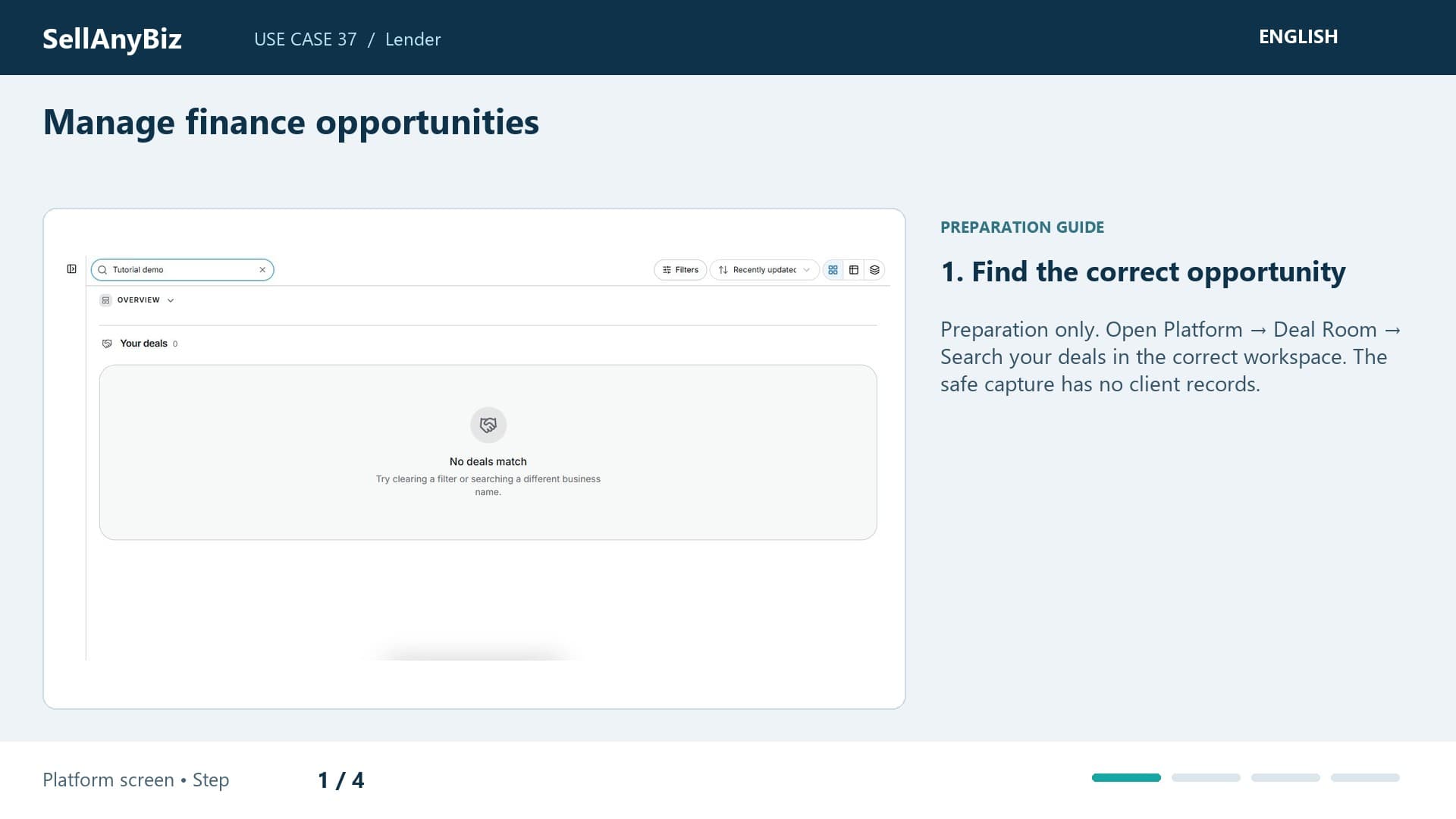
Manage finance opportunities

Preparation only. You need to track finance-related work without implying the platform runs your lending approvals. This is preparation only.

Available steps and preparation
Watch video and read the steps
1:30

Use Case 38 · Lender

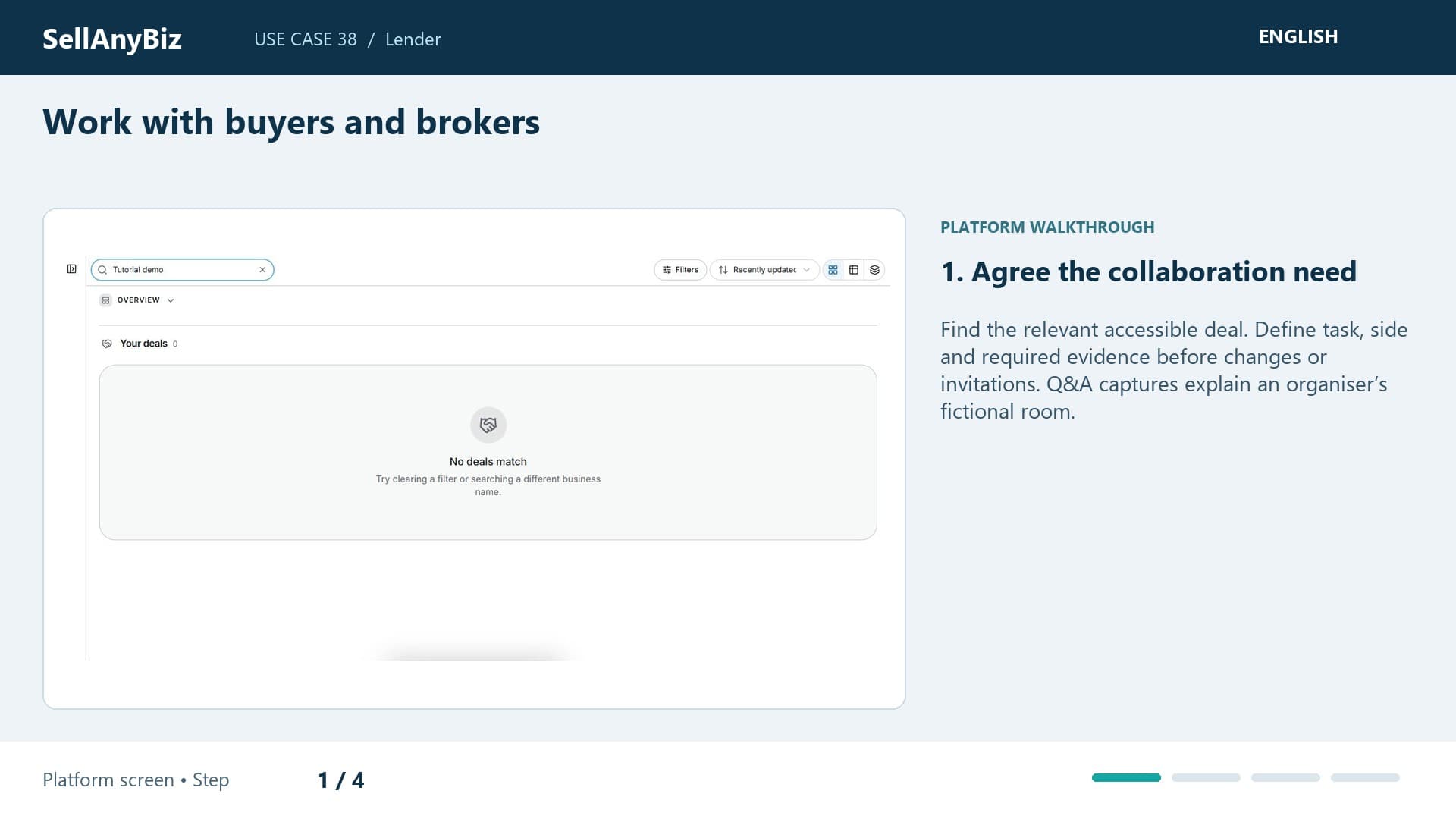
Work with buyers and brokers
The buyer and broker need to clarify a funding evidence gap with you. Find the permitted deal and confirm your side before a discussion.

Platform walkthrough

Watch video and read the steps
1:40

Use Case 39 · Franchise

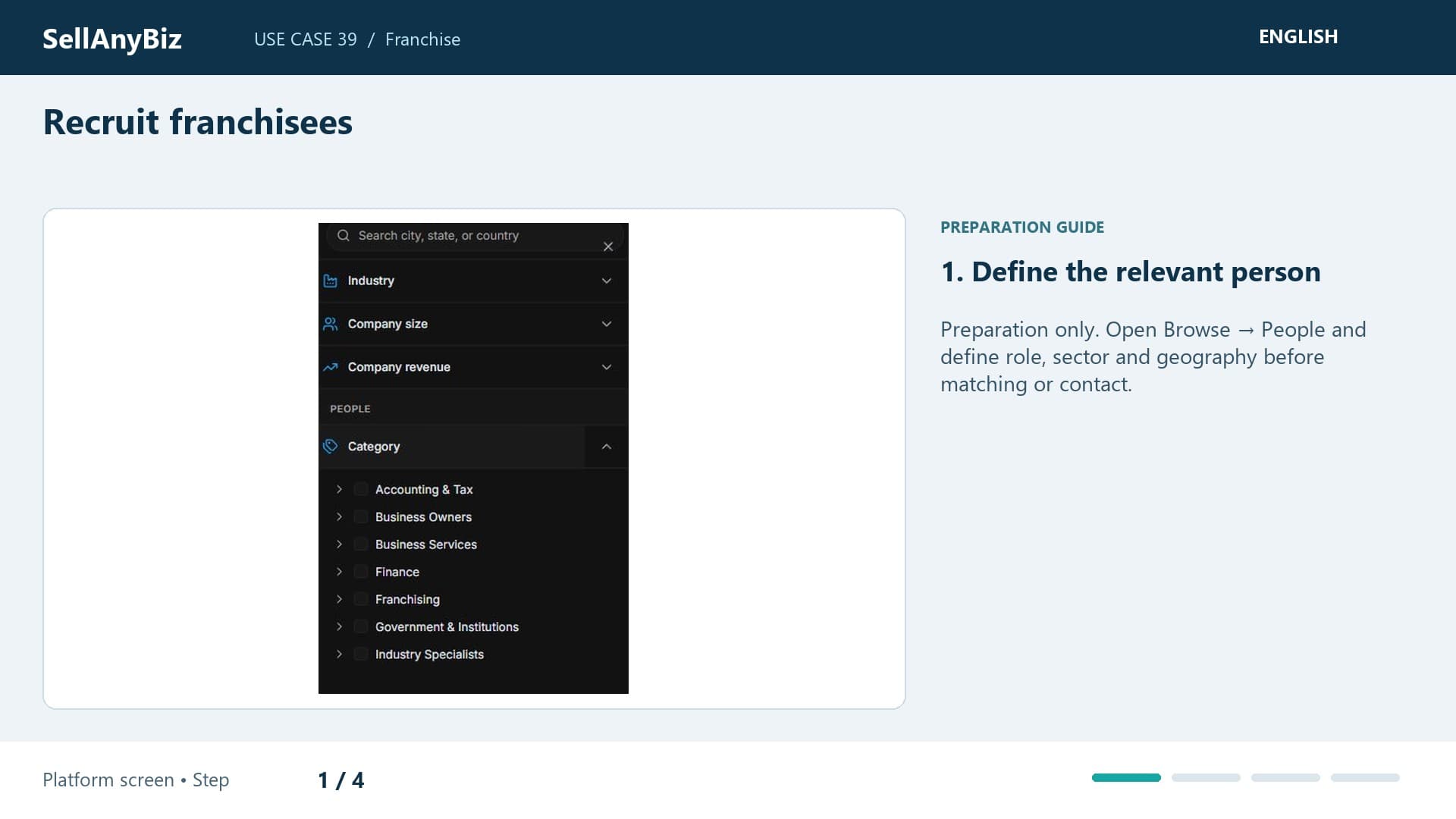
Recruit franchisees

Preparation only. You want to research potential franchise operators by geography and experience. This is preparation only: the dedicated franchise editor and automated application flow are unavailable or unverified.

Available steps and preparation

Watch video and read the steps

1:45

Use Case 40 · Franchise

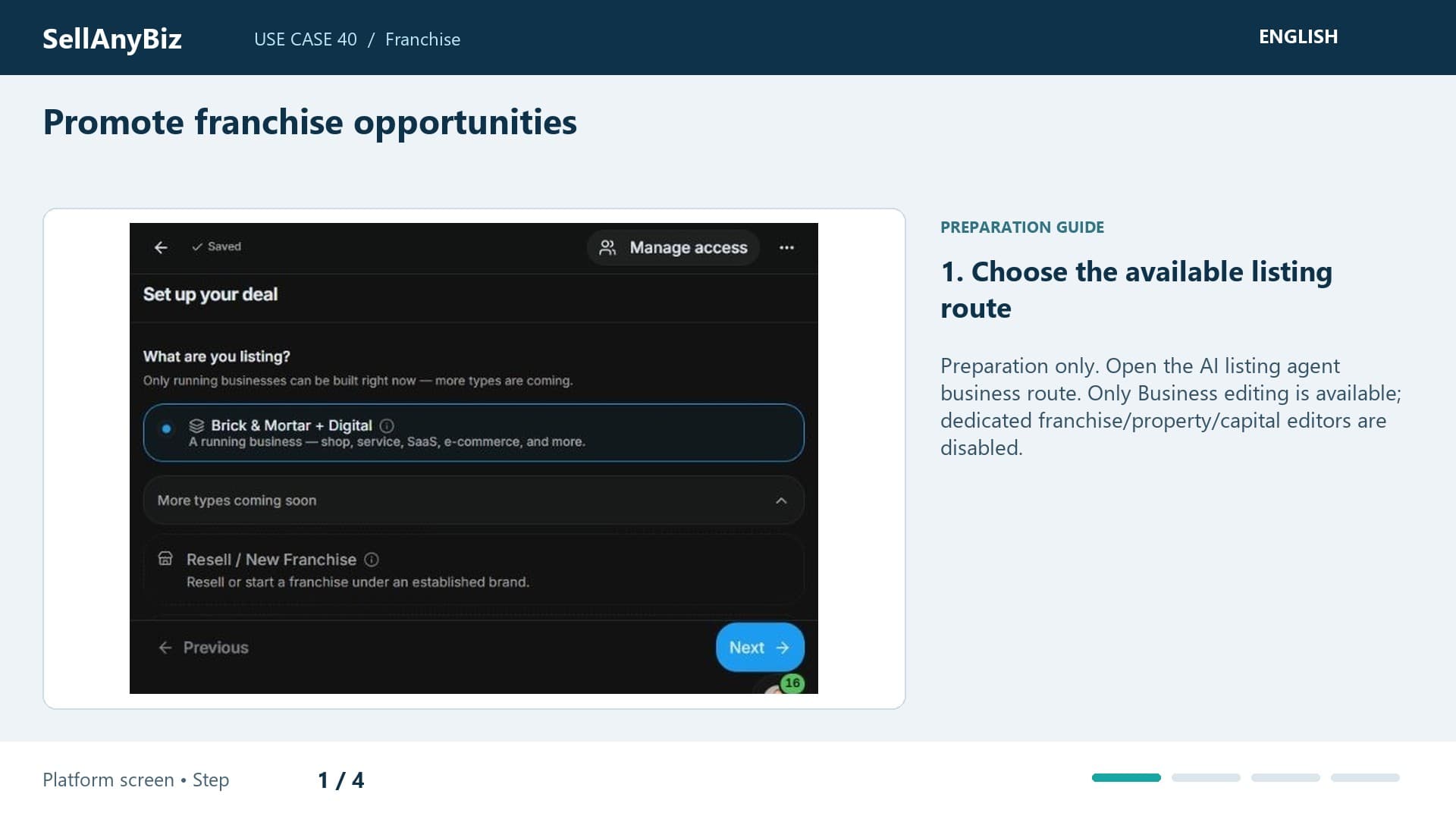
Promote franchise opportunities

Preparation only. You want an accurate franchise opportunity brief. This is preparation only: Franchise is disabled in the listing type selector.

Available steps and preparation

Watch video and read the steps

1:35

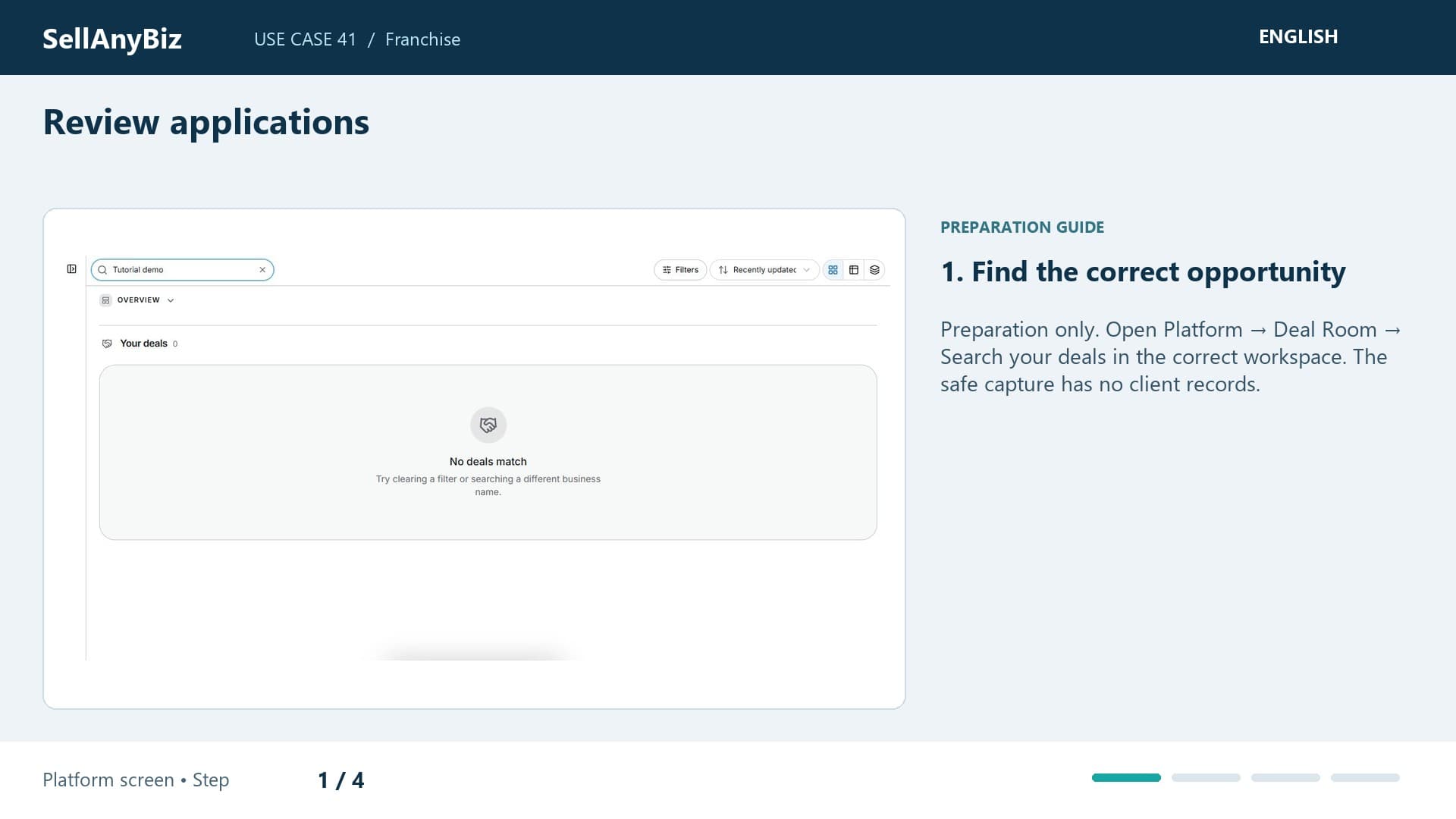
Use Case 41 · Franchise

Review applications

Preparation only. You want consistent preparation for reviewing franchise enquiries. This is preparation only: a dedicated application intake or approval engine is not verified, and the franchise editor is disabled.

Available steps and preparation

Watch video and read the steps

1:38

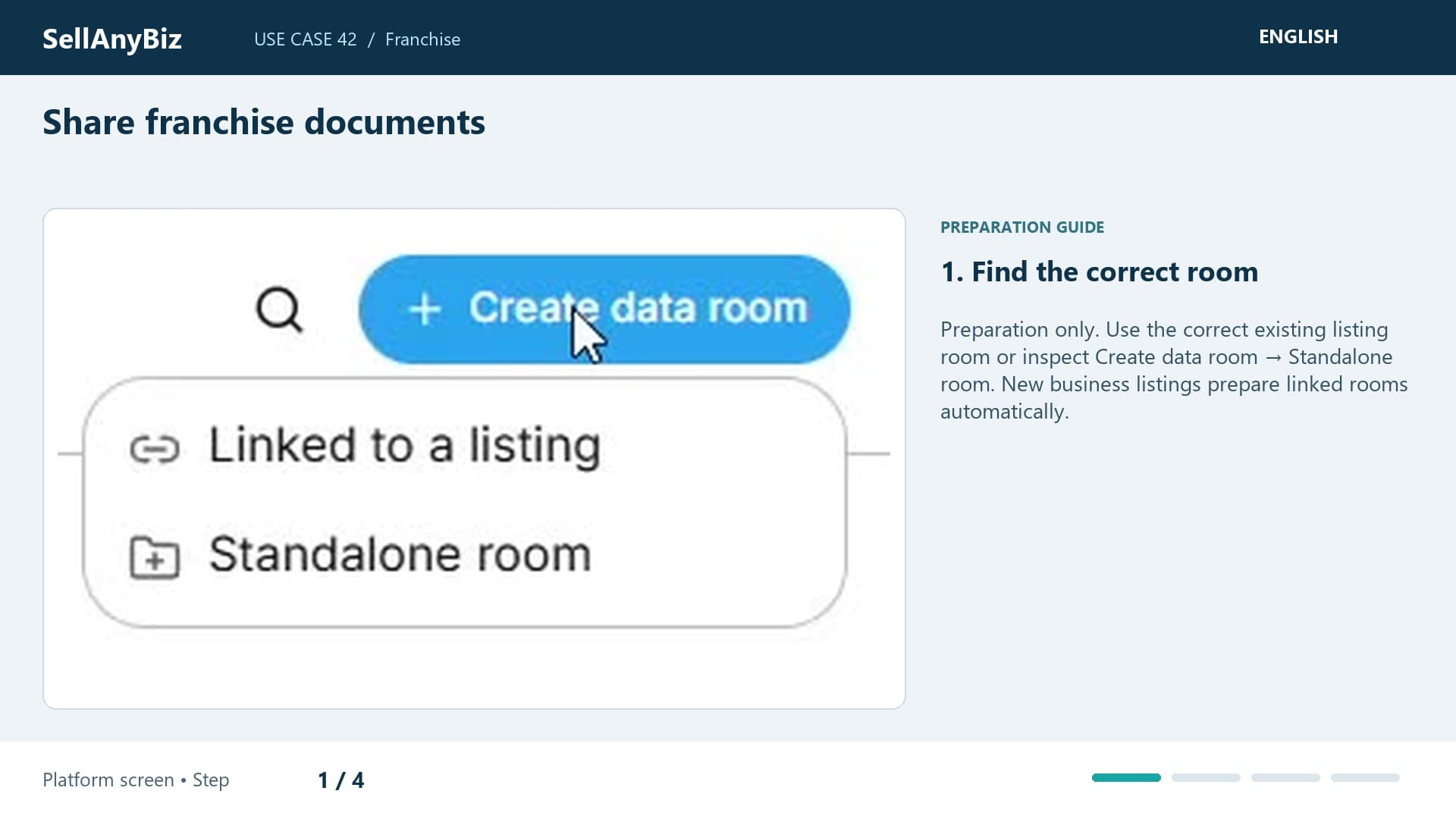
Use Case 42 · Franchise

Share franchise documents

Preparation only. You need controlled review of brochures, training material and draft franchise agreements. This is preparation only: the dedicated franchise editor is disabled.

Available steps and preparation

Watch video and read the steps

1:37

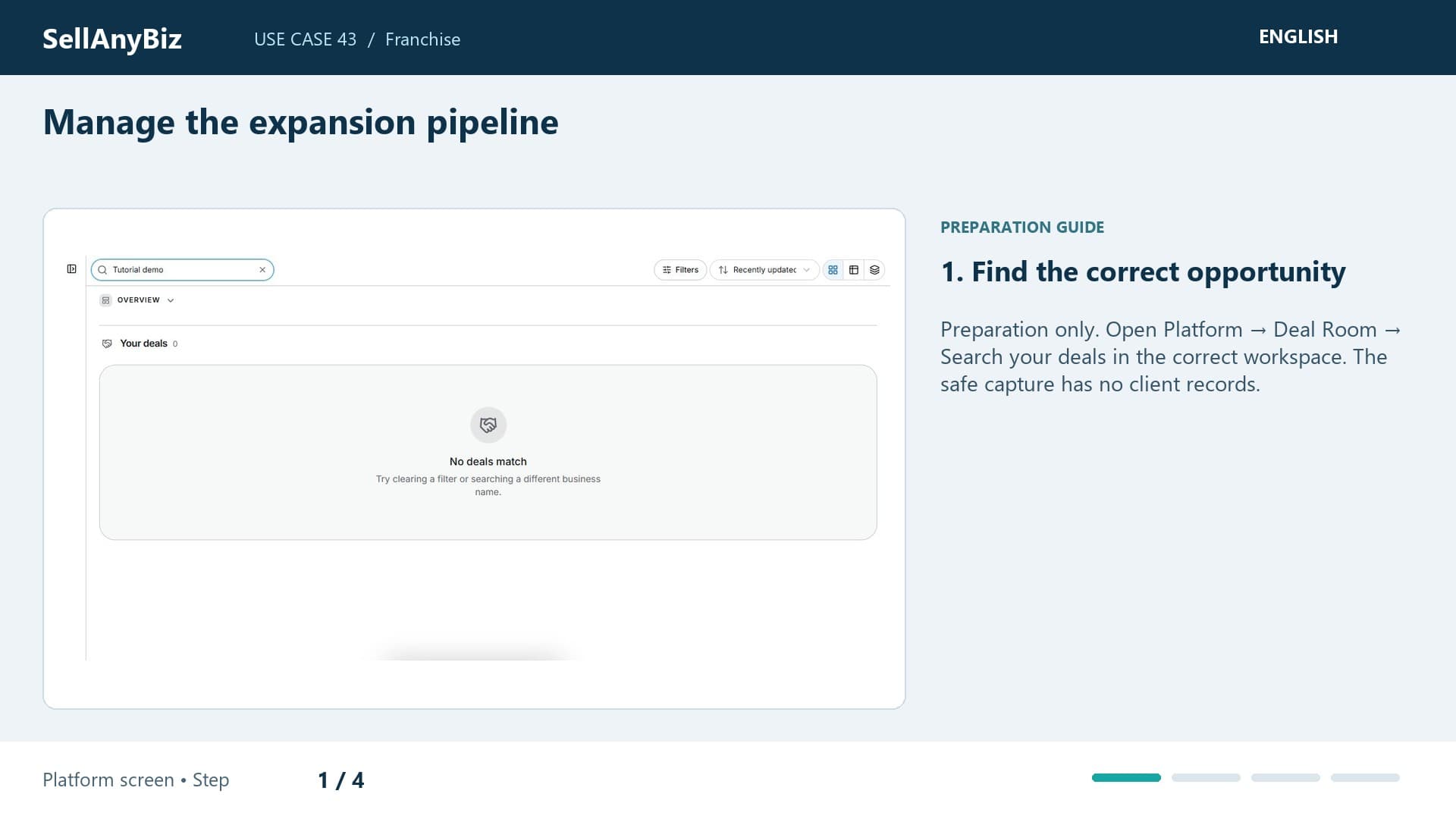
Use Case 43 · Franchise

Manage the expansion pipeline

Preparation only. You want a clear expansion review across potential operators and locations. This is preparation only: territory allocation and specialised onboarding are unverified, and franchise editing is disabled.

Available steps and preparation

Watch video and read the steps

1:44

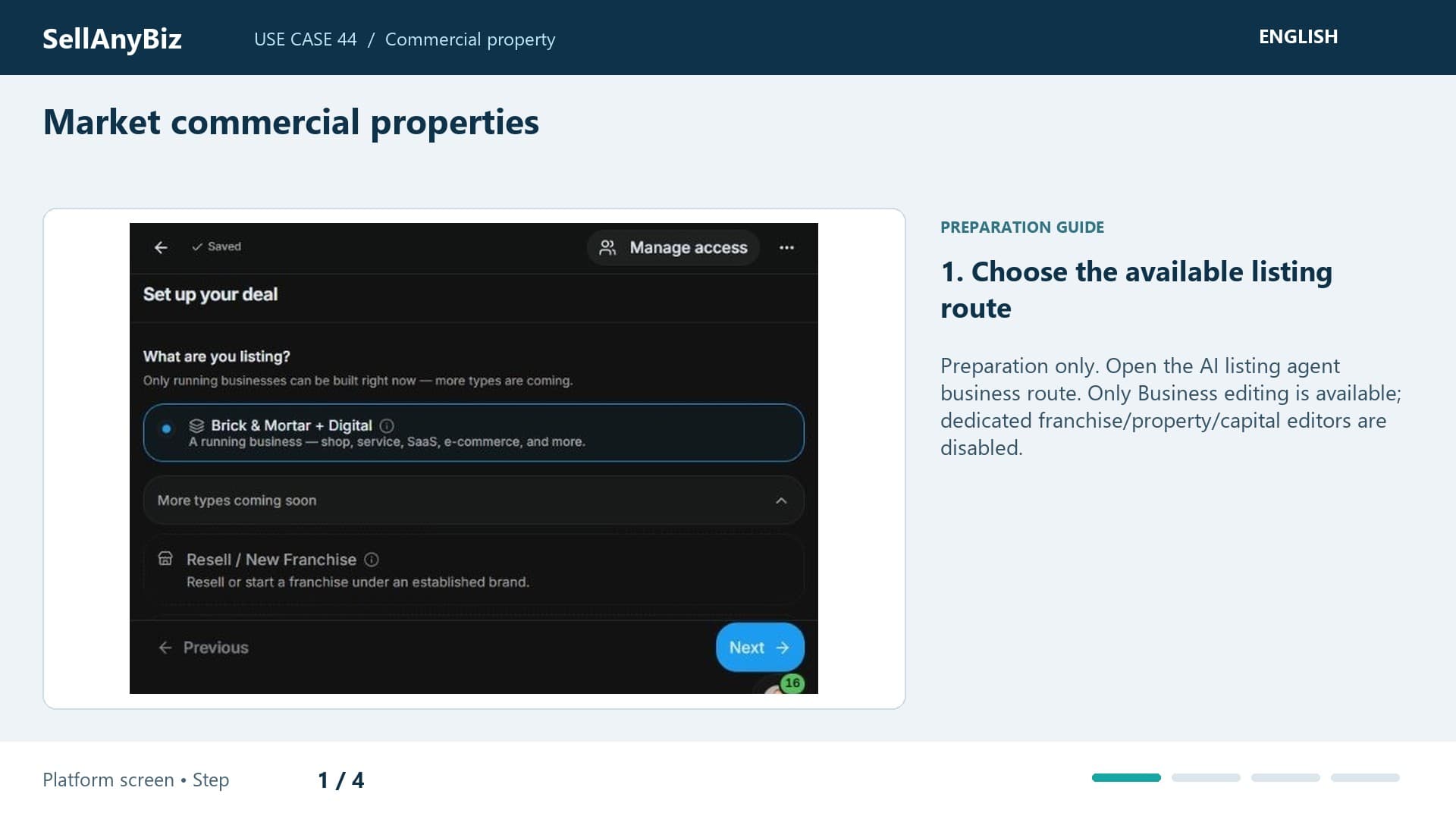
Use Case 44 · Commercial property

Market commercial properties

Preparation only. You want an accurate property opportunity brief with location, lease and ownership details. This is preparation only: Property is disabled in the listing selector.

Available steps and preparation

Watch video and read the steps

1:37

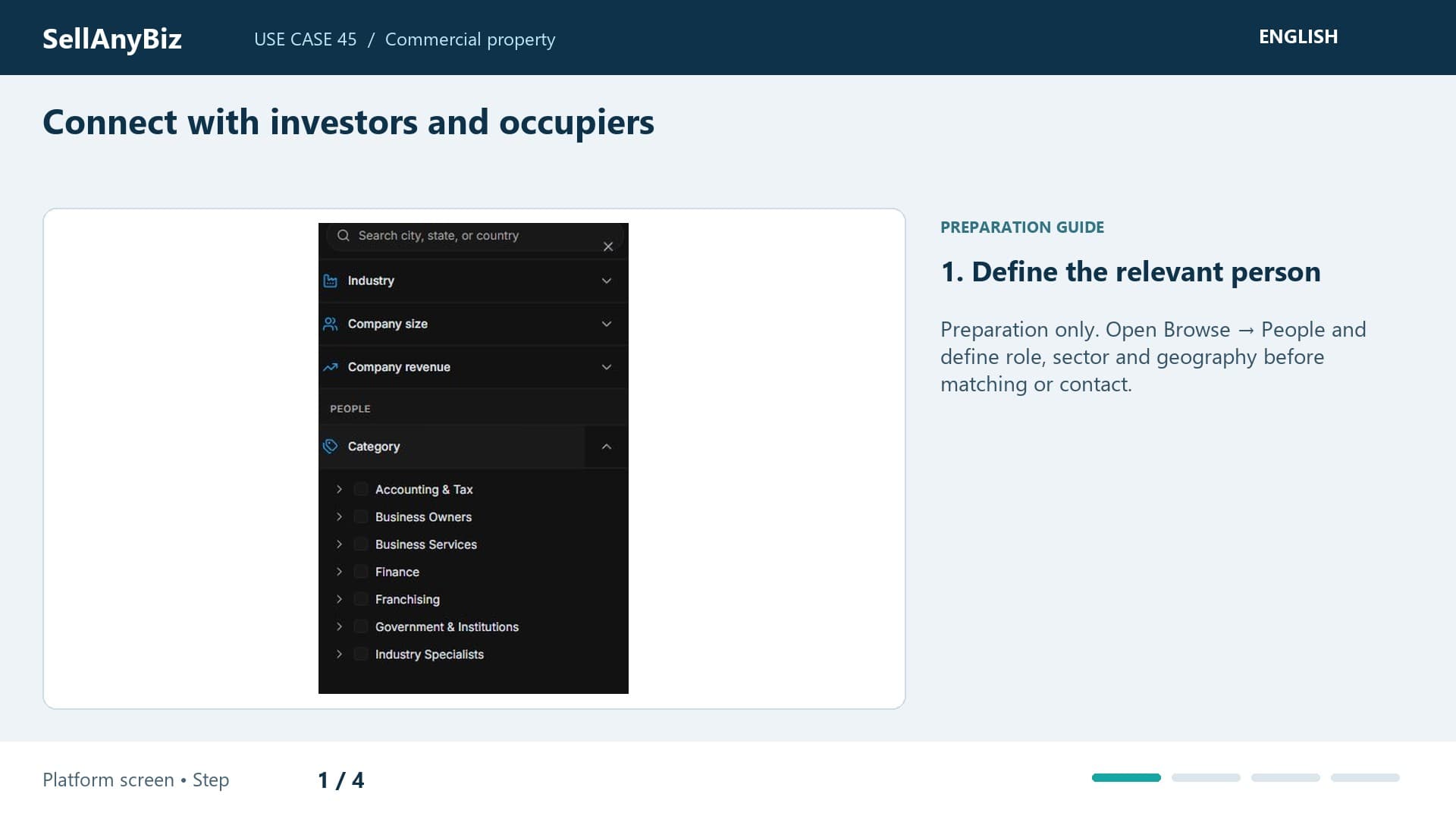
Use Case 45 · Commercial property

Connect with investors and occupiers

Preparation only. You want to research investors or business occupiers for a property project. This is preparation only because the property editor is disabled.

Available steps and preparation

Watch video and read the steps

1:40

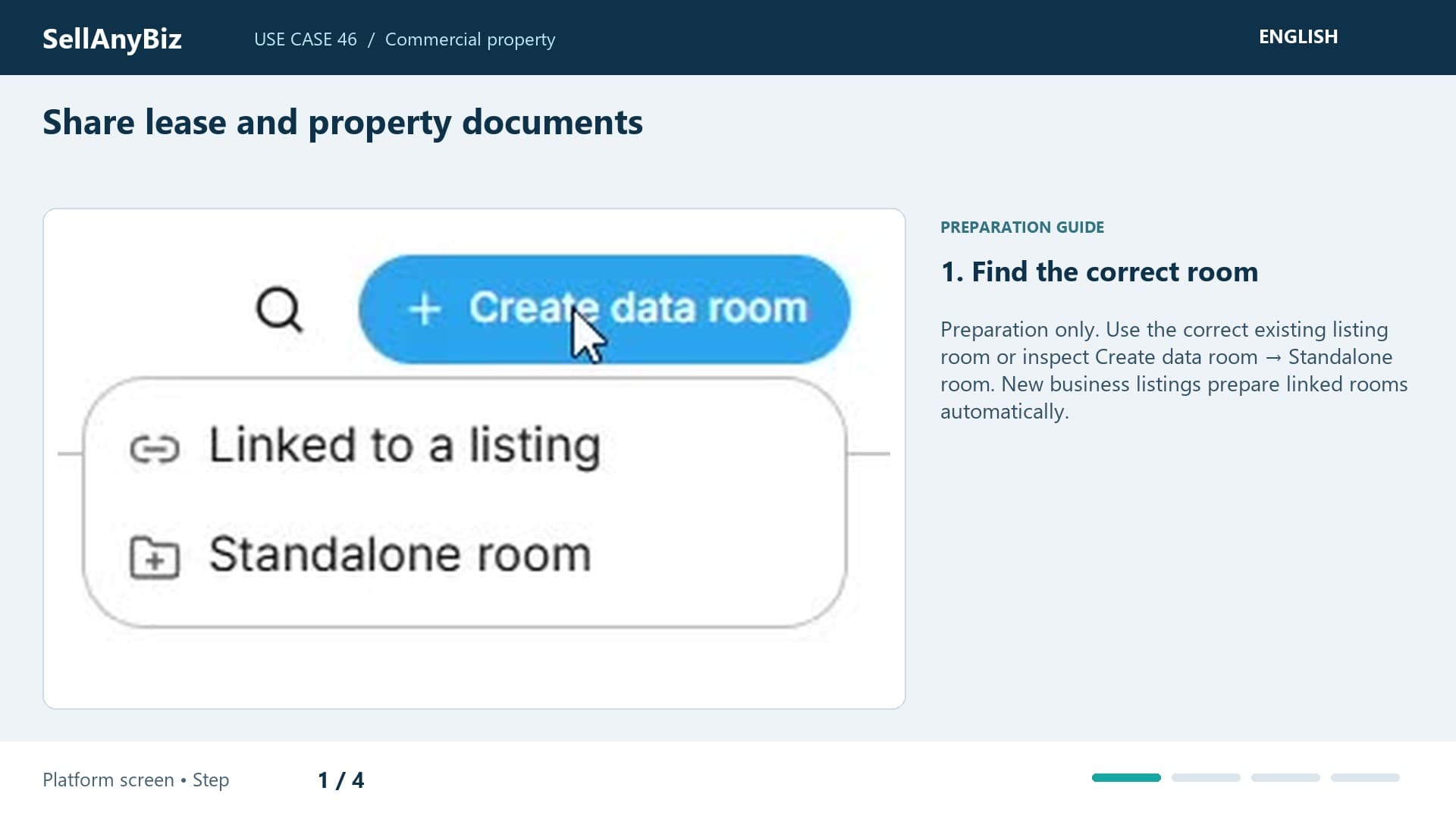
Use Case 46 · Commercial property

Share lease and property documents

Preparation only. You need controlled review of leases, floor plans and rent schedules. This is preparation only: property editing is disabled, so the example uses a general room rather than a specialised property transaction.

Available steps and preparation

Watch video and read the steps

1:36

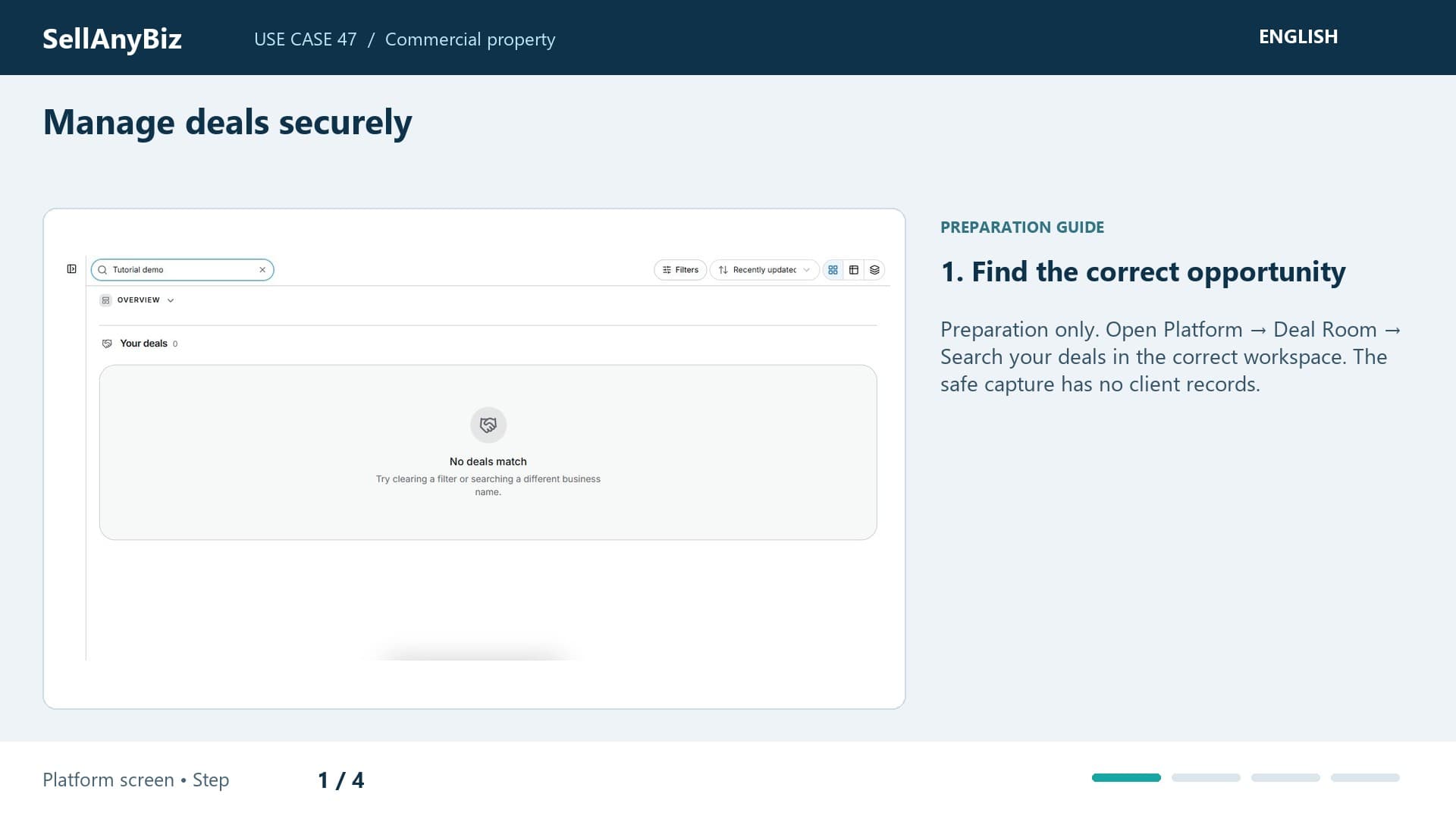
Use Case 47 · Commercial property

Manage deals securely

Preparation only. You want to prepare property-related review without presenting general deals as a specialised conveyancing engine. This is preparation only: Property editing is disabled.

Available steps and preparation

Watch video and read the steps

1:35

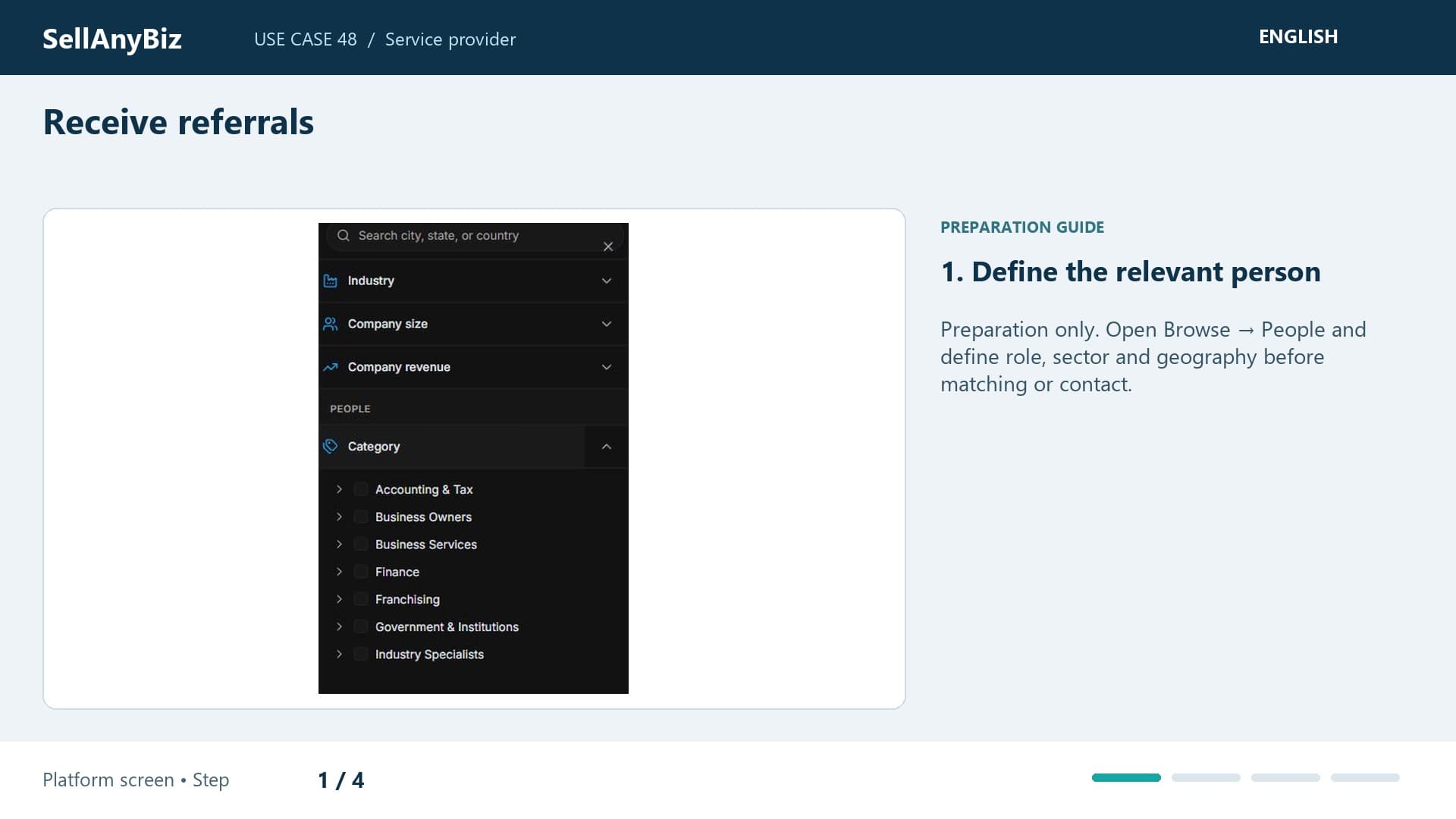
Use Case 48 · Service provider

Receive referrals

Preparation only. You offer specialist services and want relevant deal teams to find and work with you. This is preparation only: automatic referral intake is unverified.

Available steps and preparation

Watch video and read the steps

1:27

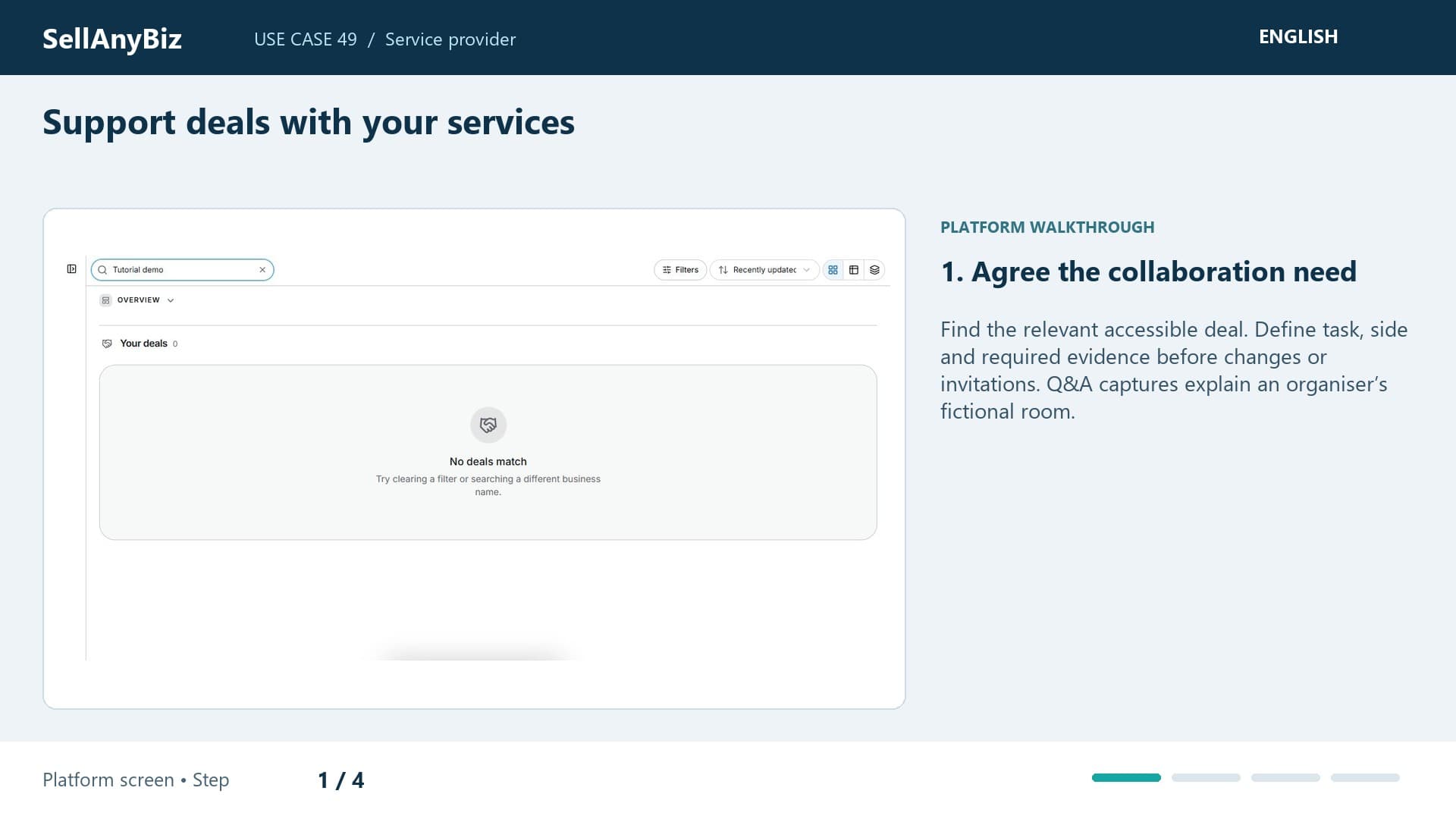
Use Case 49 · Service provider

Support deals with your services

You have an agreed legal, accounting or valuation assignment on a transaction. Find the permitted deal, confirm side and role, and define your deliverable before requesting evidence.

Platform walkthrough

Watch video and read the steps
1:30

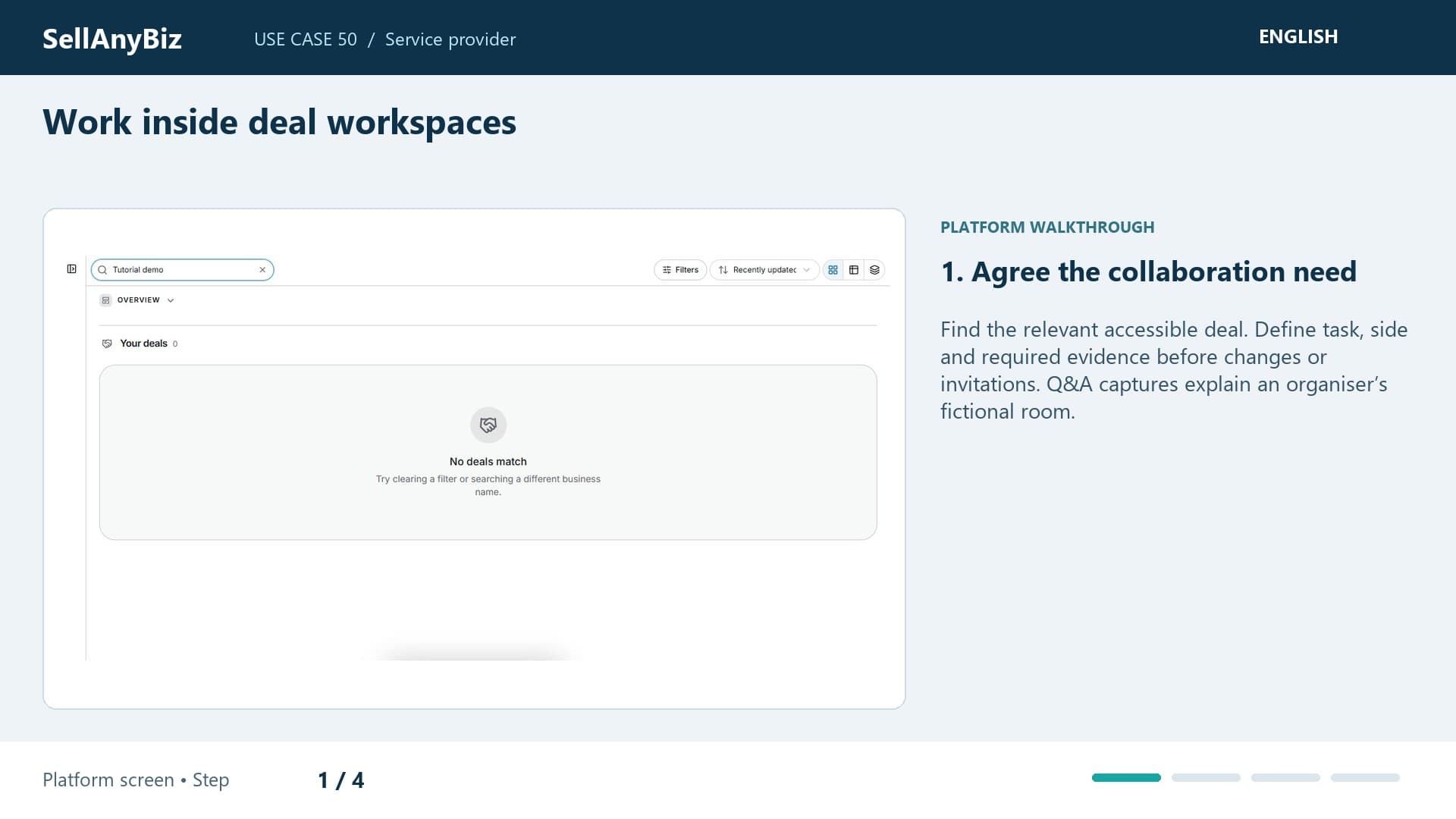
Use Case 50 · Service provider

Work inside deal workspaces

You need to resolve a deal question with the broker and client while preserving the evidence trail. Find the permitted record and confirm membership.

Platform walkthrough

Watch video and read the steps
1:28

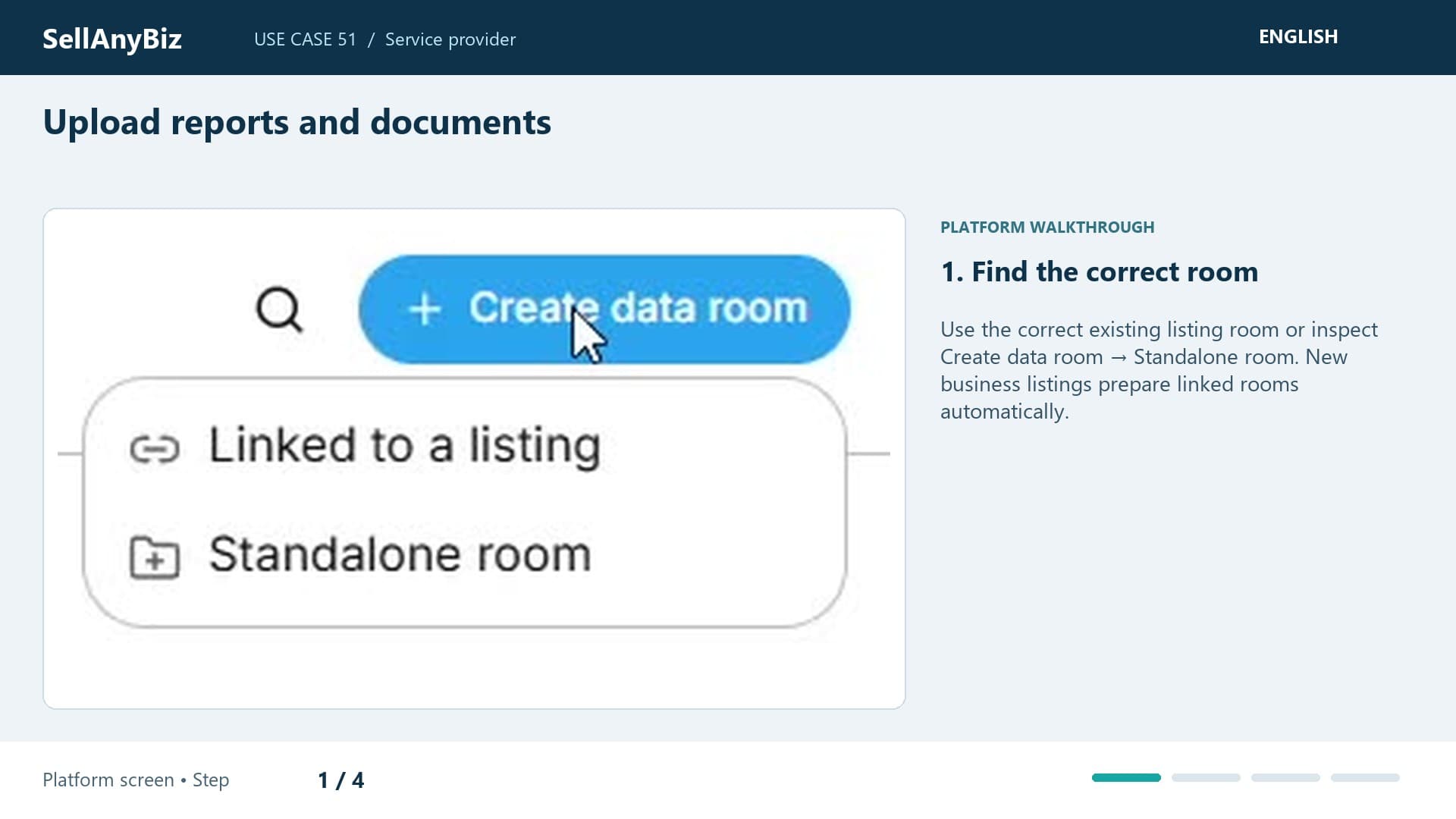
Use Case 51 · Service provider

Upload reports and documents

You prepared a report for an authorised engagement and need the correct version in the room. Start with the appropriate data room and document categories.

Platform walkthrough

Watch video and read the steps